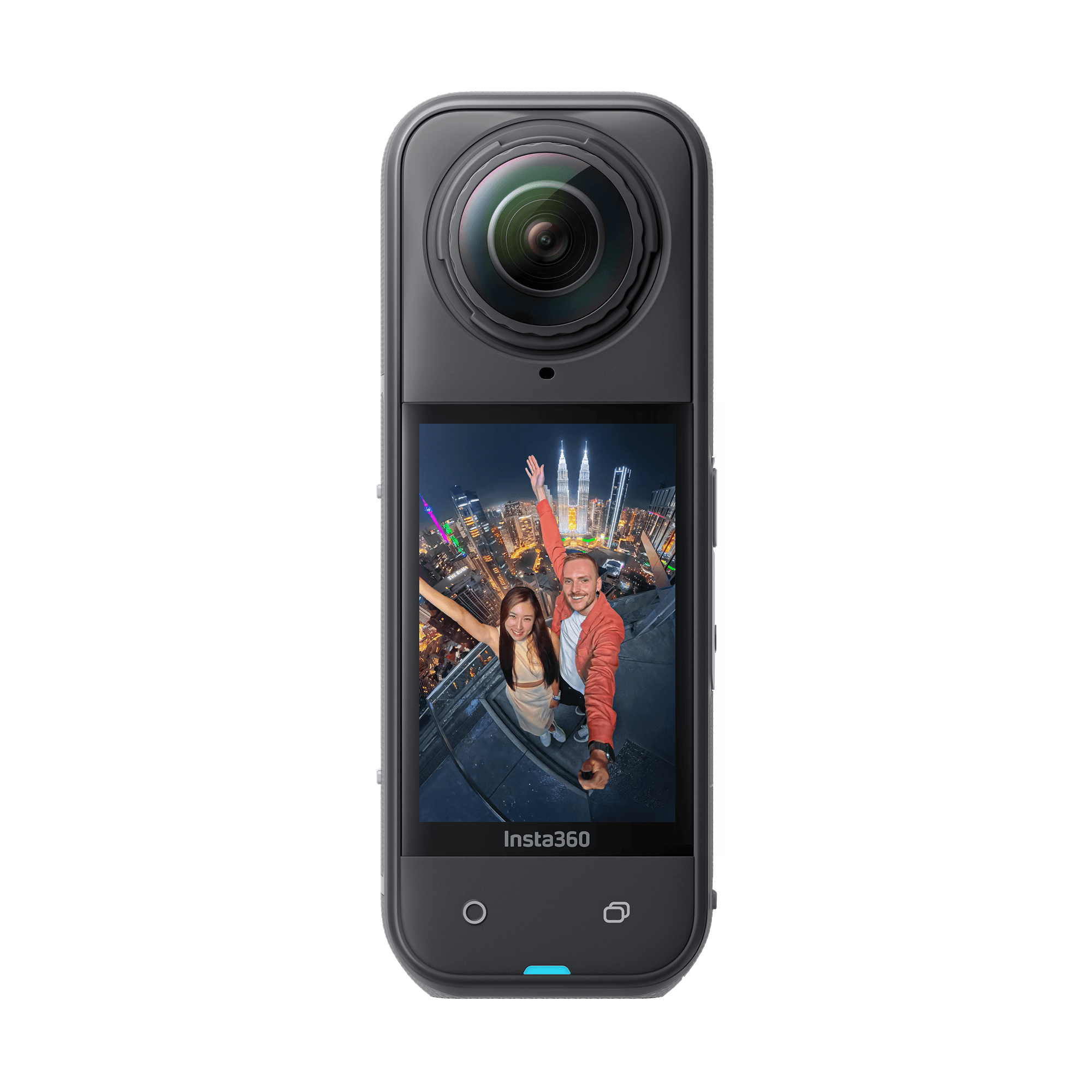
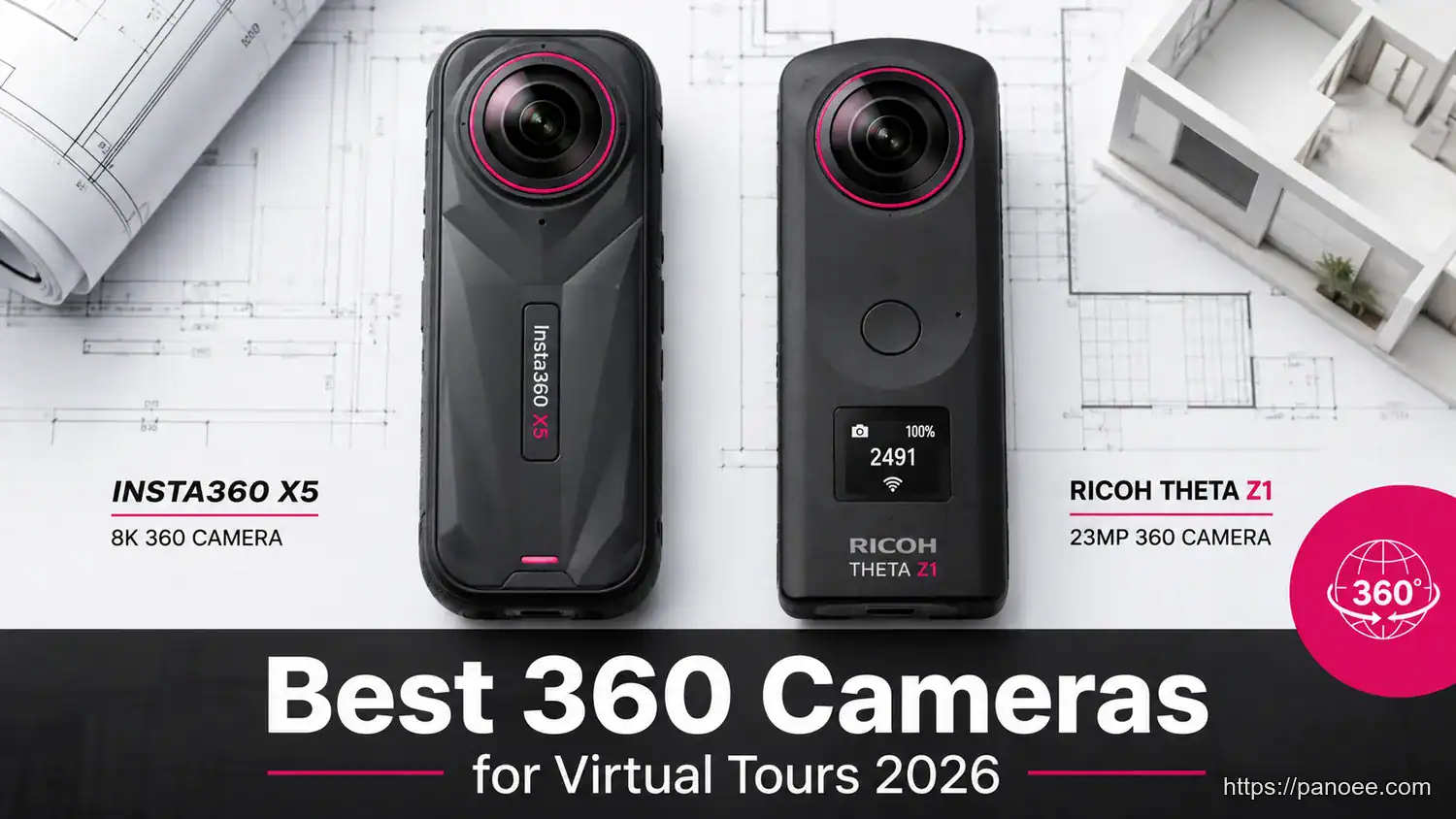
Choosing the right 360 camera for virtual tours determines whether your final output looks like a polished, client-ready experience or an amateur prototype. In 2026, the clear frontrunners are the Insta360 X5 (best balance of quality and value) and the Ricoh Theta Z1 (industry standard for professionals demanding superior dynamic range). This guide breaks down every major option so you can match hardware to your exact workflow and budget.
- The Insta360 X5 (~$610) offers the best image quality-to-price ratio for real estate and business tours.
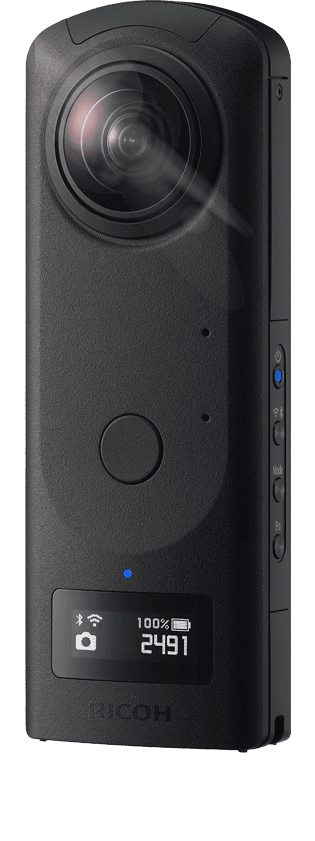
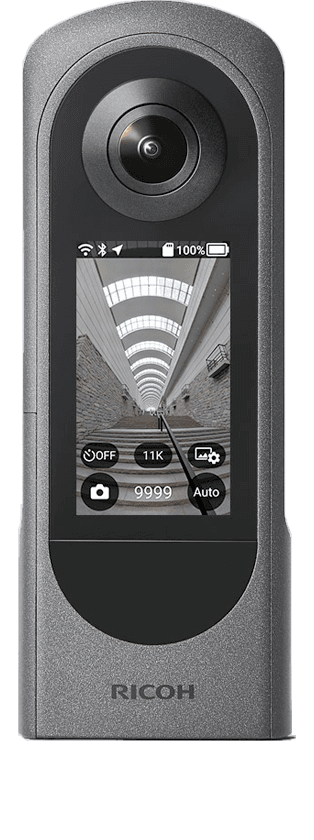
- The Ricoh Theta Z1 ($999–$1,099) with its 1-inch sensor remains the professional benchmark for RAW editing and extreme dynamic range.
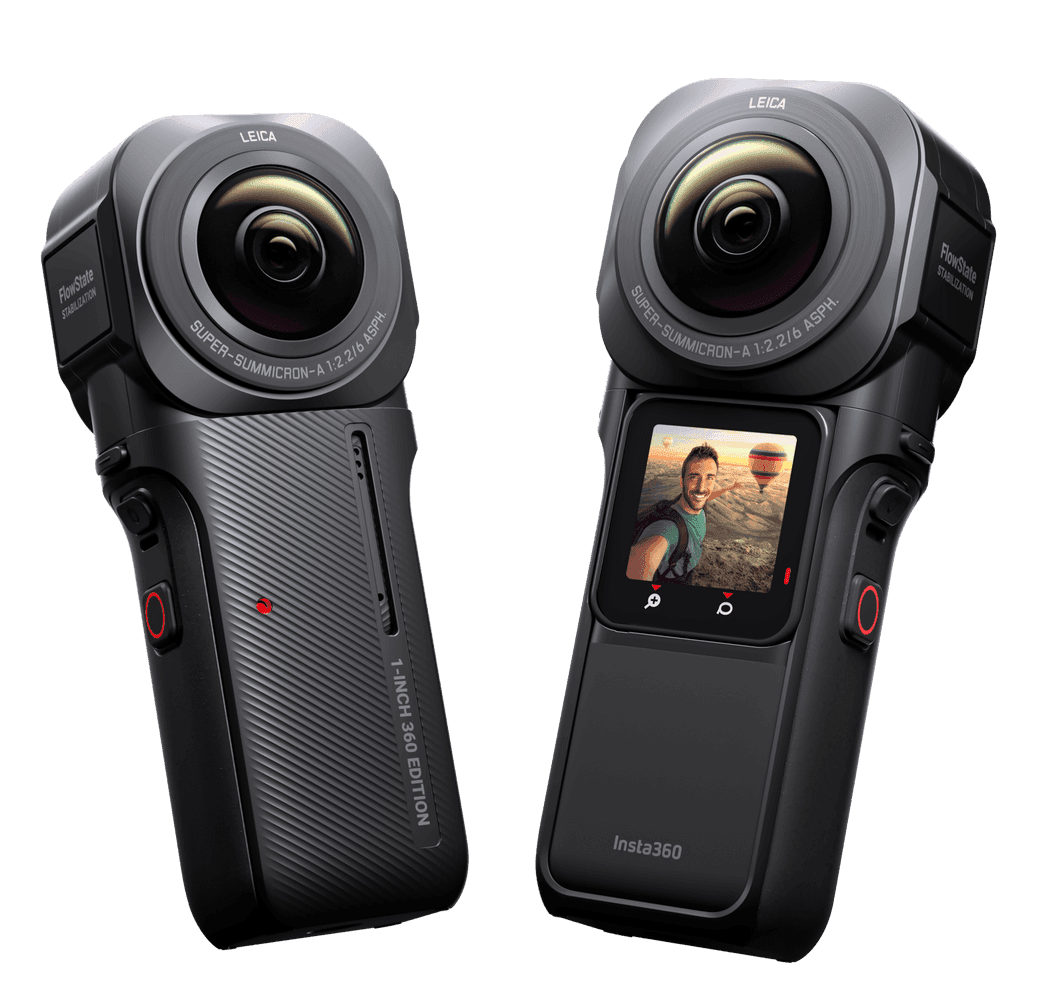
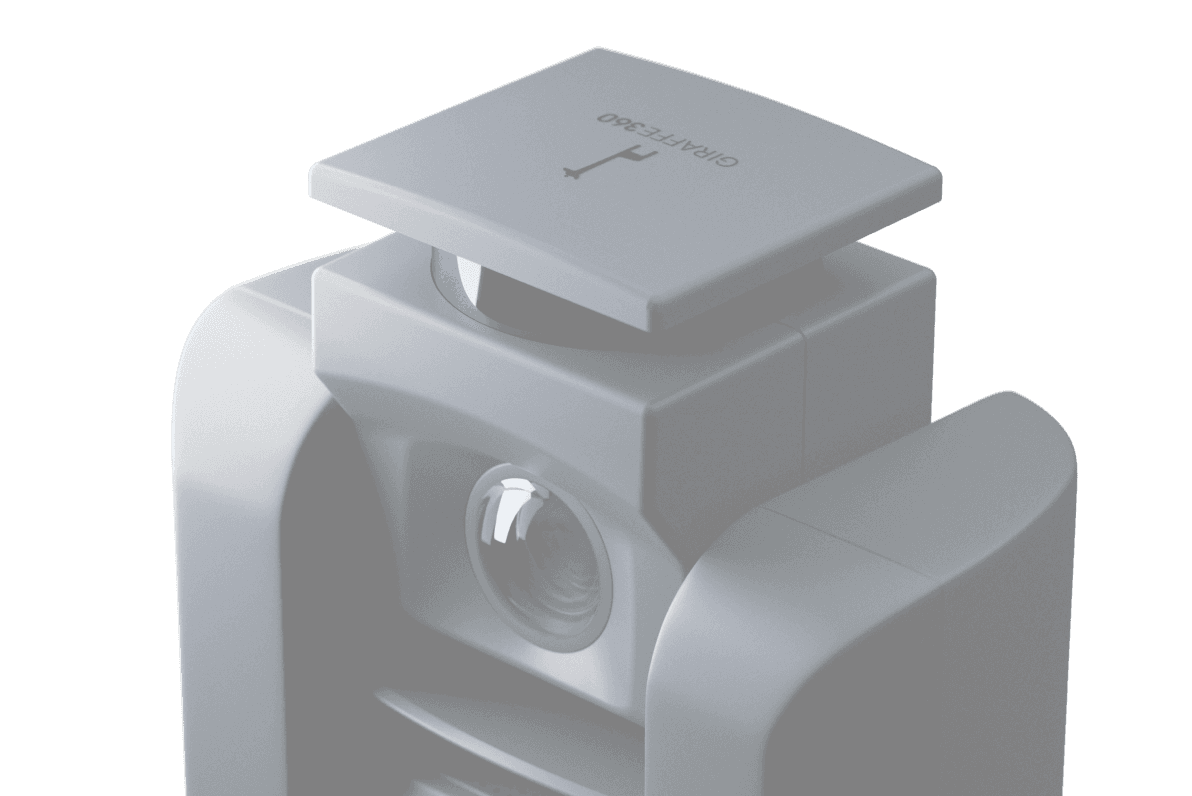
- All-in-one systems like Giraffe360 cost $5,000+ — standalone cameras paired with capable software deliver comparable results at a fraction of the price.
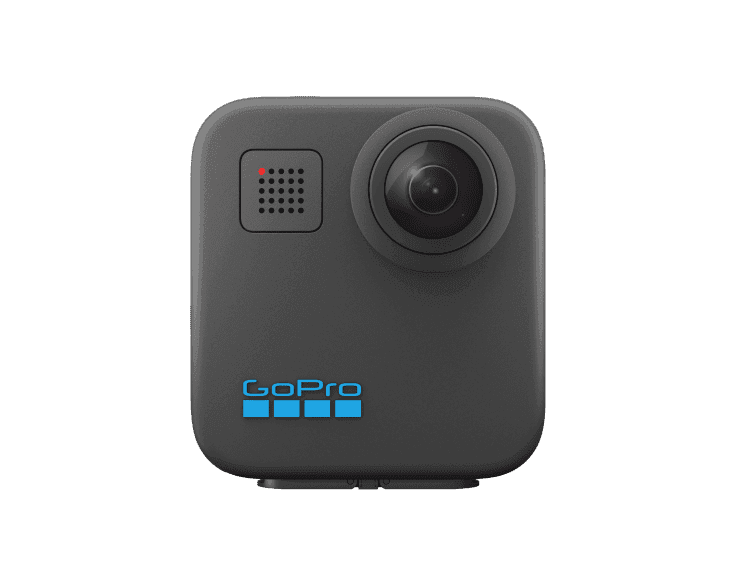
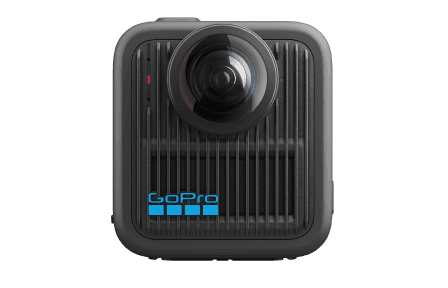
- The GoPro MAX is a solid entry-level option for budget-conscious creators entering the 360 space.
- Your camera choice is only half the equation — a hardware-agnostic platform like Panoee ensures any camera’s output is published at full resolution.
What Makes a Great 360 Camera for Virtual Tours?
Not all 360 cameras are created equal for the virtual tour use case. Unlike action cameras or vlogging rigs, virtual tour cameras must excel at three non-negotiable criteria:
- Image Resolution — Higher resolution means viewers can pan and zoom without pixelation. For professional tours, aim for 20MP minimum per panoramic image.
- Dynamic Range (HDR) — Real estate interiors are notoriously high-contrast: bright windows, dark corners, mixed artificial and natural light. Weak HDR = blown-out windows or crushed shadows. Strong HDR performance is the single most important factor for real estate photography.
- Workflow Efficiency (Stitching Speed) — Autonomous stitching (no manual intervention needed) directly impacts how many properties you can shoot per day. Cameras with native stitching apps reduce post-processing time dramatically.
A secondary but increasingly relevant factor is compatibility: your camera must work with the virtual tour platform you intend to use for publishing.
Top 360 Cameras for Virtual Tours in 2026
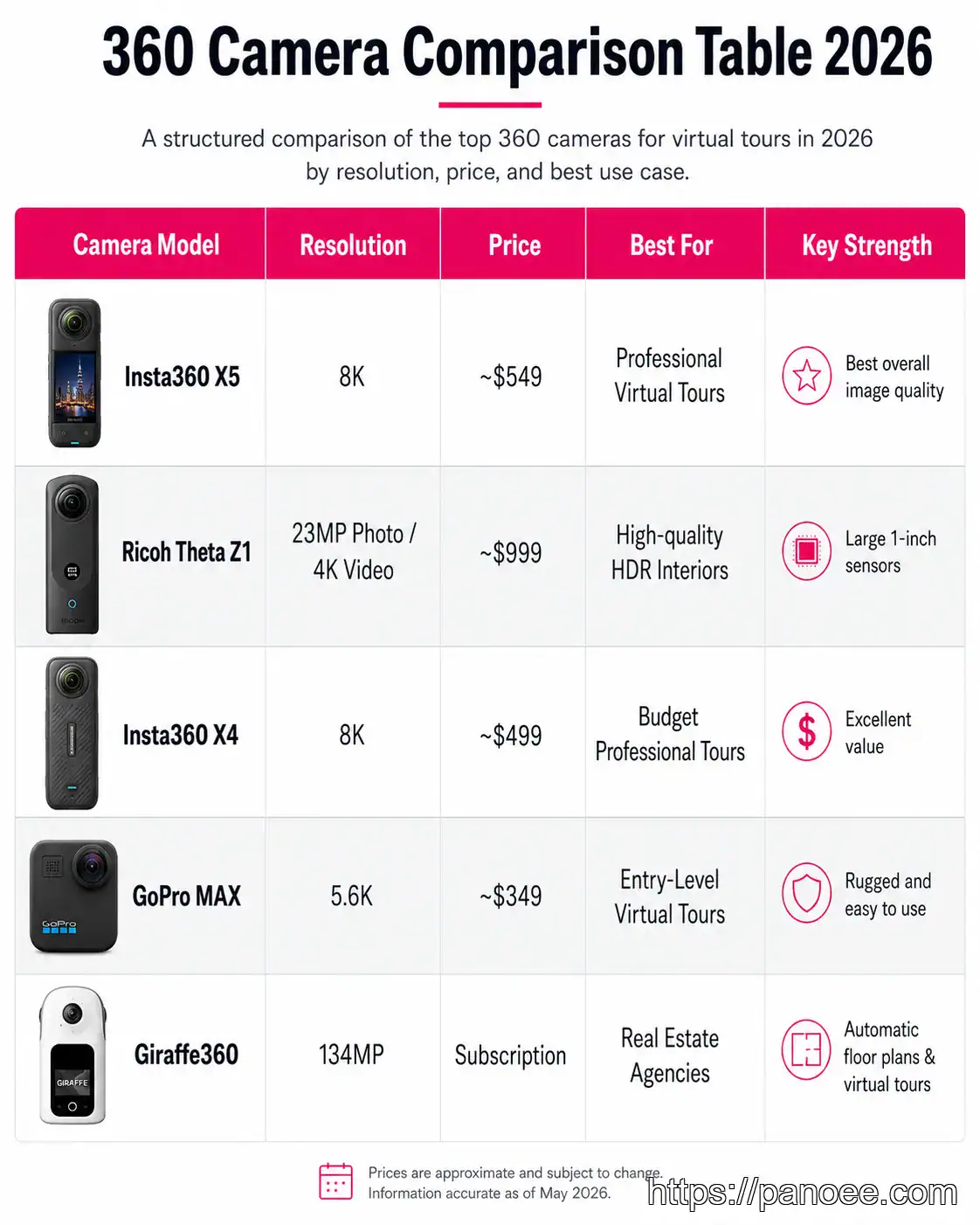
| Camera Model | Resolution | Price (approx.) | Best For | Key Strength |
|---|---|---|---|---|
| Insta360 X5 | 72MP (stills) | ~$610 | Real estate, business, prosumer | Best quality-to-price; excellent HDR |
| Ricoh Theta Z1 | 23MP | $999–$1,099 | Luxury residential, RAW workflow | 1-inch sensor; RAW (DNG) editing |
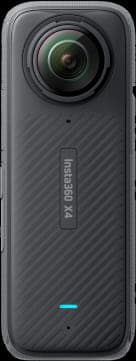
| Insta360 X4 | 72MP (stills) | ~$499 | Multi-purpose, beginners to pros | Proven reliability; wide ecosystem |
| GoPro MAX | 16.6MP | ~$299–$349 | Entry-level, budget-conscious | Lowest cost of entry |
| Giraffe360 | Professional | $5,000+ | Commercial, automation-focused | All-in-one hardware + software |
As confirmed by leading tech reviews, these cameras provide the best balance of quality and value for virtual tour professionals at every level.
Don’t let raw megapixel counts mislead you. The Ricoh Theta Z1’s 23MP output from a 1-inch sensor often outperforms higher-megapixel cameras with smaller sensors in challenging lighting conditions — the exact scenario you’ll face in most real estate shoots.
Insta360 X5 vs. Ricoh Theta Z1: Head-to-Head
This is the decision most professionals agonize over. Here’s a frank breakdown:
Choose the Insta360 X5 if:
– You need the best image quality under $700
– You shoot a high volume of properties (fast stitching via Insta360 Studio app)
– Your clients include standard to mid-range residential and commercial spaces
– You also want usable 360° video capability for marketing content
If you go the Insta360 route, pairing the X5 with the right editing pipeline matters just as much as the hardware choice — our Insta360 software guide breaks down when to use the mobile App versus Insta360 Studio before you import your panoramas into a virtual tour platform.
Choose the Ricoh Theta Z1 if:
– Your clients are in the luxury residential or high-end commercial segment
– You need to shoot in RAW (DNG) format for precise post-processing control
– You’re working in extreme lighting environments where tonal detail is non-negotiable
– You want the camera that 360 photography professionals have trusted as the industry standard
The Theta Z1’s large 1-inch sensor physically captures more light per pixel than any smaller-sensor competitor. In a room where a floor-to-ceiling window faces a dim interior, the Theta Z1 recovers detail in both extremes that the X5 will partially clip. For a detailed spec breakdown, see our Ricoh Theta vs Insta360 comparison guide.
What About All-in-One Systems?
Systems like Giraffe360 bundle hardware, AI stitching, and cloud software into a single subscription. The appeal is obvious: less friction, automated output.
The reality: total cost of ownership is dramatically higher. At $5,000+ for the hardware alone — plus ongoing software subscription fees — a Giraffe360 investment requires a high-volume, enterprise-level workflow to justify. A professional photographer using an Insta360 X5 (~$610) paired with a capable virtual tour platform can produce equivalent or superior visual results at approximately one-eighth the hardware cost.
The gap narrows only when you factor in true automation at scale (multiple operators, high daily volume). For independent photographers and small agencies, standalone cameras win on ROI every time.
The Complete Workflow: From Shoot to Published Tour
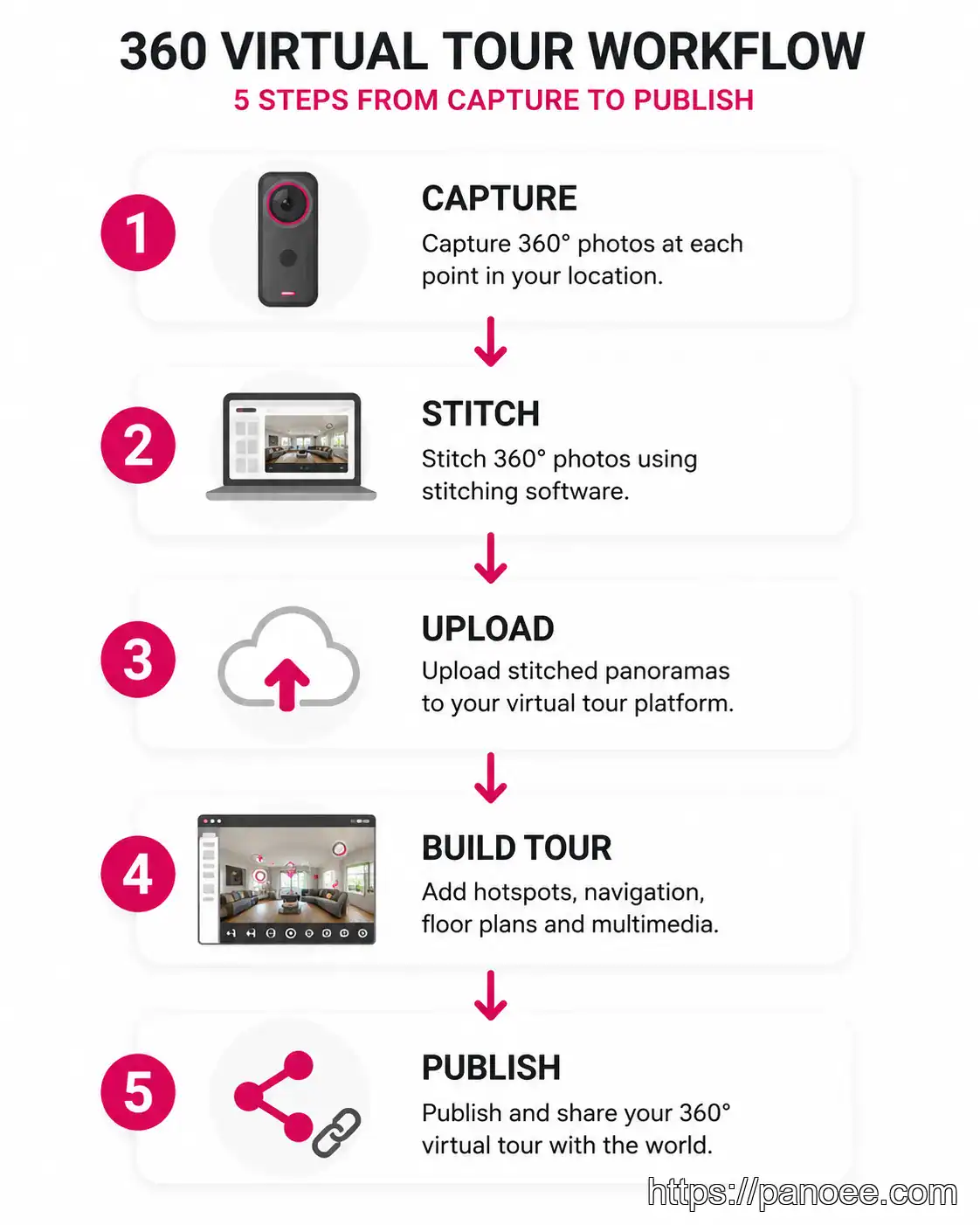
Understanding the end-to-end pipeline prevents costly mistakes and significantly reduces production time.
- Capture — Shoot each room from the center point, using a tripod. Turn on all lights, open interior doors, and open blinds to maximize natural light. Use your camera’s companion app (e.g., Insta360 app) for remote triggering to avoid appearing in the shot.
- Stitch — Process your raw files through the camera’s native software. Insta360 users process through **Insta360 Studio**; Ricoh Theta Z1 users can use **Ricoh Theta stitcher** or import DNG files into Lightroom for full RAW control before stitching. Output: equirectangular JPEG or TIFF files.
- Upload — Transfer your stitched panoramas to your virtual tour platform. For maximum quality, upload the highest resolution file your workflow produces — Panoee’s **Multi-Resolution engine supports up to 32K resolution**, ensuring no quality is lost from source.
- Build Tour — Link scenes with hotspots, add floor plans, embed media, and configure your navigation flow. This is where your raw panoramas become an interactive experience.
- Publish — Go live via your chosen distribution channel: Cloud (instant shareable link), Custom Domain, Google Street View, or Offline Export for self-hosted deployments.
For a deeper dive into the shooting phase specifically, our 360 real estate photography guide covers staging, lighting, and shot sequencing in detail.
How Panoee Maximizes Any 360 Camera You Choose
The camera debate becomes less stressful when your publishing platform is hardware-agnostic — meaning it works with any 360 camera that meets Google Street View standards, not just a proprietary hardware ecosystem.
Panoee is built on this principle. Whether you’re uploading a stitched panorama from an Insta360 X5, a RAW-processed DNG from a Theta Z1, or even a file from an older Insta360 X4, Panoee processes and serves it at full fidelity.
32K Multi-Resolution Engine
Panoee’s rendering engine serves ultra-high-resolution panoramas progressively, so viewers get instant load times without sacrificing quality — even at maximum zoom.
3-Minute Go-Live
Upload, configure basic settings, and publish a shareable tour link in under three minutes. Panoee’s streamlined interface eliminates the technical bottlenecks that slow down high-volume photographers.
Four Publishing Channels
Cloud link, Custom Domain, Google Street View integration, and Offline Export — publish once, distribute everywhere, including direct Google Maps embedding.
Panoee’s Free Forever plan ($0, unlimited projects, no watermarks) means you can test the full workflow before committing to a Pro plan (~$22/month). For photographers building a 360 photography business, this dramatically lowers the barrier to a professional-grade setup.
The platform is hosted on Amazon Web Services (AWS), ensuring enterprise-grade reliability and scalability — the same infrastructure trusted by universities like Bangor and Lincoln for their virtual campus tours.
Explore Panoee’s full feature set and start free at panoee.com.
For a broader look at the virtual tour software landscape, see our best virtual tour software 2026 guide and the dedicated best 360 camera editing software breakdown.
FAQ: Best 360 Cameras for Virtual Tours
Is Insta360 better than GoPro for virtual tours?
Which 360 camera has the best image quality for virtual tours?
How do I create a 360 virtual tour step by step?
How much does Giraffe360 cost?
Does Panoee work with any 360 camera?
📅 Content has been updated: 08/07/2026