
Changelog
What we shipped, grouped by month.
What we shipped, grouped by month.
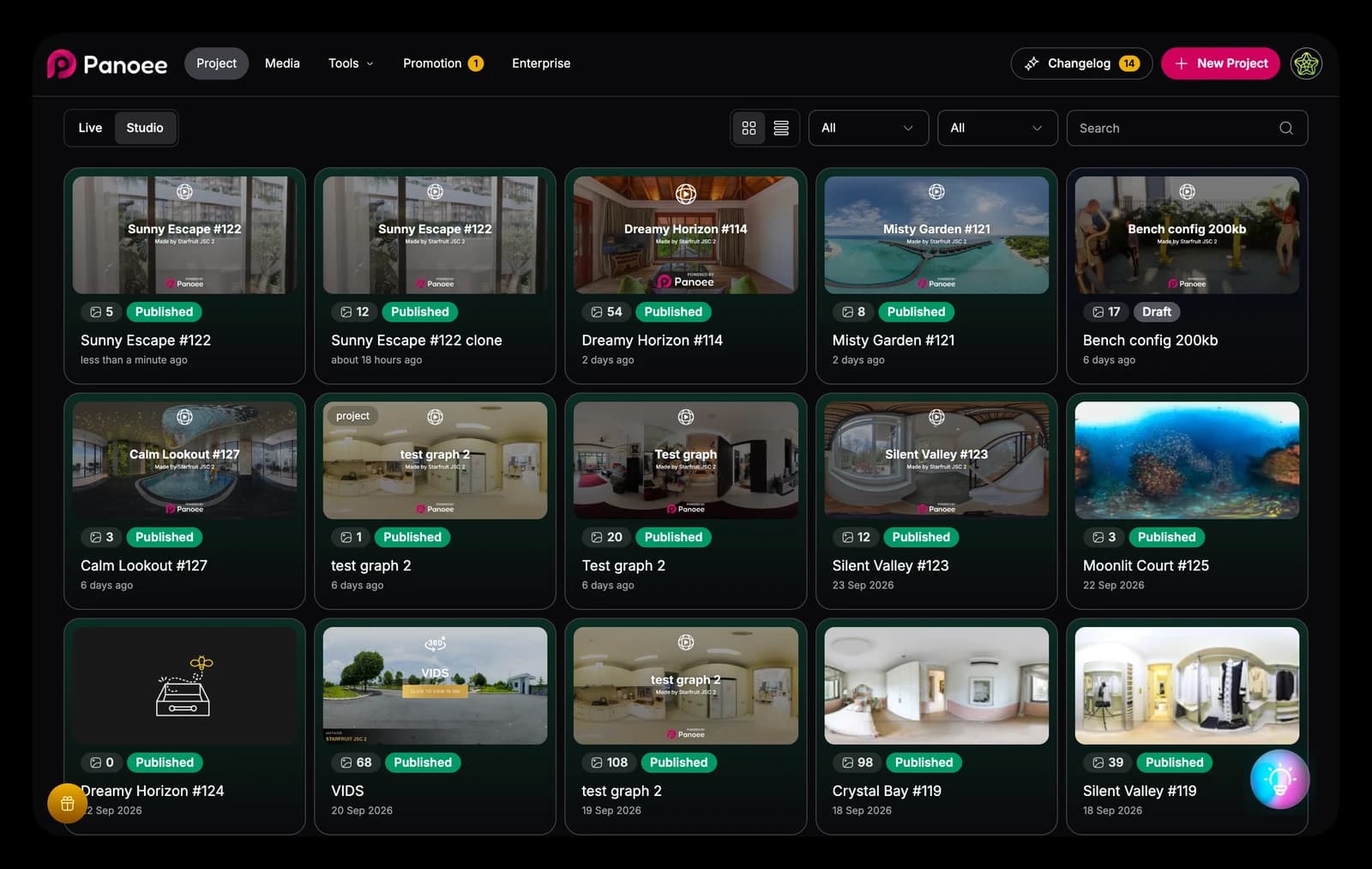
Studio has been rebuilt from the ground up with a new UI and codebase. It's faster, smoother and more consistent to work in, and it's the foundation for everything we ship next.
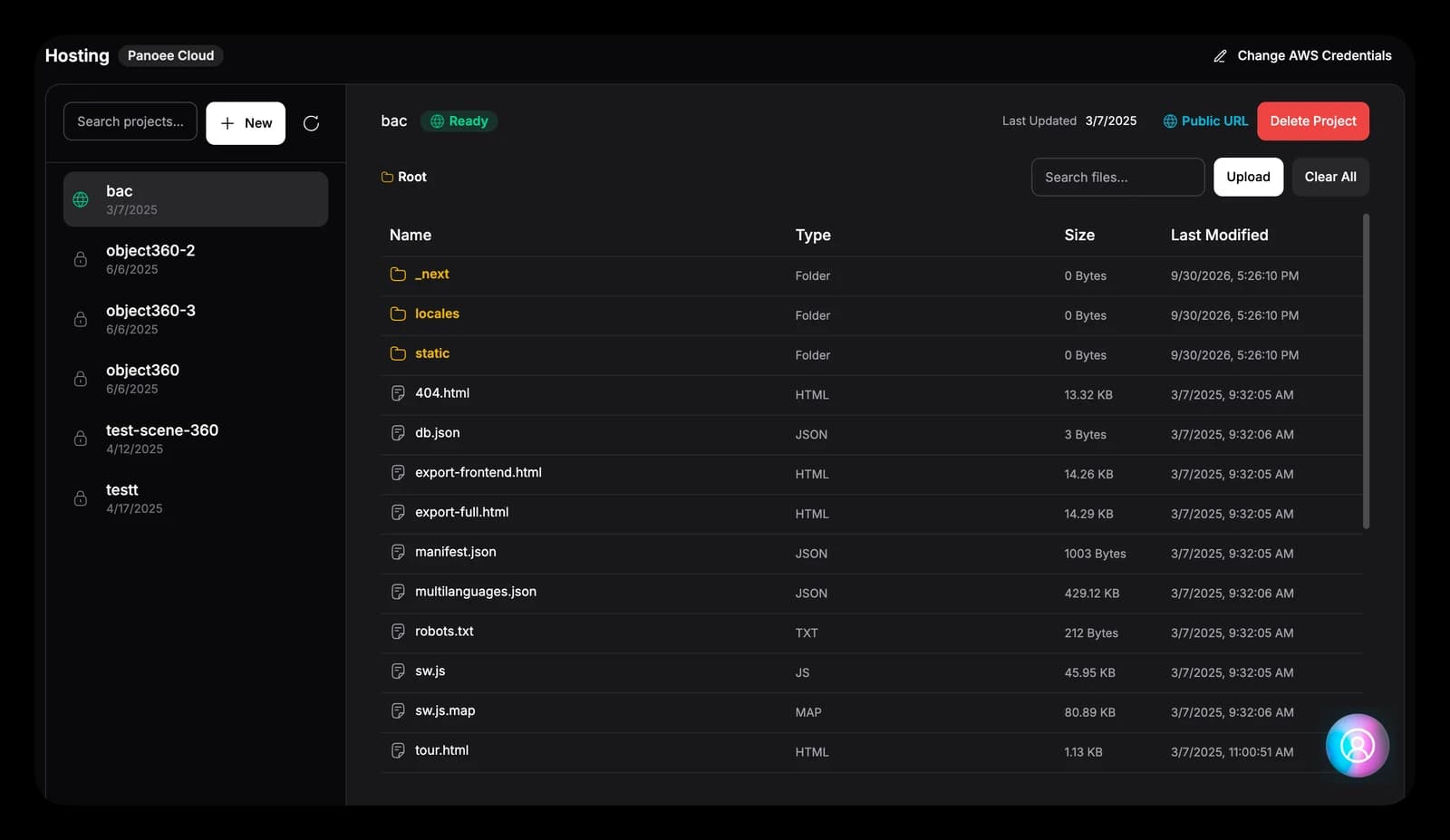
Static Hosting has been rebuilt and loads about 50% faster. Uploads are more flexible too: drop in single files or a whole folder, and choose to skip the root folder so its contents land exactly where you want.
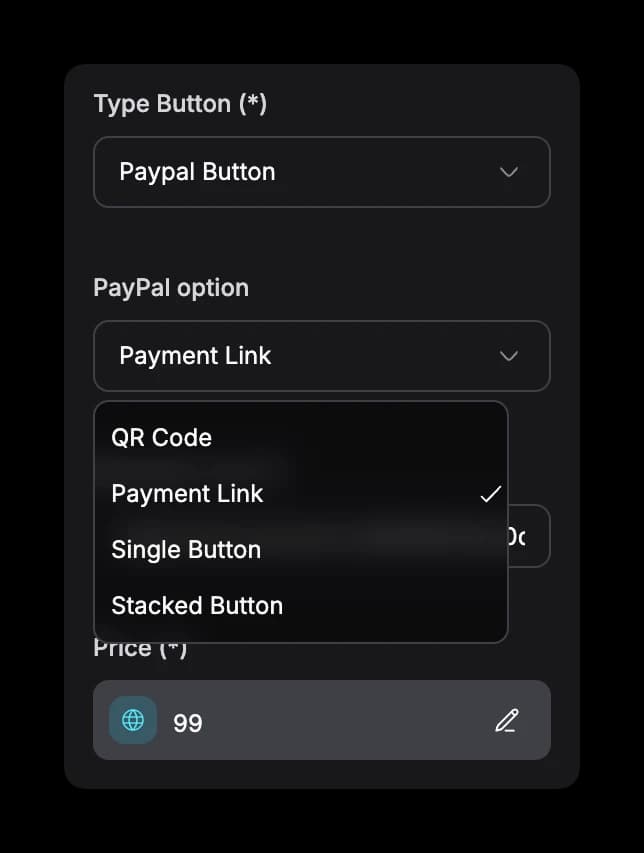
Product hotspots now support four PayPal checkout styles: QR Code, Payment Link, Single Button and Stacked Button. Pick the one that fits your tour and let viewers buy right from the scene.
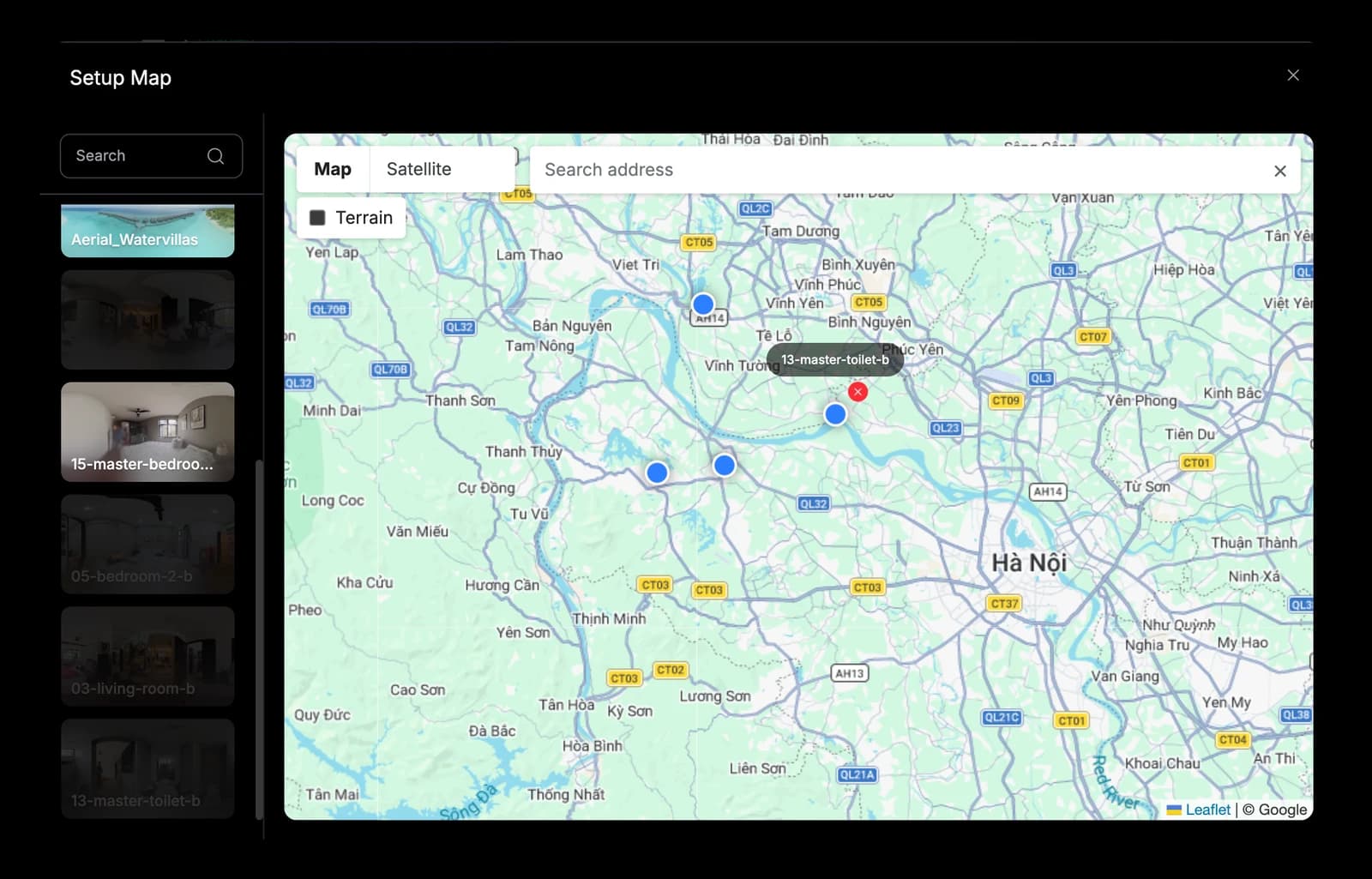
Setting up your tour map is simpler. A cleaner layout lists your scenes beside the map, you drag markers to the exact spot, and you can switch between Map, Satellite and Terrain or search any address.
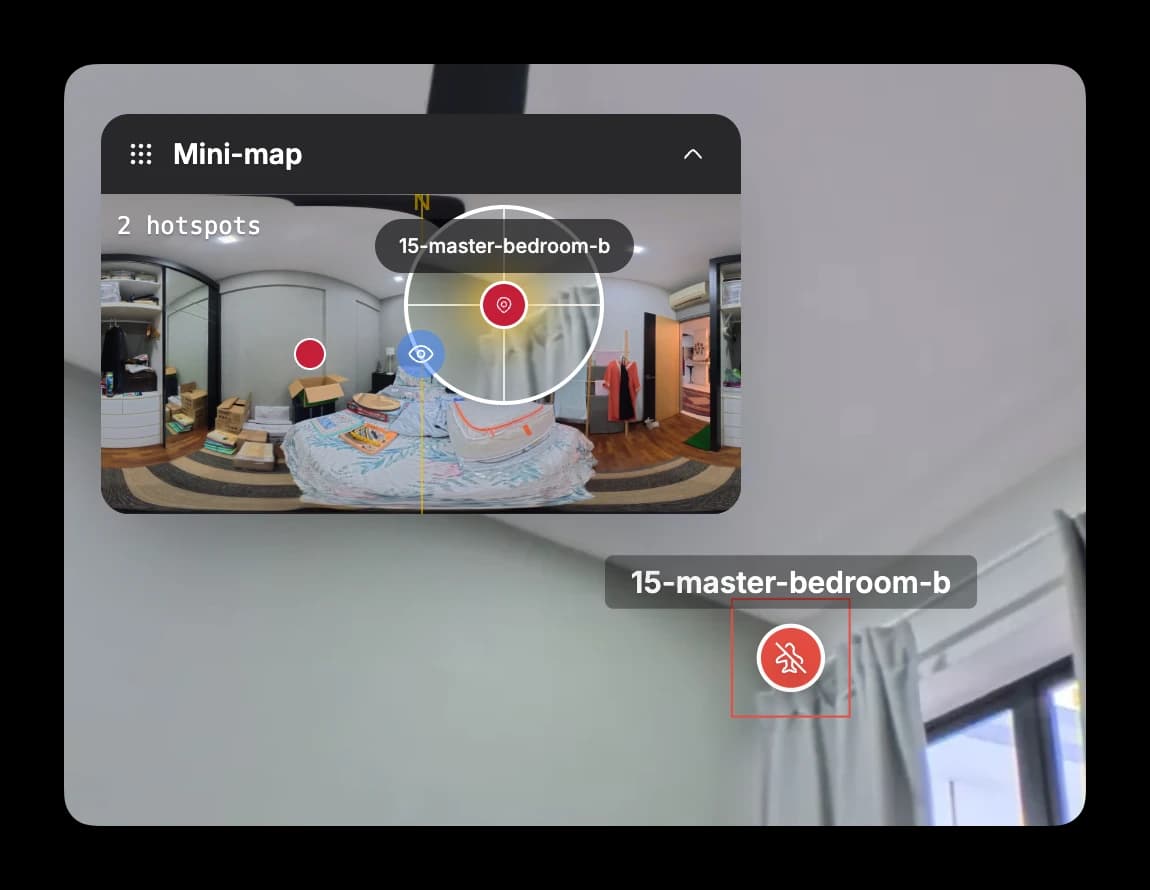
The mini-map now keeps hotspot positions in exact sync between the flat 2D view and the 360 view, so you can place and check hotspots with confidence from either one.
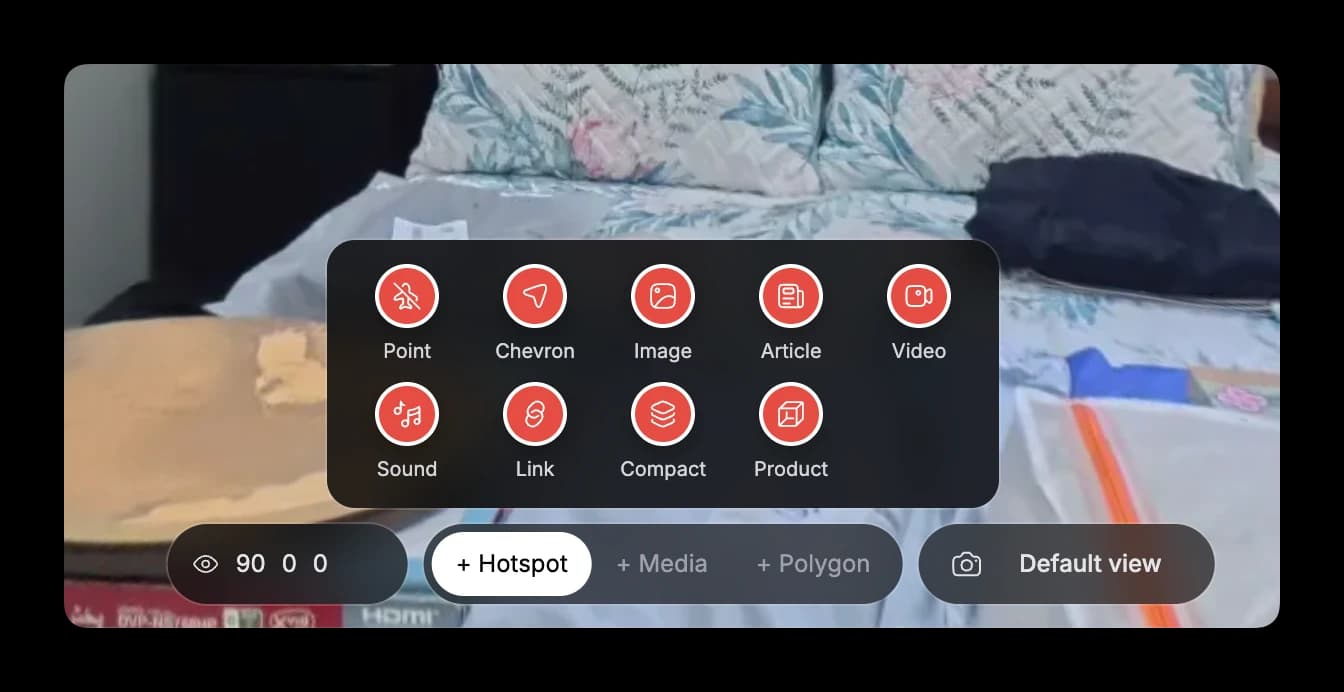
The editor toolbar has been redesigned. You reach every hotspot type in fewer taps, set min and max zoom and view limits (top, bottom, left, right) right under the toolbar, and capture your default view with a live preview.
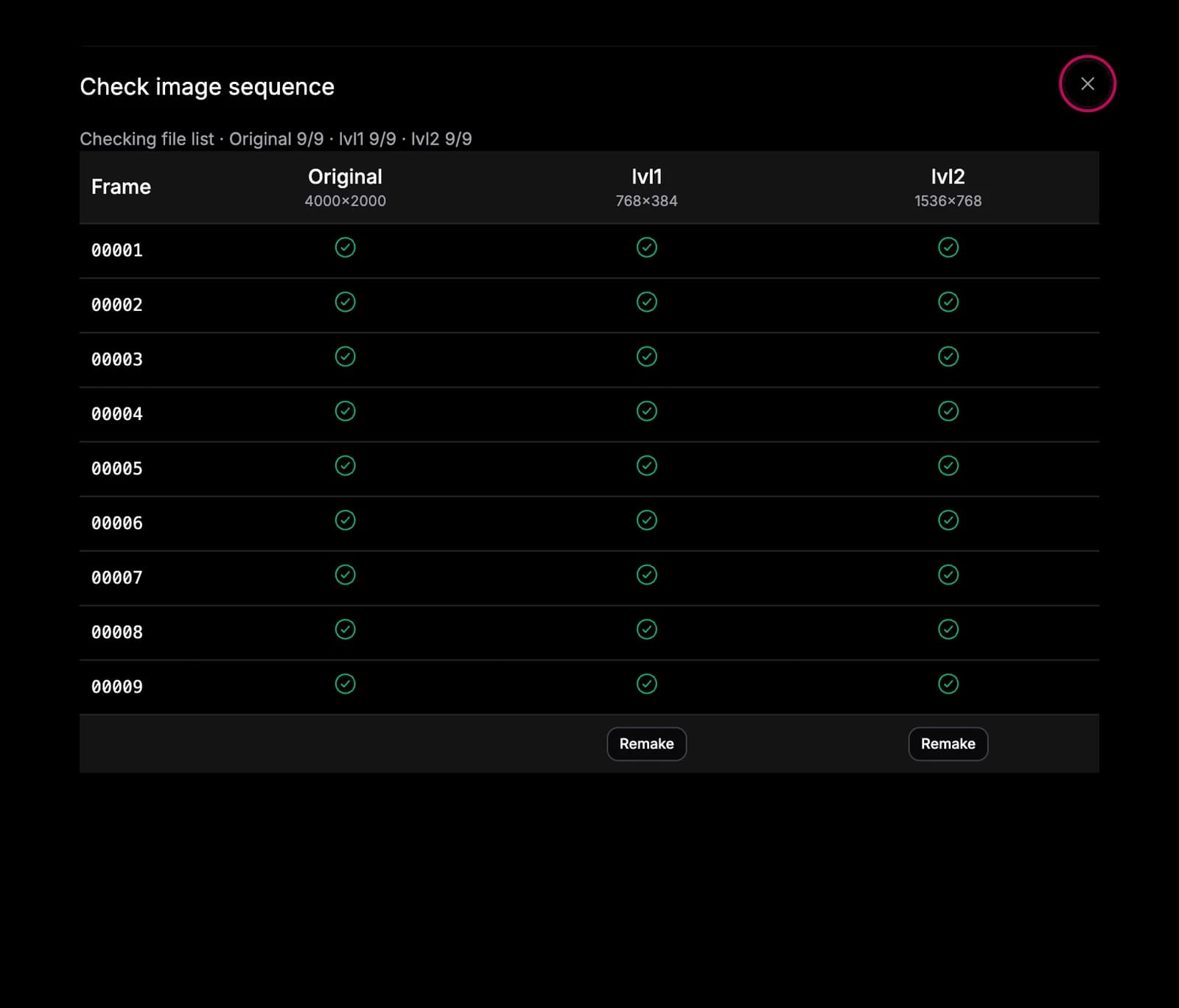
Creating rotating 360 objects is now faster and smarter. Studio auto-detects your image name prefix, checks each resolution layer for missing frames and fills them in, and lets you tune rotation speed plus min, max and default zoom.
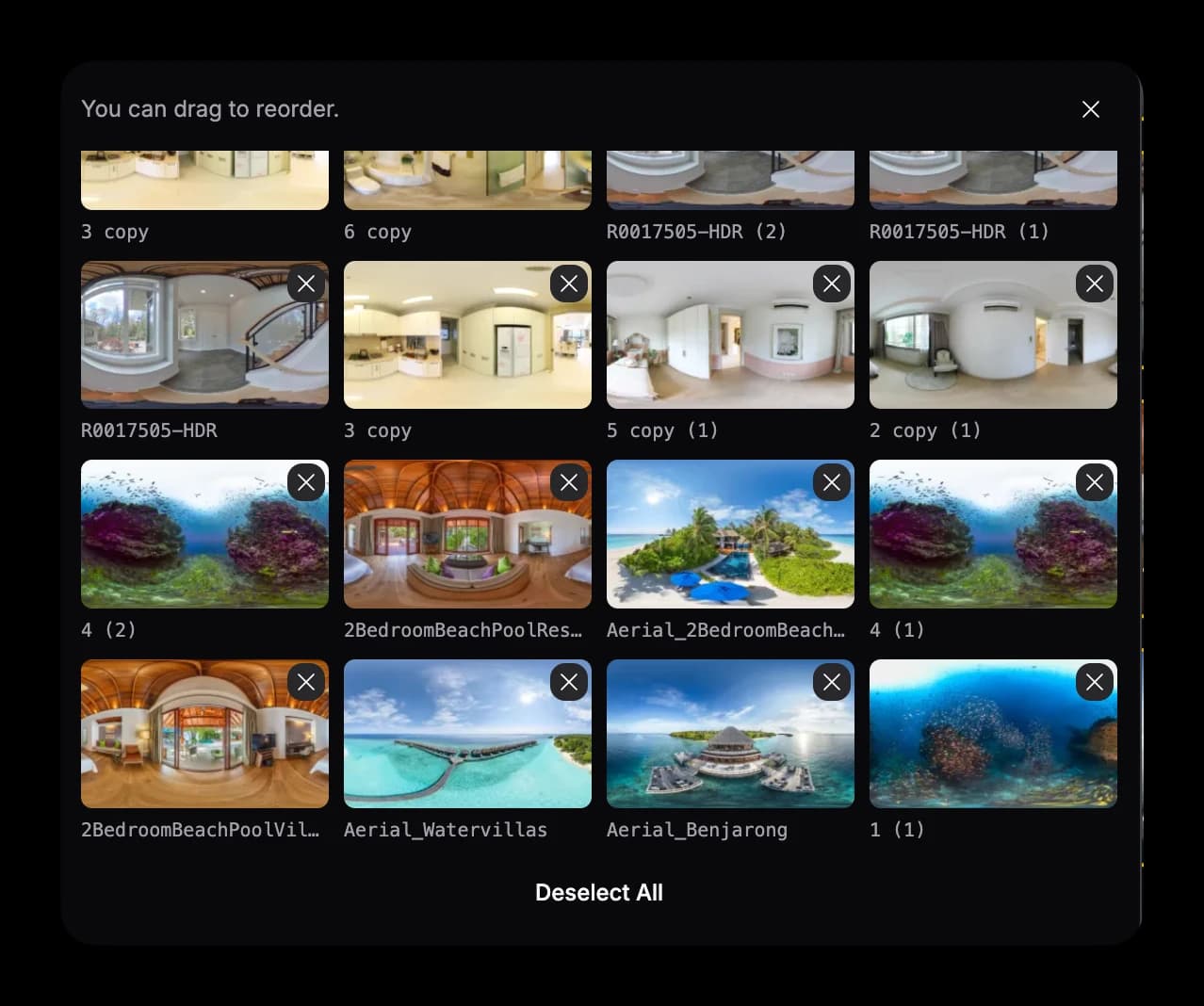
See every media file you've selected in a quick grid, drag to reorder right in the preview, and pick files from several folders at once before adding them to your tour.
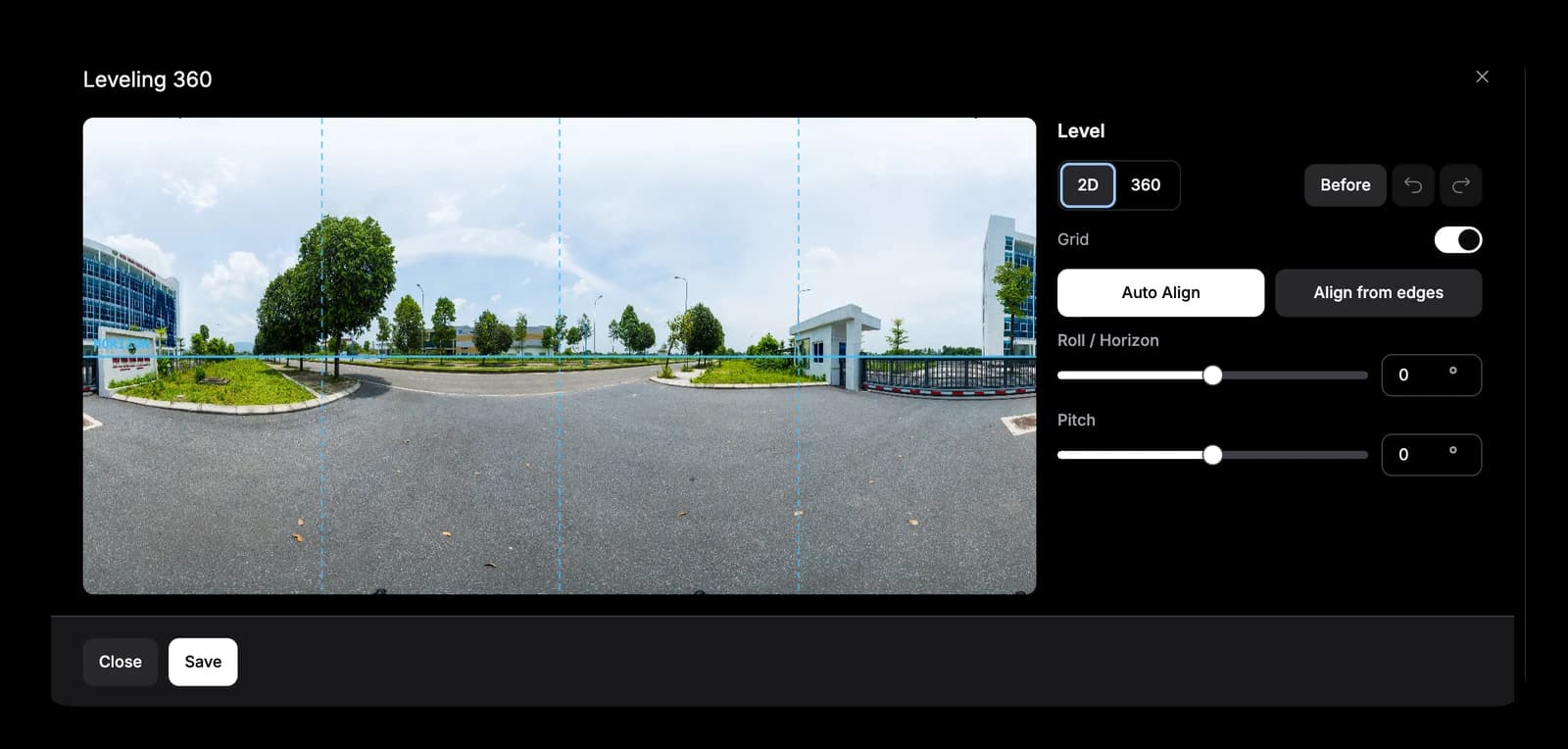
Straighten tilted or off-axis panoramas right inside the editor. Use Auto Align or Align from edges, or fine-tune roll and pitch with a grid. It's as easy as PTGui, without leaving Studio.
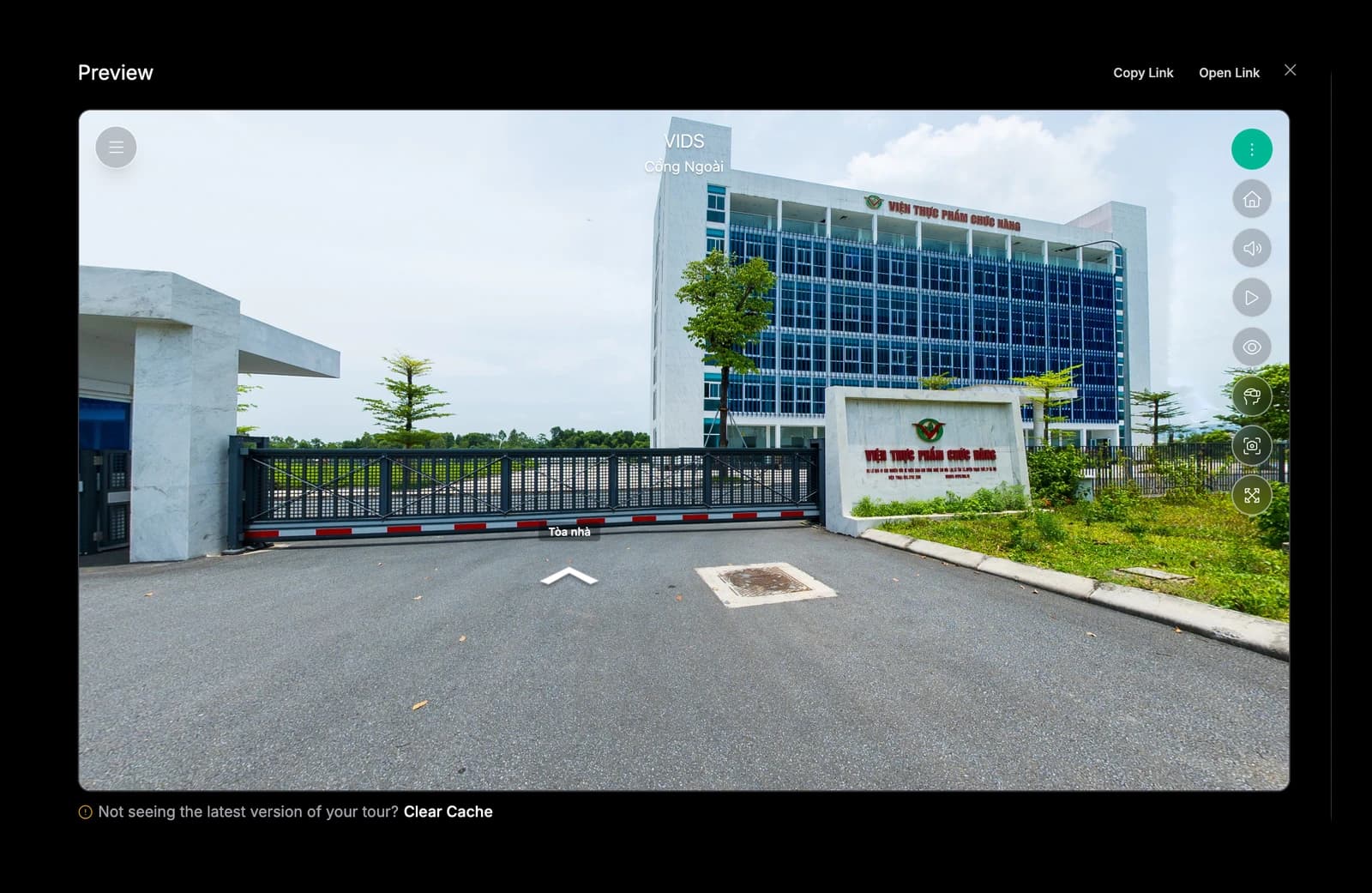
Preview your tour right inside Studio, no redirect to a new tab. It loads faster, and if you don't see your latest changes, clear the cache in one click on the spot.
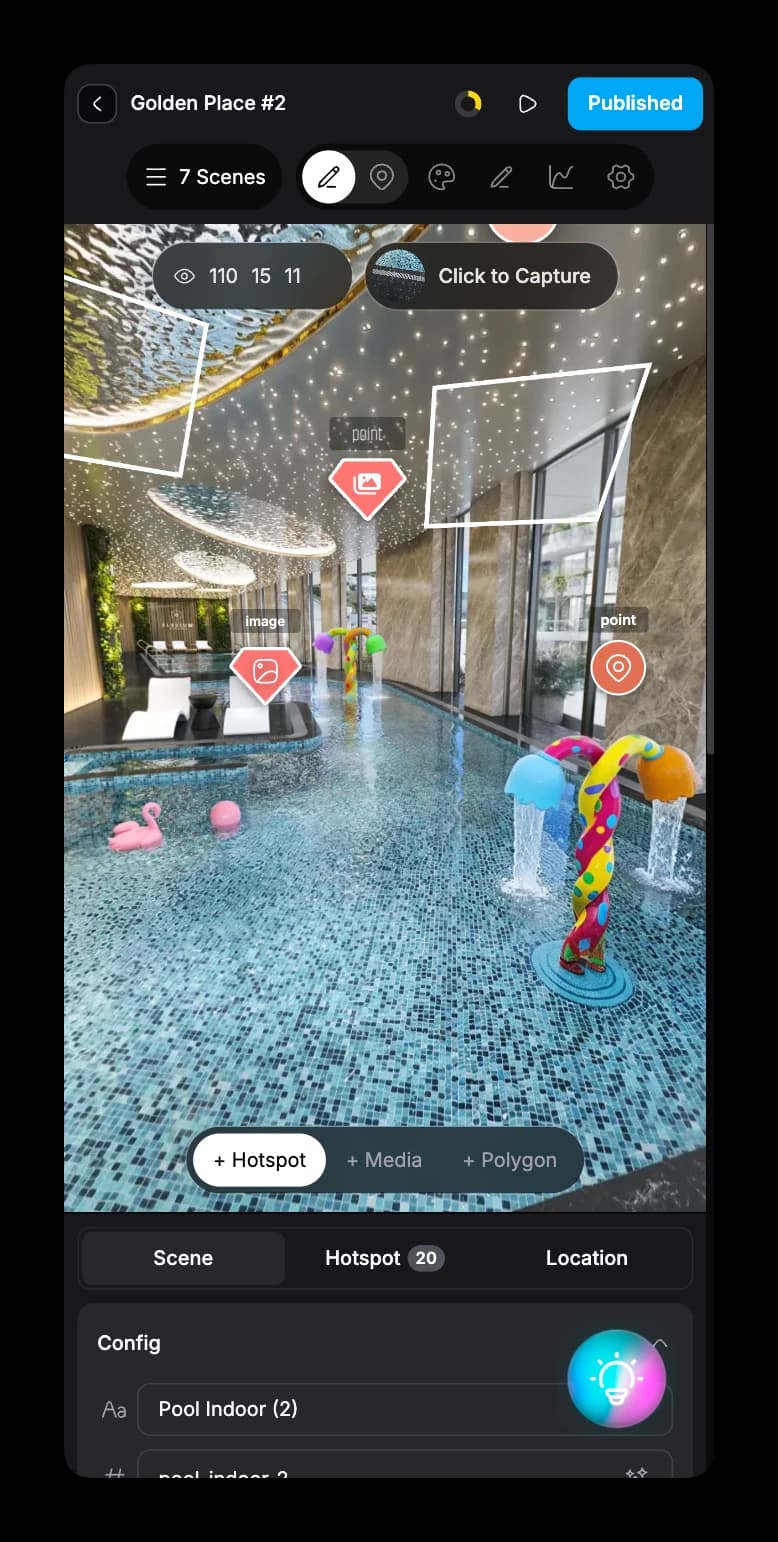
Studio now works on your phone. Manage projects, your profile and media, and edit tours with hotspots and full settings, almost everything you can do on desktop.
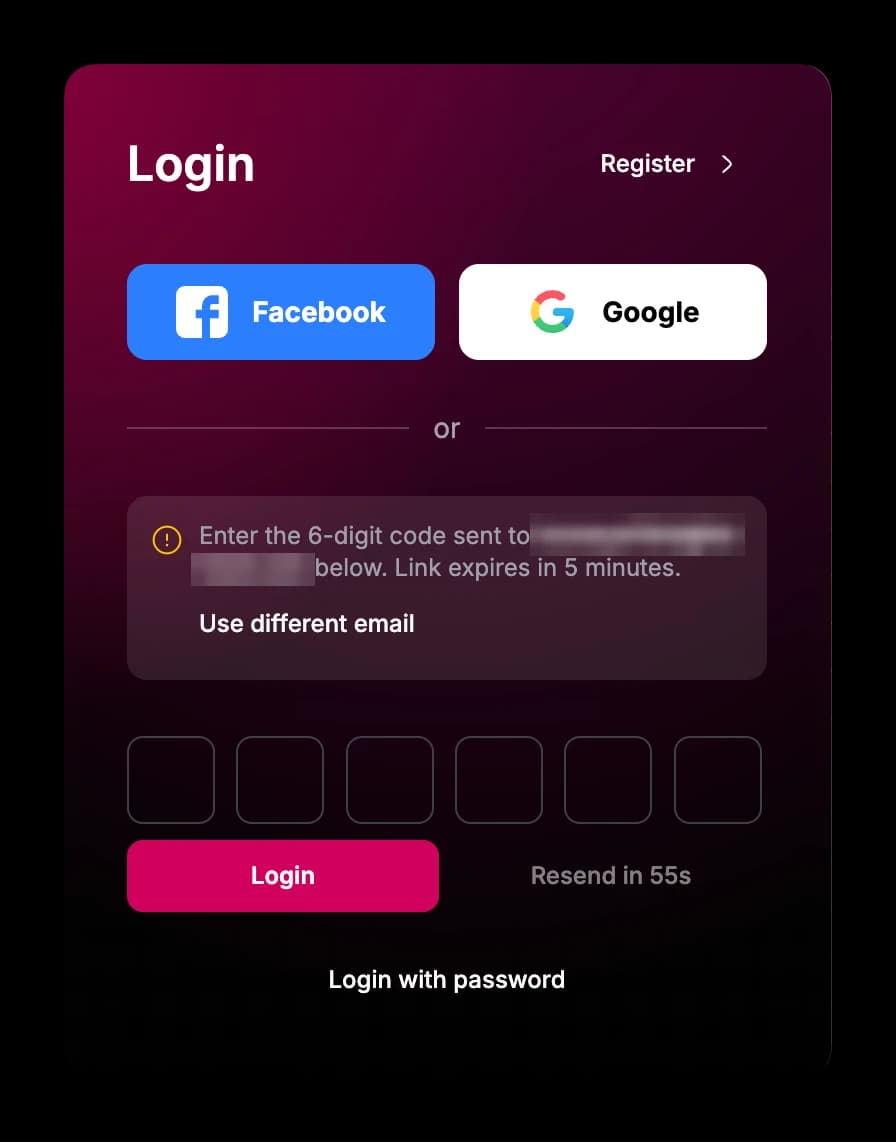
Sign in without a password. Enter your email and use the 6-digit code or magic link we send you. Facebook, Google and password login still work as before.
Creating hotspots from the scene list or hotspot toolbar is snappier and more precise — small latency wins that make linking scenes feel immediate.
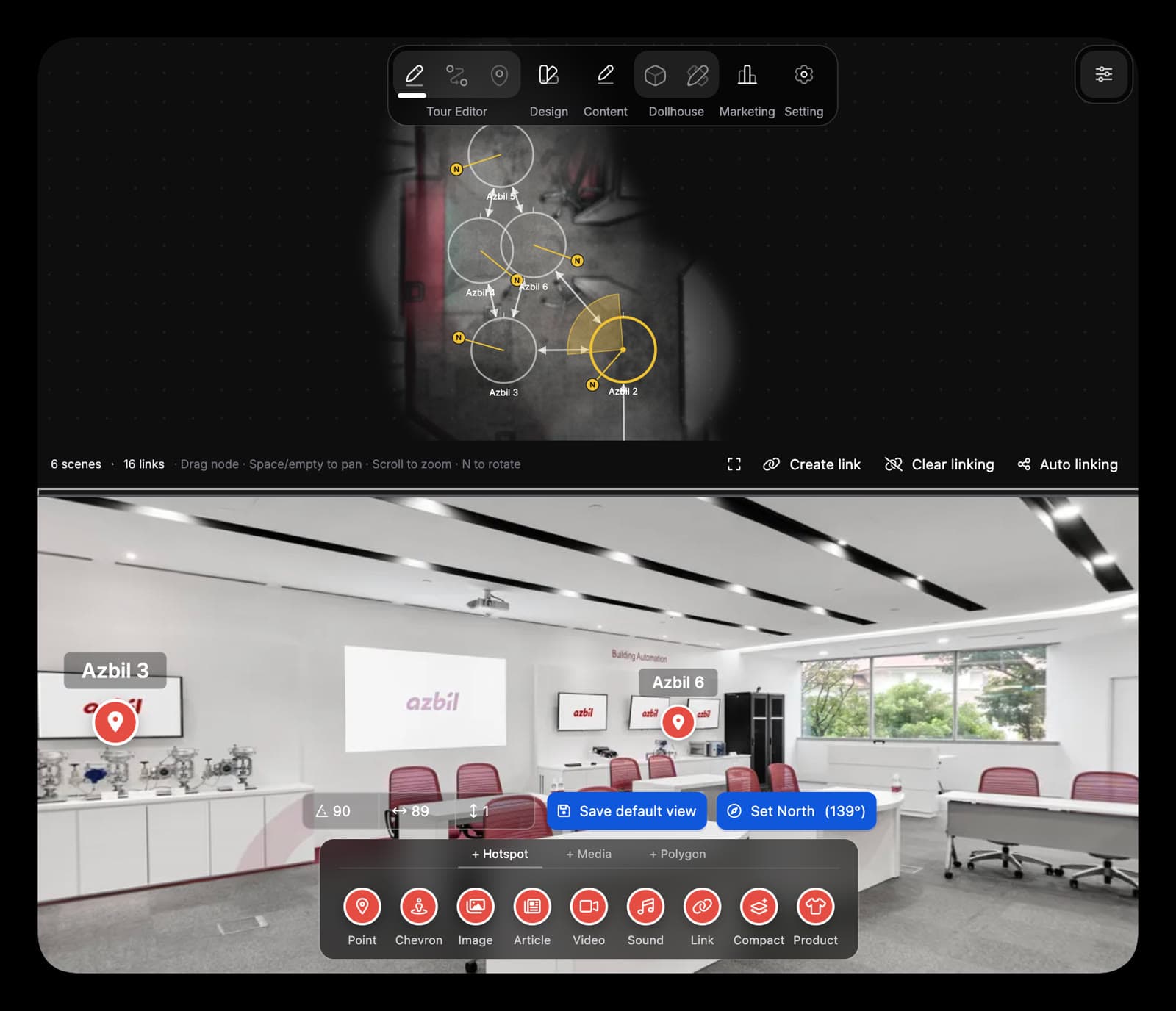
Edit your tour from a top-down graph instead of scene by scene — create bidirectional links, batch auto-link nodes, and auto-align hotspots so you spend less time dragging them by hand.
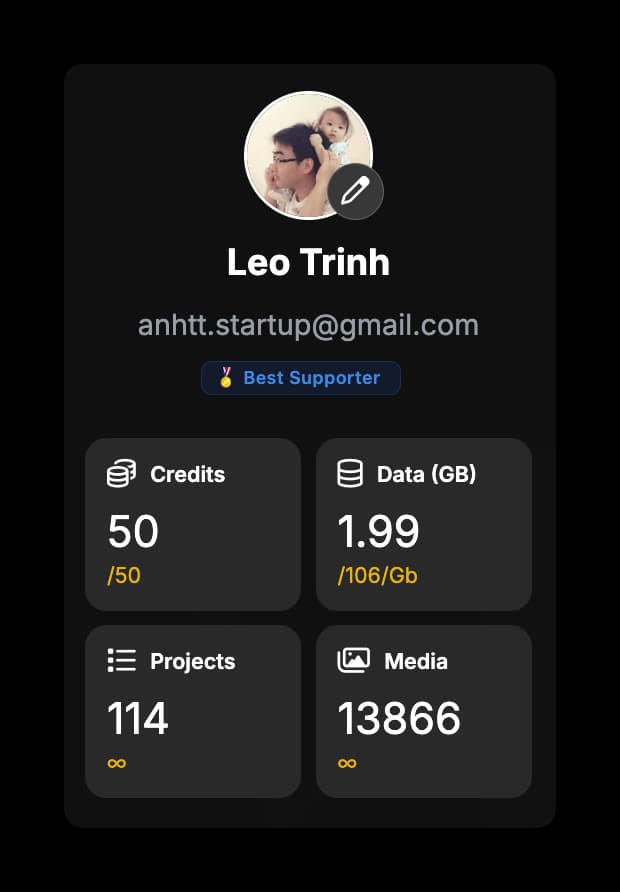
See credits, storage, projects, and media counts together on your profile — no digging through separate screens.
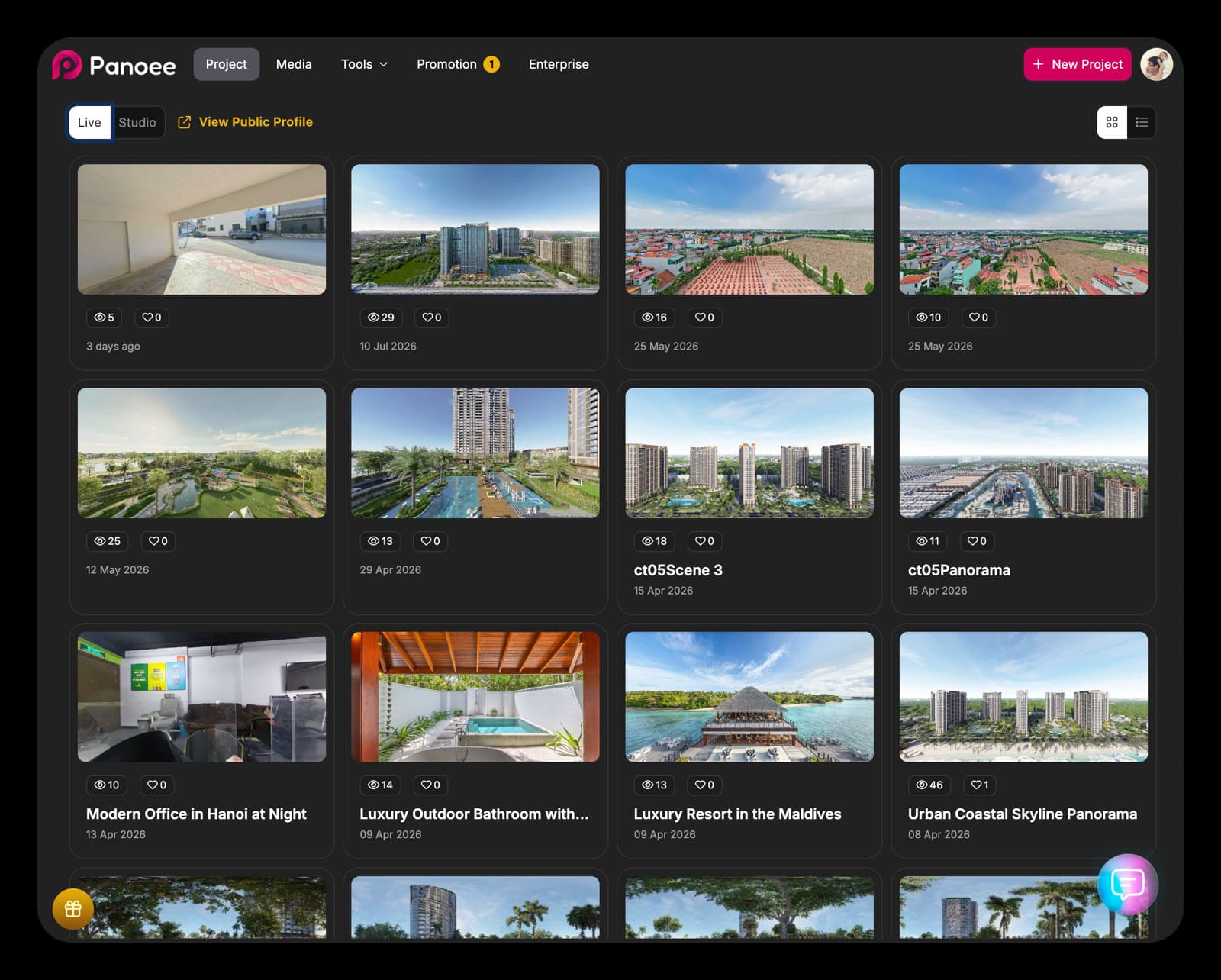
One login for Studio and Panoee.live. Switch Live/Studio in one place — publishing across both is simpler, with more integration on the way.
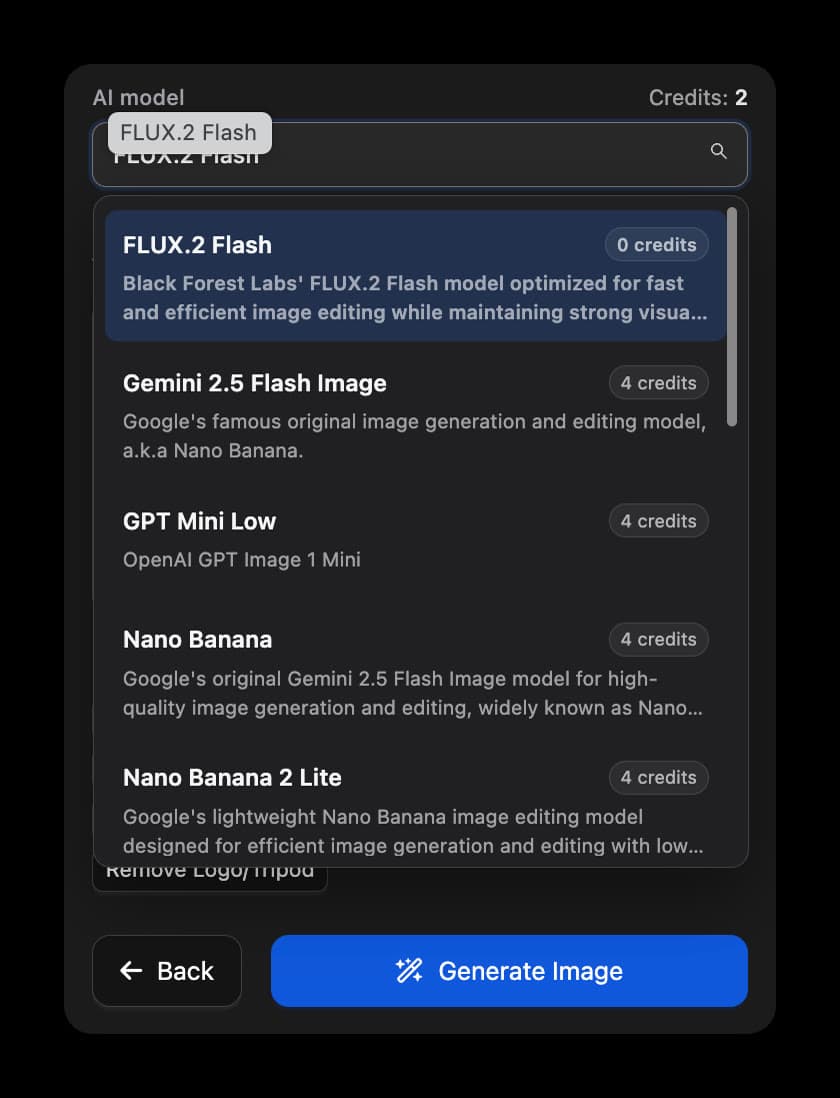
AI tools now let you choose among models from Flux, OpenAI, Gemini, Grok, and more — pick speed or quality per job with clear credit costs.
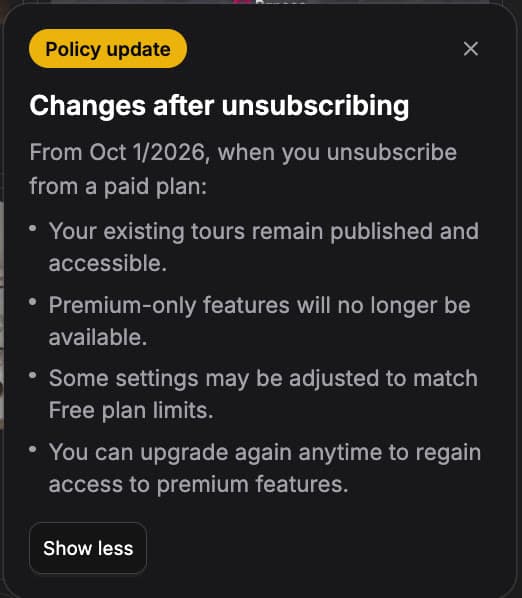
From Oct 1, 2026, unsubscribing keeps your published tours live. Premium-only features pause, Free limits apply, and you can upgrade anytime to restore them.
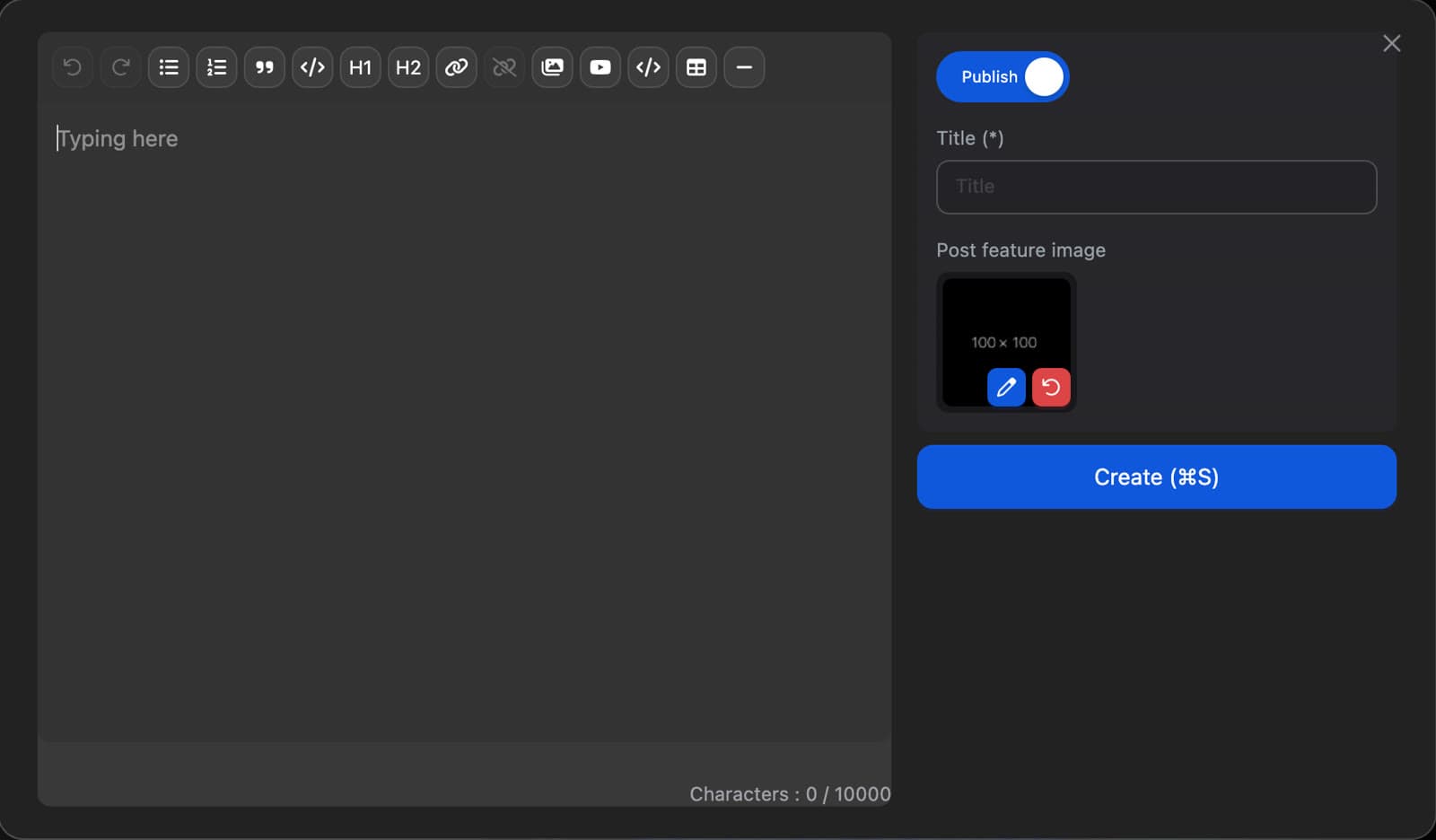
Creating posts and products now uses TipTap — a Medium-like editor with richer typography plus tables, video, iframes, and image editing.
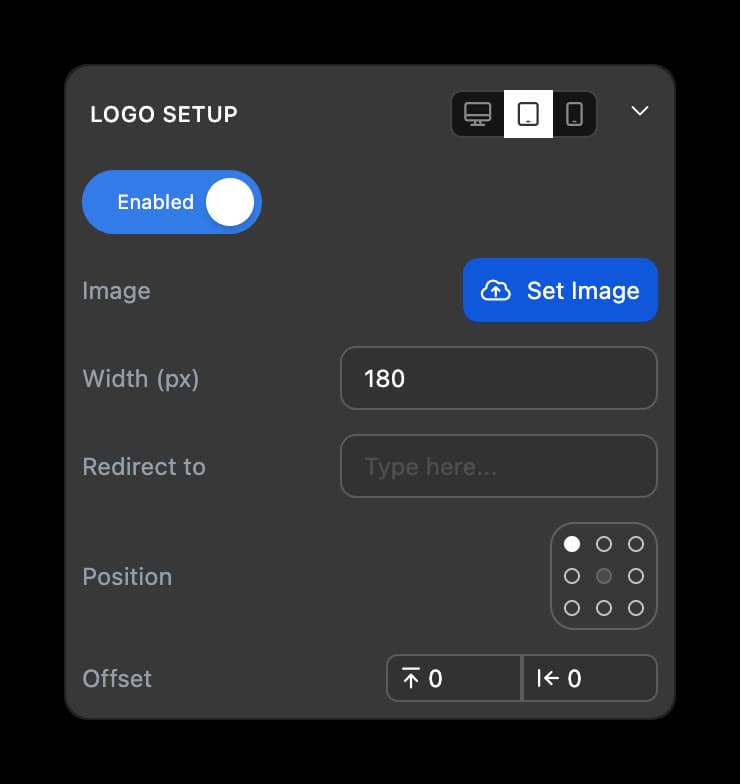
Set logos per device with responsive options, an 8-point position grid, and dedicated X/Y offsets for precise placement.
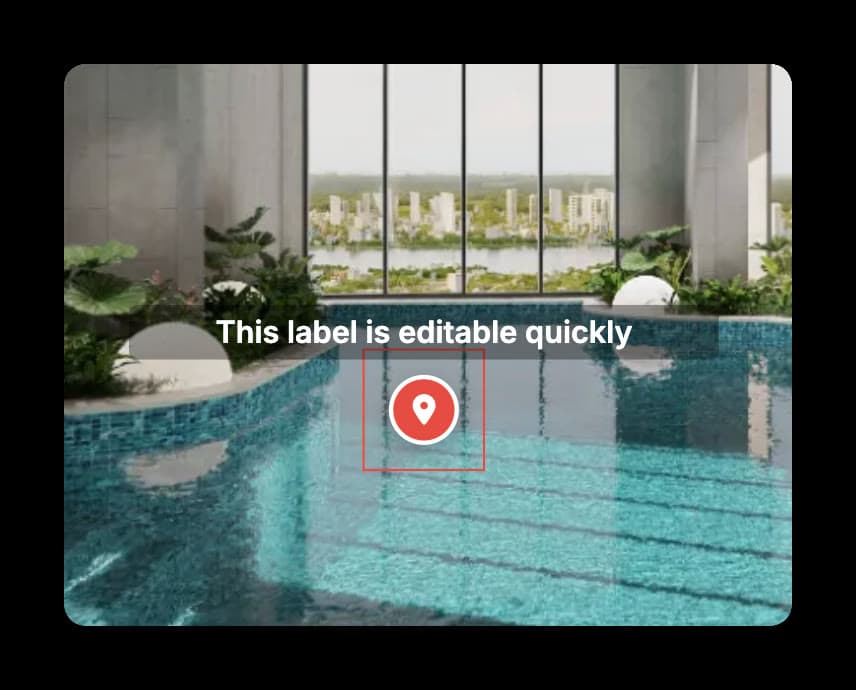
Change hotspot label text instantly in the 360 viewer — right after you drag to create a hotspot.
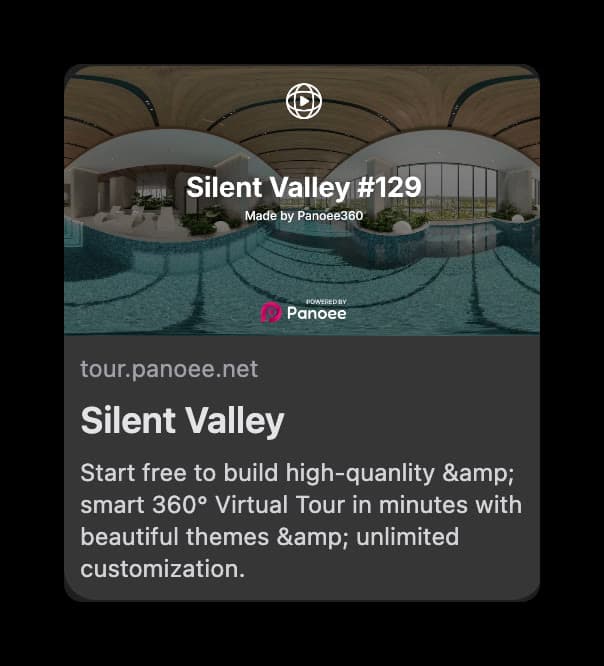
Default SEO and featured images are lighter, more balanced, and look better when shared across social platforms.
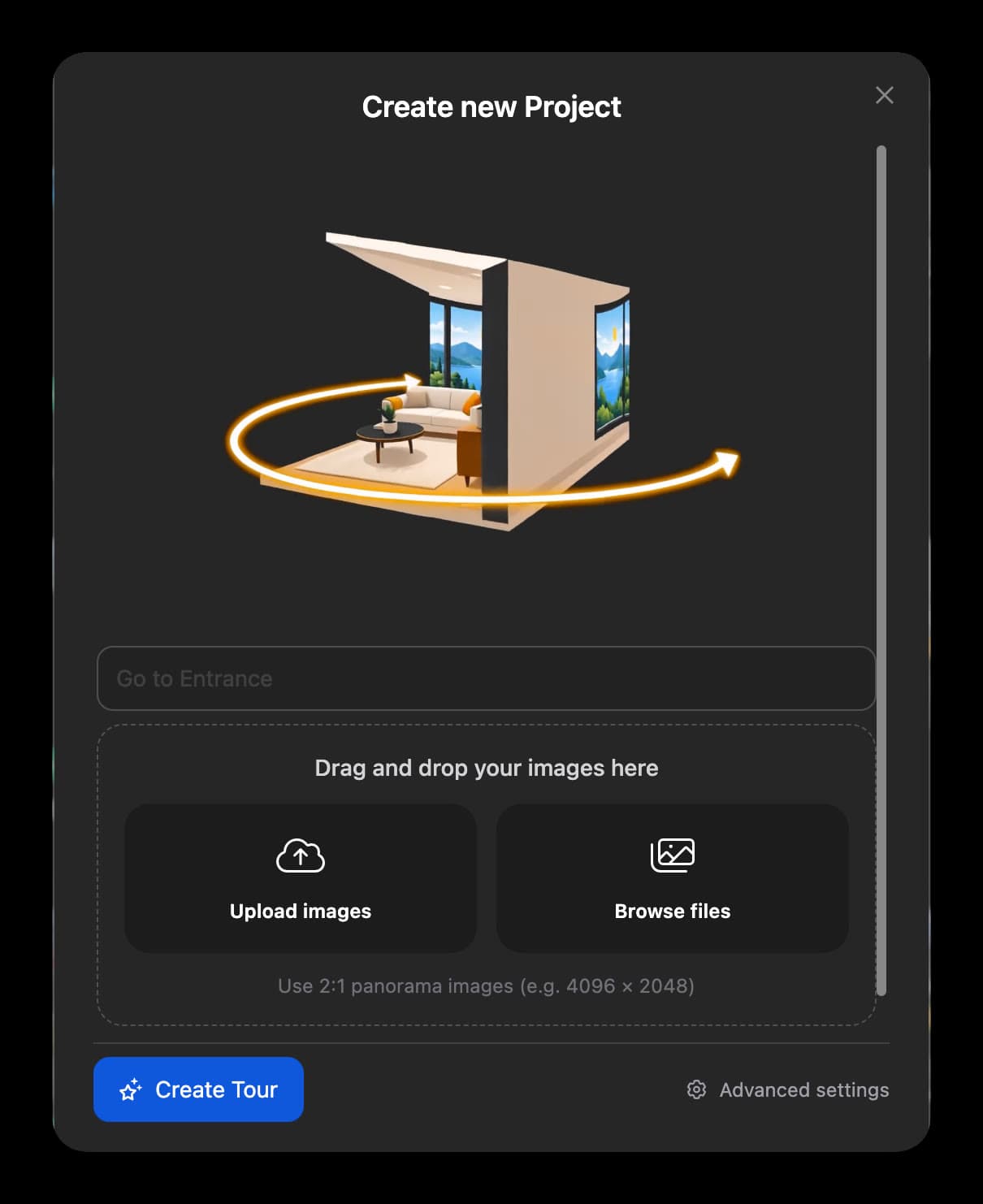
Start a tour almost instantly — no required title. Drag and drop panoramas or pick from your media library, then create.
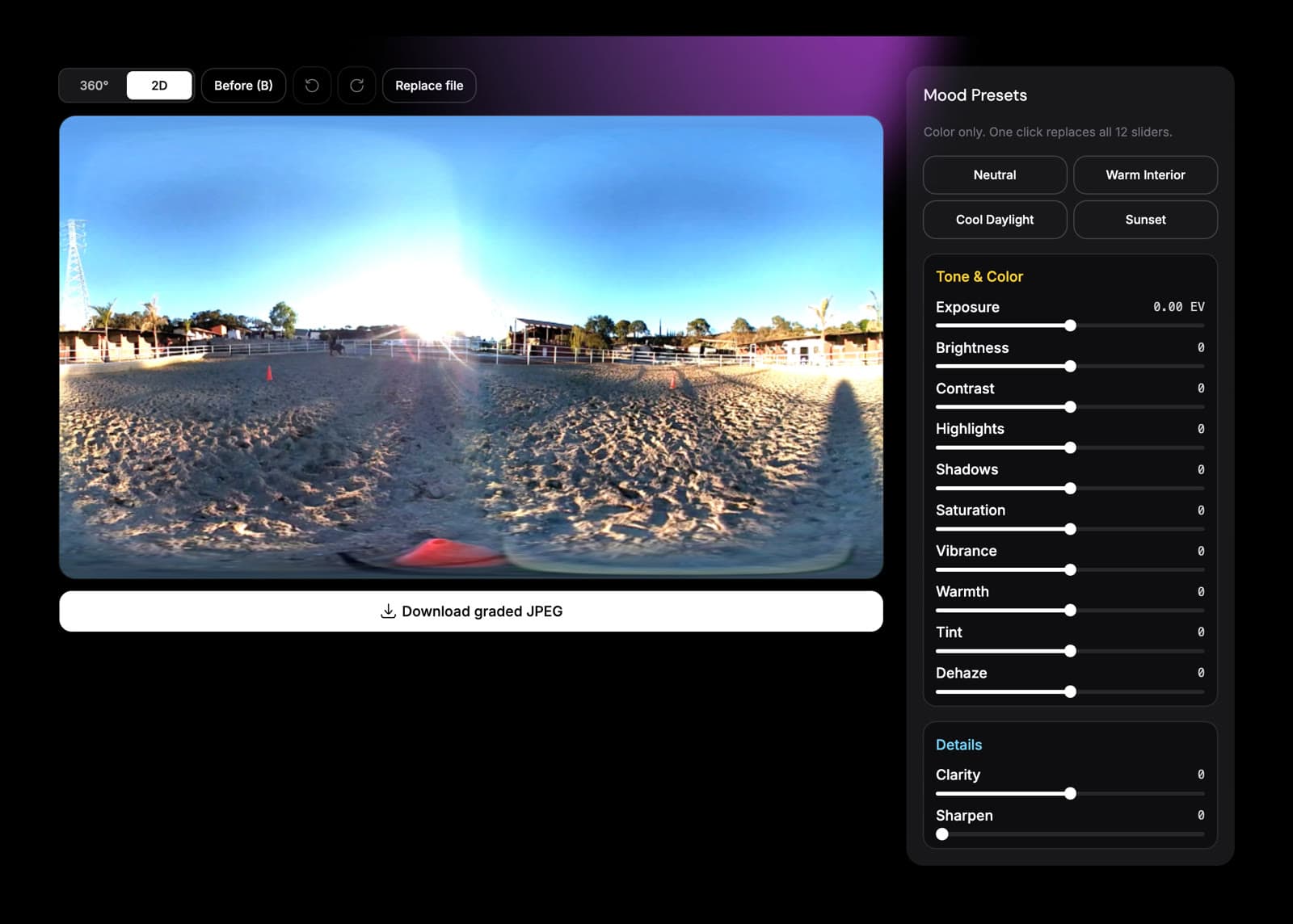
Adjust color and tone directly in the browser with new presets and precise controls. Your original panorama orientation stays unchanged, and processing happens entirely on-device.
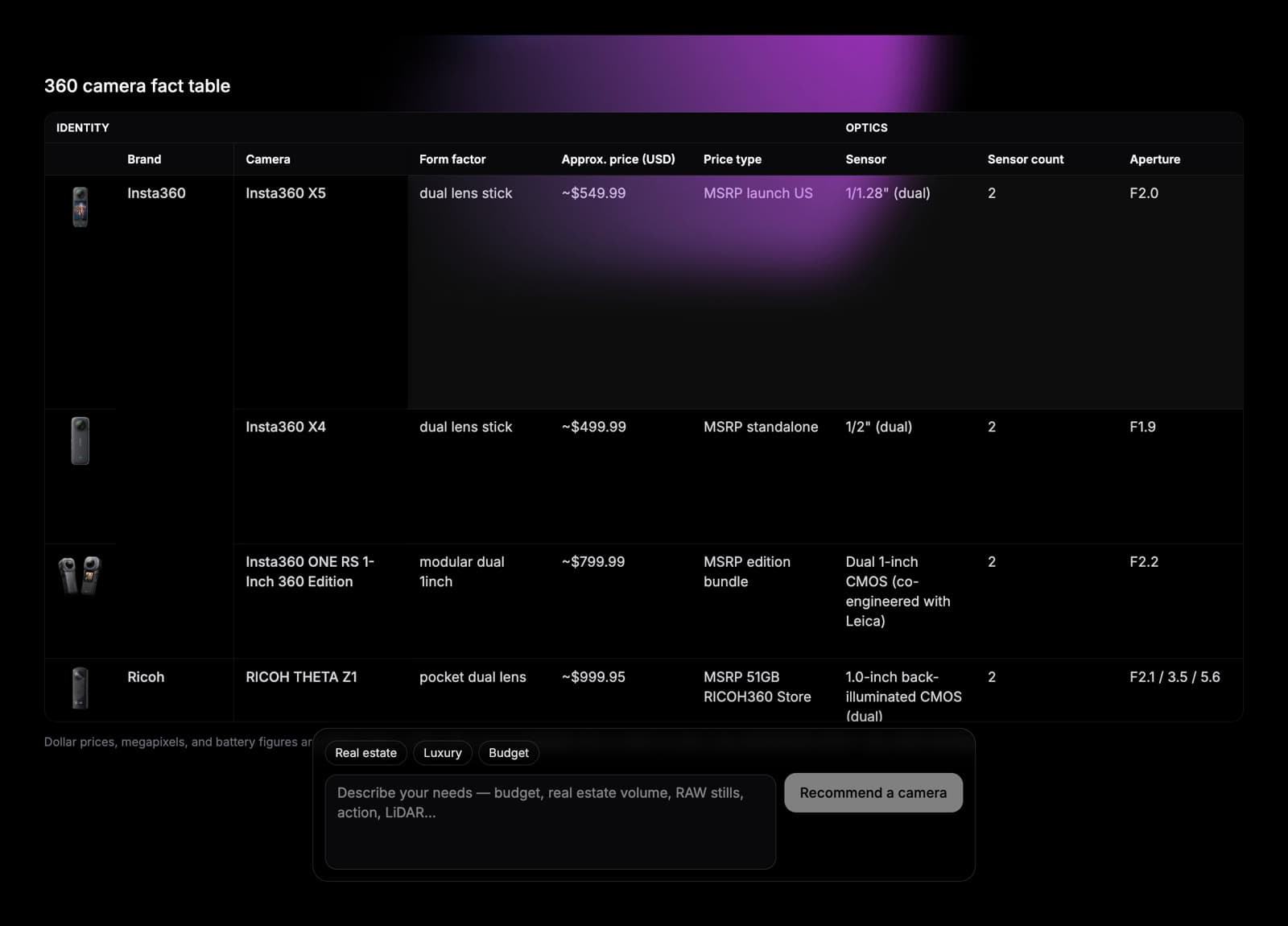
Compare popular 360 cameras by image quality, price, and workflow, then find the right fit for your virtual tours.
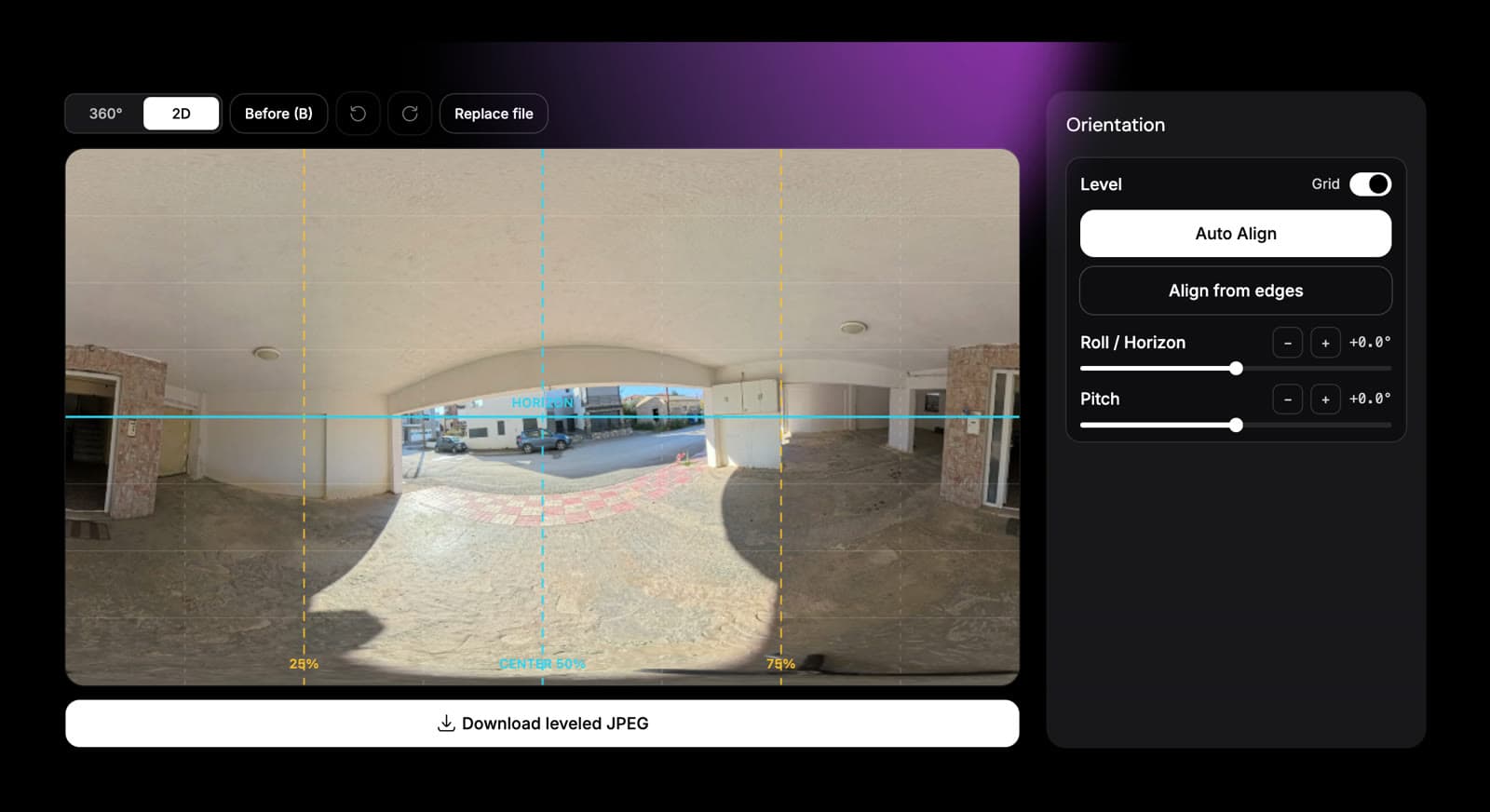
Auto Align and guided leveling now make it faster and easier to straighten tilted panoramas.
Control view mode, distortion, auto-rotation, scene view limits, and mobile zoom. Hotspot tap-and-pan, mobile snapshots, and VR labels are more reliable across supported devices.
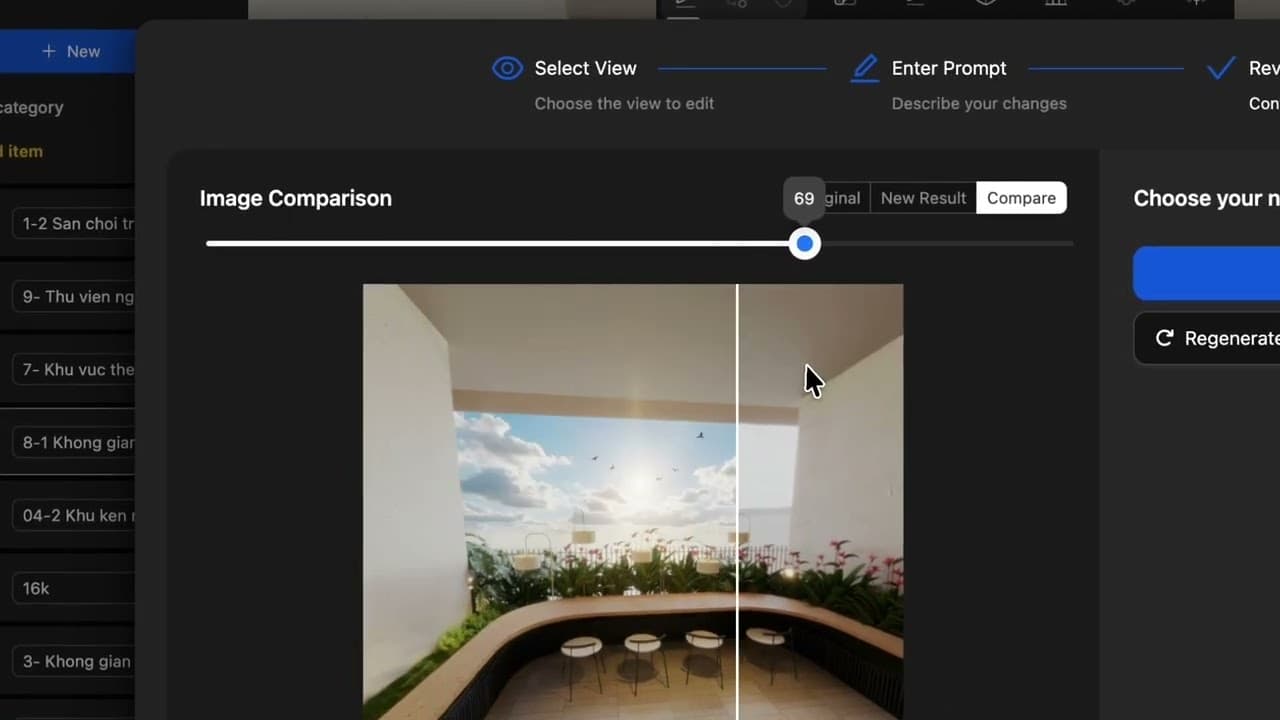
Build richer tour interactions with Patch, Nadir, Line Polygon, draggable polygons, and reciprocal or chevron scene hotspots. Style icons globally or by type, including SVG icons and visibility at specific zoom ranges.
A redesigned publish experience with clearer embed, QR, SEO, and viewer-control options for sharing tours.
Organize media with album trees, flexible layouts, and filters. Select multiple assets faster, preview video before you use it, and keep panorama uploads more reliable — including GPS EXIF on supported files.
Add logo link actions, manage call-to-action behavior, download assets, and tailor how a tour presents your brand.
The Dollhouse editor has been restructured with clearer scene, editing, and finalization steps — plus stronger handling around uploads.
Create and edit floor plans directly in Panoee, place scenes with greater context, and give visitors navigation that is easier to follow.
Premium and Pro plans can set up Street View connections, manage scene relationships, and publish with clearer controls from the editor to the live tour.
Refine theme UI, scene groups, control-bar order, logo sizing, tooltips, and overlay behavior for more polished live tours.
Use scene slugs, clearer scene lists, improved thumbnails, and configurable scene-level behavior while editing a tour.
A Leaflet-based map experience improves location displays, markers, and floorplan or map overlays in the editor and live tours.
Fixes and runtime improvements strengthen translations and make multilingual hotspot behavior more consistent.

Interactive tool that lets users freely rotate and explore objects in full 360 degrees. Perfect for showcasing buildings, products, or items from every angle.
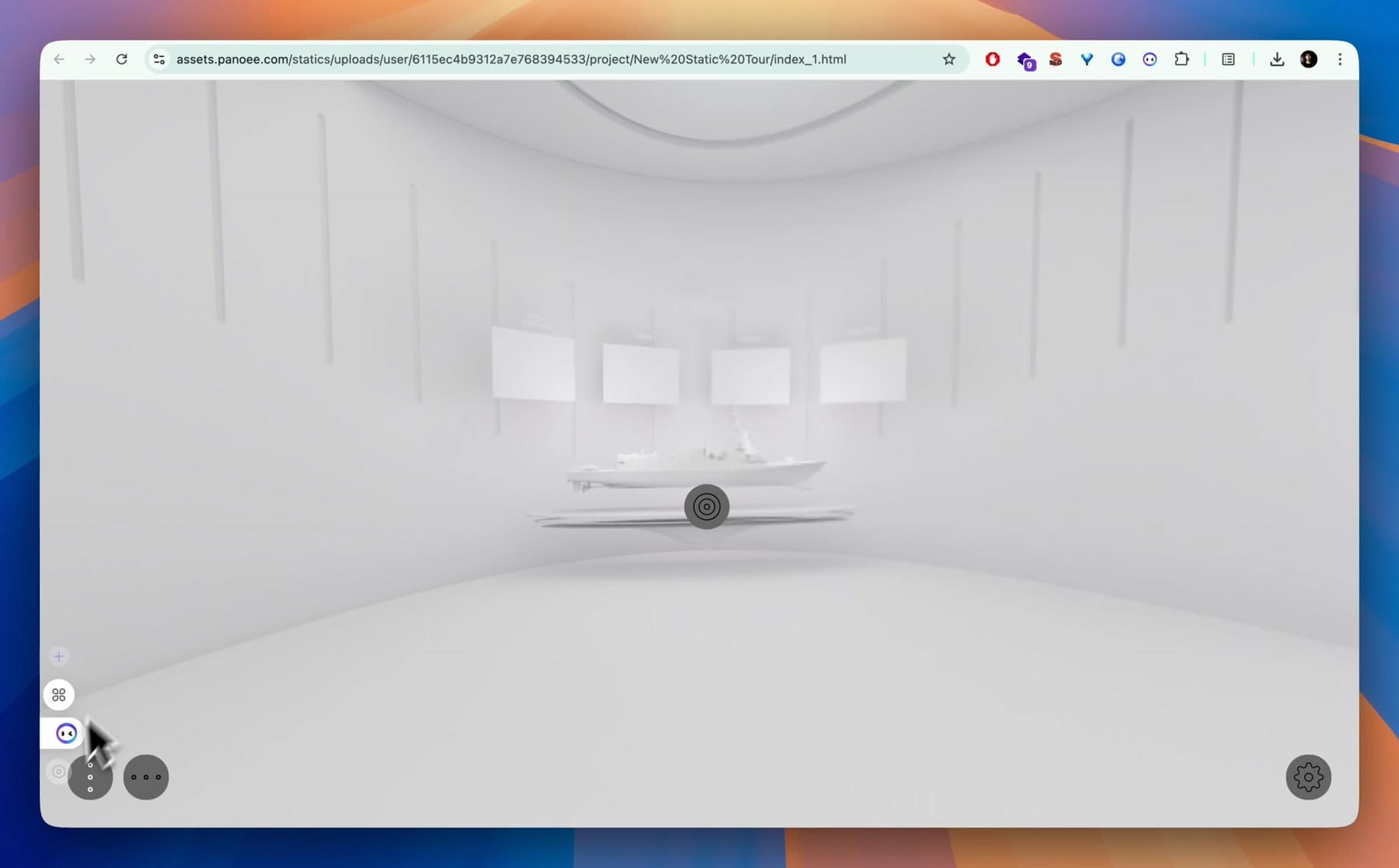
Introducing Panoee Hosting — affordable and hassle-free. Host 360 static tours on secure low-cost storage powered by AWS S3, with free storage included and optional bring-your-own AWS.