

A 360 panorama viewer online lets you open an equirectangular photo and look around it in the browser — drag to rotate, scroll or pinch to zoom. Panoee’s free viewer works on phone and desktop with no app and no login. Drop a JPG, PNG, WebP, or TIFF; preview runs in your browser before anything is published.
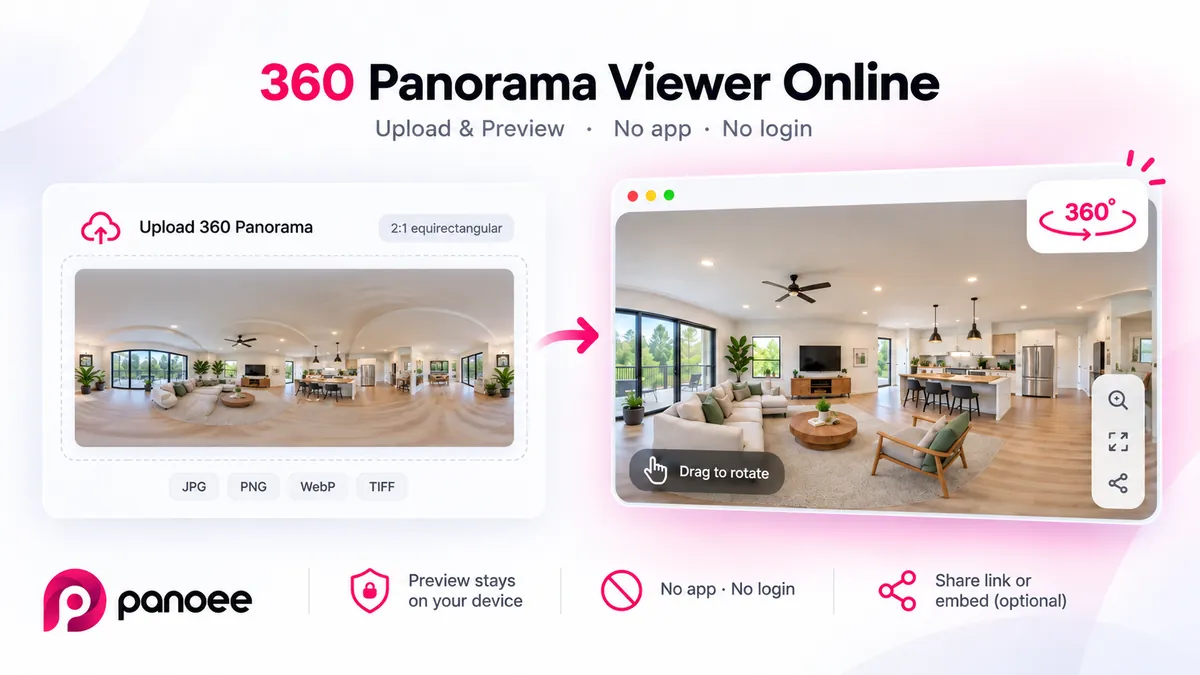
What Is a 360 Panorama Viewer Online?
A 360 panorama viewer online is a free, browser-based tool that opens equirectangular 360° photos so you can look around them — rotate, zoom, and explore — without installing an app or creating an account. Panoee processes the preview locally in your browser; nothing is stored unless you choose to publish.
Key Features
-
Upload and Preview: Drag and drop your panoramic image, or paste it from the clipboard.
-
Interactive Viewer: Rotate, zoom, and explore the panorama in full screen.
-
Smooth Performance: GPU-accelerated rendering with WebGL for navigation on supported devices.
-
Cross-Device Support: Works on desktop, tablet, and mobile browsers.
-
Private by Default: Images stay on your device until you choose to publish.
-
Share Easily: Generate a link or QR code when you publish.
-
Embed Option: Copy an iframe code to display the panorama on your website.
How to Use
- Upload an Image
-
Drag and drop into the viewer.
-
Paste from your clipboard (Ctrl+V).
-
Or select a file directly from your device.
- Explore the Panorama
-
Rotate by dragging.
-
Zoom with your mouse wheel or pinch gesture.
-
Switch to full screen for a wider view.
- Share a Link
-
Publish when you are ready to share.
-
Copy the shareable URL or QR code.
- Embed on a Website
-
Copy the iframe code provided after publishing.
-
Paste into your HTML or CMS editor.
-
The panorama viewer will appear directly on your page.
Supported Image Formats
-
Common formats: JPEG, PNG, WebP.
-
Also supported: TIFF and other high-resolution files (converted locally where possible).
-
Recommended: Use equirectangular projection with a 2:1 aspect ratio (e.g., 4096 × 2048 px).
Tips for Clear Results
-
Use high-resolution images for sharper detail.
-
Keep file size under 100 MB for smoother loading.
-
Test on both desktop and mobile to confirm compatibility.
Frequently Asked Questions
Do you store my images? No. Preview runs in your browser. Images are not sent to a server unless you choose to publish.
Can I use it on my phone? Yes. The viewer works on modern mobile browsers with touch controls for rotating and zooming.
What kind of images work best? Equirectangular panoramas with a 2:1 aspect ratio work best. Supported formats include JPG, PNG, WebP, and TIFF. For correct rotation, include proper 360° metadata when available.
Is it free? Yes. The tool is free for personal and business use. No account or payment is required.
How do I share with clients? Publish your panorama to get a shareable link or QR code. You can also embed it with an iframe on your site.
Can I embed it on my website? Yes. After publishing, copy the iframe embed code and paste it into your website’s HTML.
Technical Notes
-
Maximum Image Resolution: Designed for virtual tour photography, Panoee supports 8K resolution and beyond (up to 32K on supported browsers).
-
Chrome/Edge: up to ~32K resolution (discrete GPUs).
-
Firefox: up to 8K resolution.
-
-
Performance: Depends on device hardware; higher-end GPUs deliver smoother interaction.
-
Offline Use: Once loaded, the tool continues to work even if your internet connection drops.
Summary
Open equirectangular 360° photos in your browser, look around with rotate and zoom, and share or embed when you publish. No app, no login — and preview stays on your device until you choose to publish.
When you need more than a single panorama — linked rooms, hotspots, a full tour — you can build free in the browser with Panoee.



