
Download Images in Media
Learn how to download images from the Media library in your Panoee project.
Steps
-
Go to the Media tab — Open your project and navigate to the Media tab from the main menu.

-
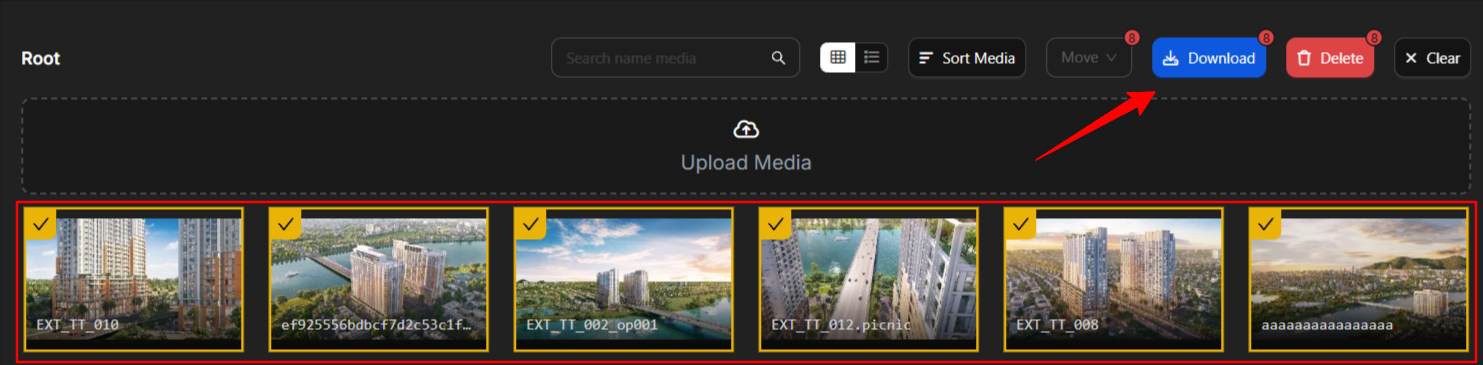
Select and download — Select the images you want to save to your device. Hold Shift to select multiple images, then click Download.
Notes
-
Downloaded images are saved in their original resolution.
-
Use Shift+click to select multiple images at once for batch download.
