

When comparing a virtual tour vs 3D tour, the core distinction lies in the underlying technology: a 360 virtual tour links high-resolution panoramic images through navigation hotspots, while a 3D tour builds a fully measurable spatial model — a digital twin — from specialized scanning equipment. Understanding this difference helps you choose the right format for your budget, timeline, and goals.
- 360 virtual tours are built from linked panoramic photos (up to 32K resolution) — faster to create, lower cost, ideal for marketing.
- 3D tours generate a complete spatial mesh model, enabling dollhouse view and precise measurements — best for construction and engineering.
- 360 tours are hardware-agnostic; 3D tours require specialized (and expensive) scanning equipment like Matterport.
- Modern 360 tour platforms like Panoee offer Interactive Floorplans that simulate a 3D-like navigation experience at a fraction of the cost.
- For real estate, hospitality, and tourism, 360 virtual tours deliver the highest ROI.
What is a 360 Virtual Tour?
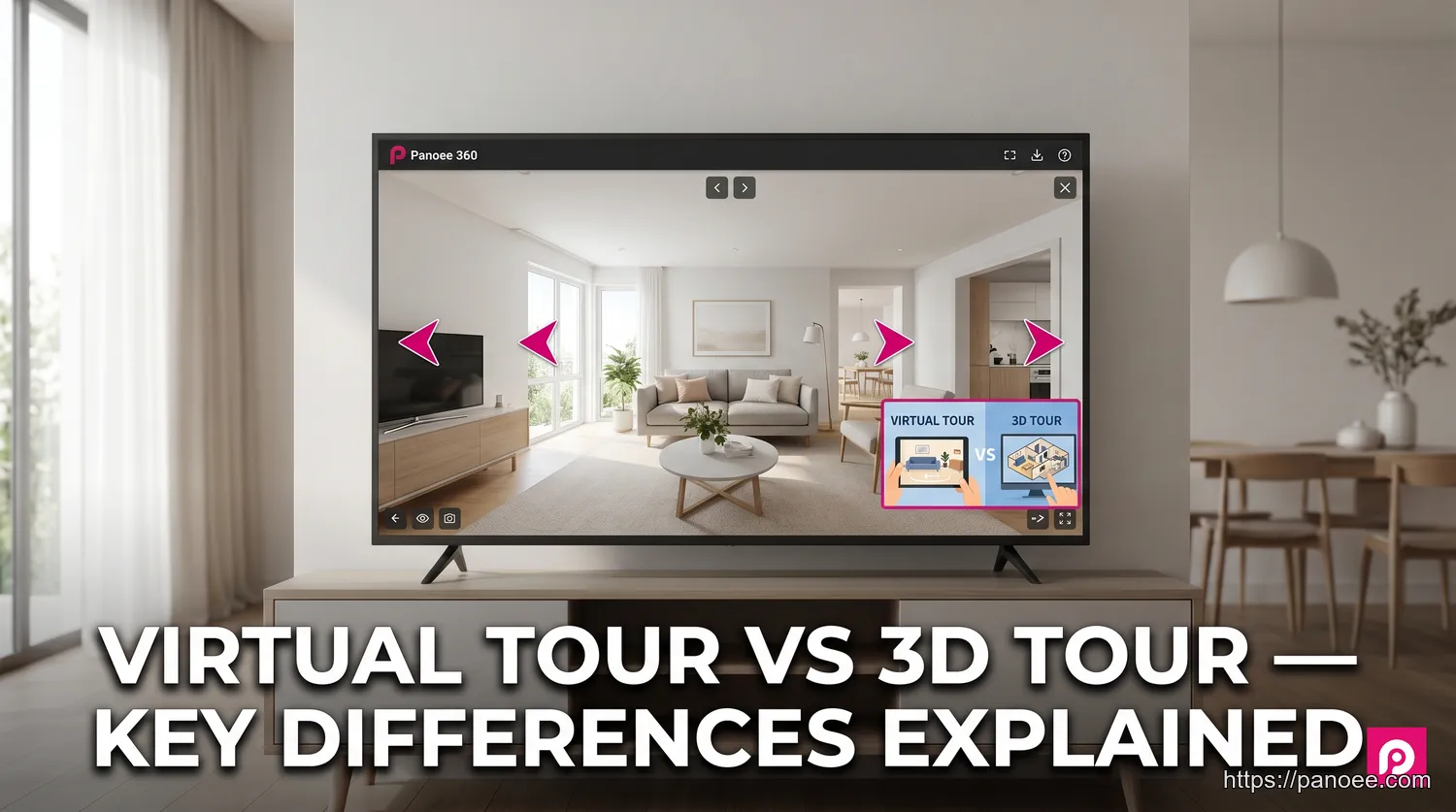
A 360 virtual tour is an immersive, interactive experience built by connecting a series of high-resolution panoramic images through clickable navigation hotspots. Rather than generating a three-dimensional geometric model, the technology places the viewer at a specific vantage point and lets them look in every direction — up, down, and all around — before clicking a hotspot to “move” to the next position.
The quality of a 360 virtual tour depends heavily on image resolution. Platforms like Panoee support panoramic images up to 32K resolution and use a Multi-Resolution streaming technology, which progressively loads detail as the viewer zooms in. This means even extremely large image files load quickly without sacrificing visual clarity — a critical advantage for showcasing luxury properties or intricate museum exhibits.
For more background on how this technology works, see our full guide on What is a Virtual Tour.
Because the creation workflow only requires a 360-degree camera (any camera, no proprietary lock-in), 360 virtual tours are fast to produce, cost-effective to host, and easy to update. These qualities make them the dominant choice for real estate marketing, hospitality, retail, and tourism.
What is a 3D Tour (Digital Twin)?
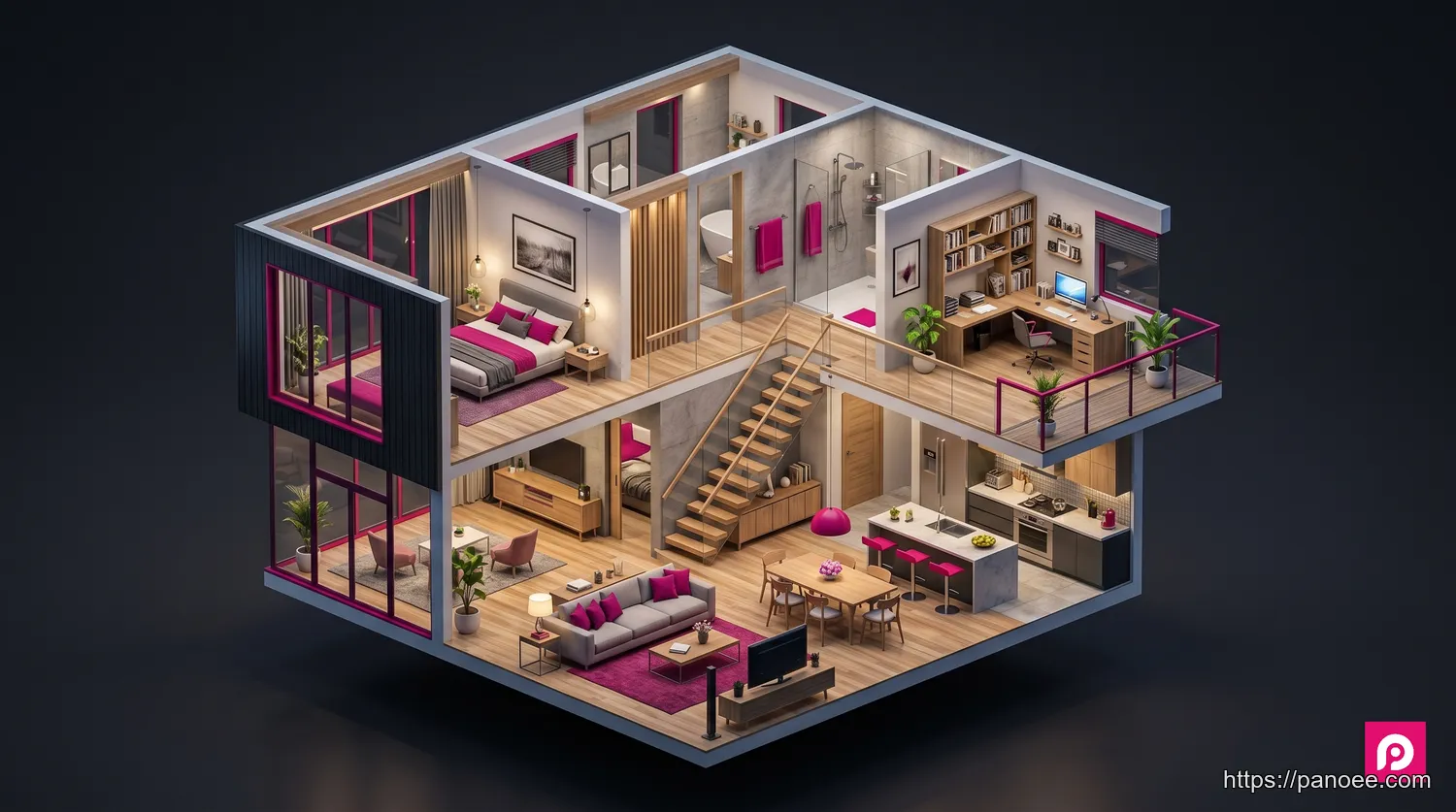
A 3D tour — more precisely called a spatial digital twin — is a fully measurable, three-dimensional reconstruction of a physical space. Unlike a 360 tour that stitches together photographs, a 3D tour is created by a specialized scanner that captures millions of data points (a “point cloud”) and uses photogrammetry or structured-light technology to assemble them into a precise geometric mesh.
The result is the concept of a digital twin: a virtual replica that mirrors the real-world space with geometric accuracy. This enables three unique viewing modes unavailable in 360 tours:
- Dollhouse view — a god’s-eye view of the entire space as a miniature architectural model
- Floor plan view — a top-down, measured layout of the property
- Inside view — first-person navigation through the 3D mesh
Matterport is the best-known platform for 3D tours, though several Matterport alternatives now offer competitive scanning and processing capabilities at lower price points. You can also explore complementary solutions through our digital twin resource page.
The tradeoff: 3D scanning hardware is expensive (professional scanners range from $3,000 to $70,000+), processing is cloud-dependent, and the workflow is significantly more complex than shooting 360 panoramas.
The Key Differences: A Head-to-Head Comparison
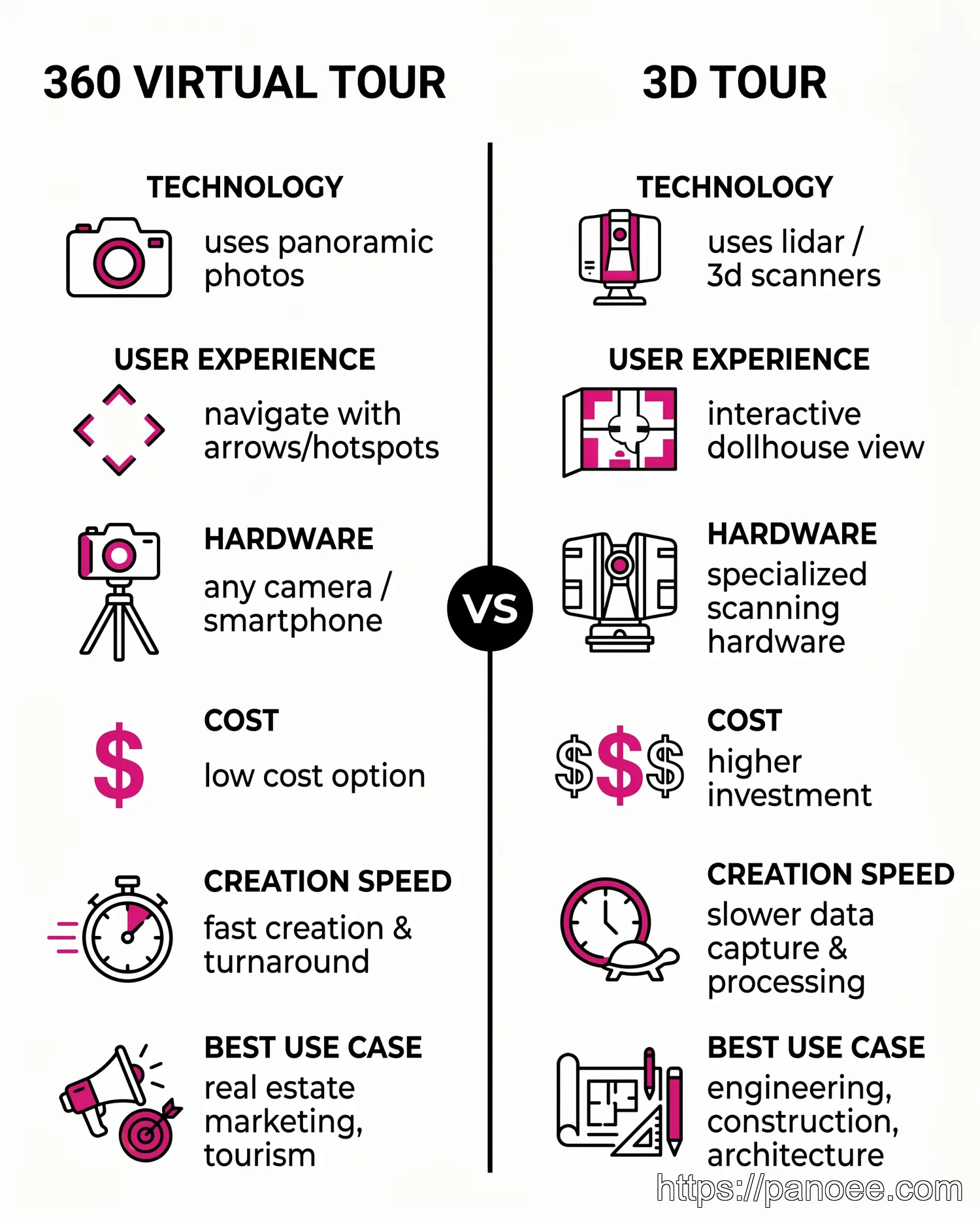
The table below distills the most important differences across six decision-critical dimensions. Use it as a quick reference when evaluating which format fits your project.
| Feature | 360 Virtual Tour | 3D Tour |
|---|---|---|
| Technology | Linked 360° panoramic photos | 3D mesh model from laser/photogrammetry scanning |
| User Experience | Point-to-point hotspot navigation | Free movement, dollhouse view, floor plan view |
| Creation Process | Capture panoramas, link in software | Scan space with specialized hardware, cloud processing |
| Required Hardware | Any 360° camera (hardware-agnostic) | Specialized 3D scanners (Matterport, FARO, Leica) |
| Cost | Lower — from a few hundred dollars | Higher — hardware alone costs $3,000–$70,000+ |
| Best For | Marketing, storytelling, hospitality, real estate | Engineering, construction, architecture, insurance |
The cost gap between the two formats is wider than most buyers expect. A professional 360 virtual tour of a mid-size property can be created for $200–$800 in production costs. An equivalent 3D scan — factoring in hardware, software subscriptions, and processing time — typically runs $1,000–$5,000+ for a comparable space. If your primary goal is visual marketing rather than spatial measurement, the cost difference rarely justifies choosing 3D.
How is Each Tour Created?
Understanding the production workflow behind each format helps clarify why they differ so significantly in flexibility, cost, and output quality.
360 Virtual Tour Creation
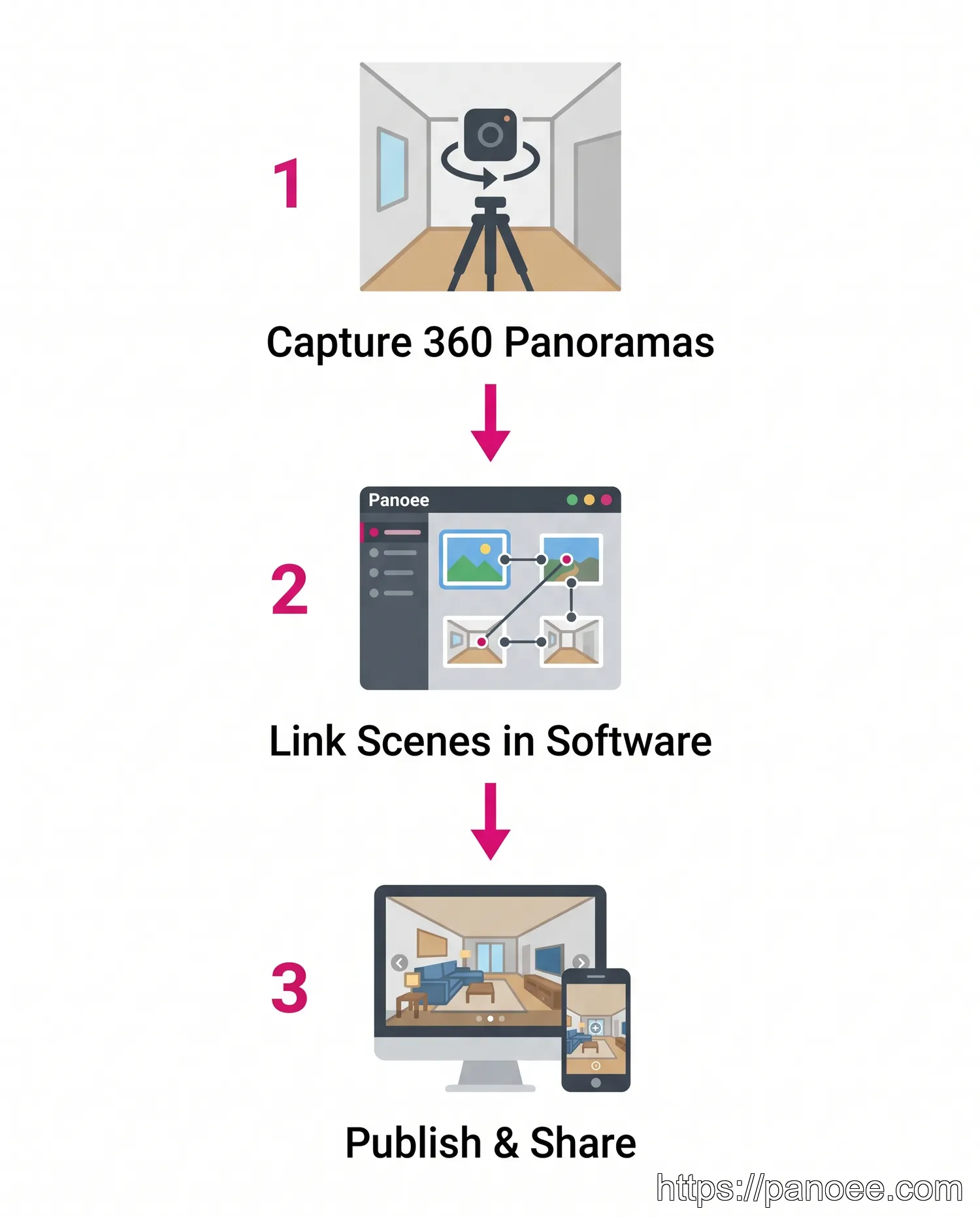
The production process for a 360 virtual tour is intentionally straightforward:
- Capture panoramas at key positions. Set up a 360-degree camera on a tripod at each strategic viewpoint within the space. Most properties require between 10 and 50 positions depending on size and complexity.
- Upload and link scenes in software. Import your panoramic images into a platform like Panoee, then use the visual editor to place navigation hotspots connecting each scene. Add labels, media embeds, and interactive elements as needed.
- Publish and distribute. Generate a shareable link or embed code. The finished tour streams via Multi-Resolution technology, ensuring fast load times even for 32K images on any device.
The entire workflow — from shoot to published tour — can be completed in a single day for most residential properties. Because Panoee is hardware-agnostic, photographers can use any 360 camera brand they already own.
3D Tour Creation
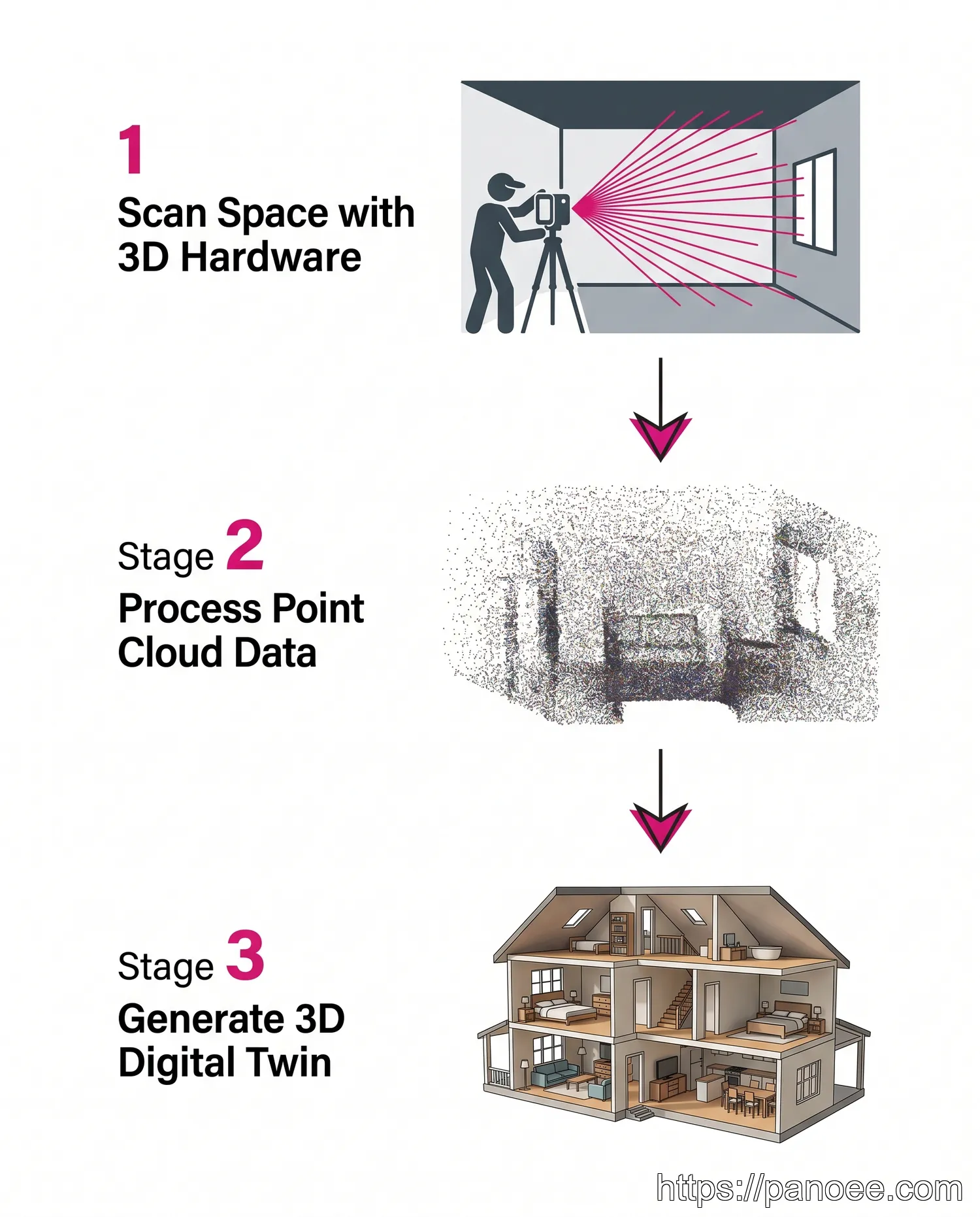
The 3D tour workflow is considerably more involved:
- Scan the space with specialized hardware. A trained operator moves a 3D scanner (such as a Matterport Pro3 or FARO Focus) through each room. The scanner emits structured light or laser pulses to capture precise depth measurements at every point in the environment.
- Process the point cloud. Raw scan data is uploaded to the vendor’s cloud platform. Algorithms stitch individual scan positions into a unified, geometrically accurate point cloud — a dense 3D map of the space. This processing step can take hours to complete.
- Generate and review the digital twin. The platform converts the point cloud into a navigable 3D mesh, complete with dollhouse view, floor plan, and inside-view navigation. The operator reviews for scan gaps and may need to re-shoot areas with insufficient data.
This complexity is why 3D tour production typically takes longer, requires specialist operators, and carries higher per-project costs than 360 virtual tours.
Which Tour Type is Right for You?
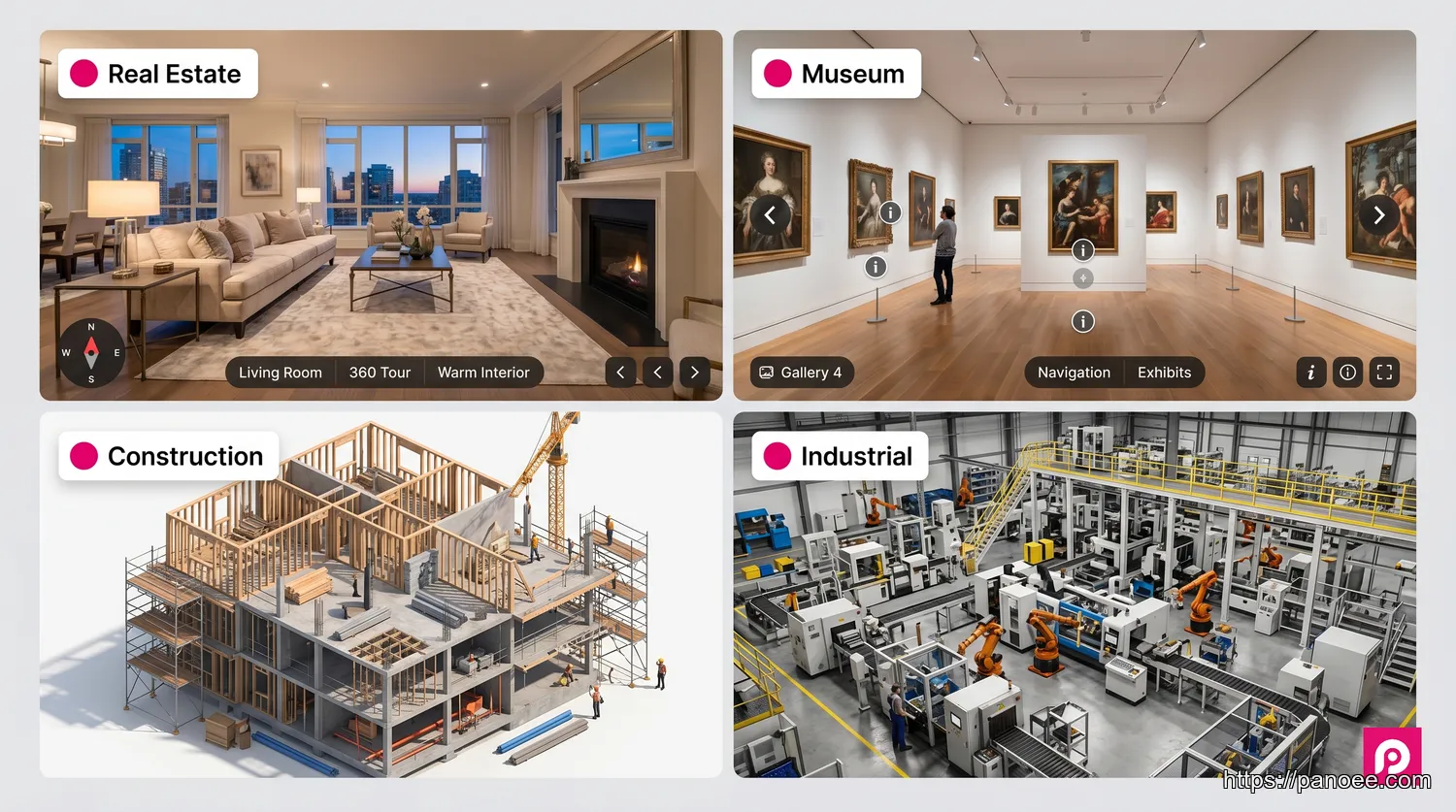
The best format is determined by three factors: your primary goal (marketing vs. measurement), your budget, and how frequently you need to update the content.
Choose a 360 Virtual Tour if you:
- Are in real estate, hospitality, tourism, or retail and need compelling visual marketing
- Want to highlight the most flattering angles and atmosphere of a space
- Need fast turnaround — same-day production is realistic
- Require flexibility to update content without re-scanning (swap out scenes, add hotspots)
- Are working within a limited budget or want to scale across multiple properties
For applications in virtual tour real estate, 360 tours consistently outperform 3D tours on cost-per-listing and time-to-publish metrics. Explore the best virtual tour software options to find a platform that fits your workflow.
Choose a 3D Tour if you:
- Need geometrically accurate spatial data — measurements, area calculations, as-built documentation
- Are working in architecture, construction, engineering, or insurance
- Want to offer a dollhouse or floor plan navigation experience specifically
- Have the budget for specialized hardware and the time for cloud processing
- Are creating a long-term digital record of a facility or construction site
If you want a 3D-like navigation experience without 3D scanning costs, Panoee’s Interactive Floorplans feature overlays a clickable floor plan map on your 360 tour — giving viewers spatial context and room-to-room navigation that closely mimics the 3D tour experience. This is the most cost-efficient way to bridge the gap between the two formats.
Frequently Asked Questions
Create Your High-Resolution 360 Virtual Tour with Panoee
Panoee is a professional, browser-based virtual tour platform built for photographers, real estate agents, and marketing teams who need powerful features without complexity or proprietary hardware lock-in. Upload panoramas up to 32K resolution, connect scenes with interactive hotspots, add Interactive Floorplans for spatial navigation, and publish watermark-free tours — all from a free account.
Whether you’re showcasing a luxury listing, a boutique hotel, or a museum exhibit, Panoee’s Multi-Resolution streaming technology ensures your tour loads instantly on any device, anywhere in the world.
Build a professional 360 virtual tour today — no hardware lock-in, no watermarks.
Free to start. Supports any 360 camera. Publish in minutes.
🚀 Start Creating for Free