
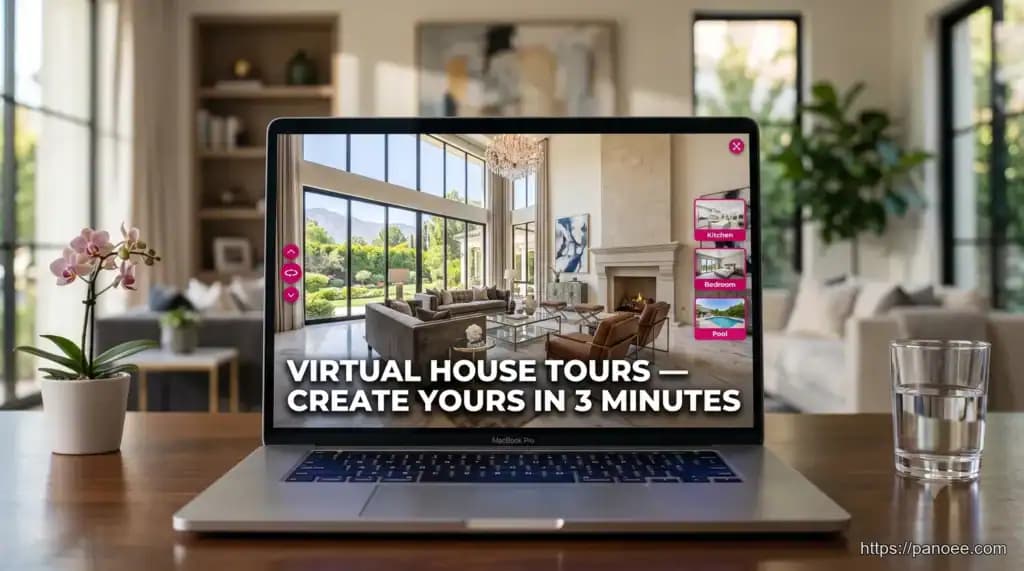
Virtual house tours are interactive, 360-degree walkthroughs that let buyers explore a property online as if they were physically present. Whether you’re showcasing a cozy three-bedroom home or a multi-acre luxury estate, a well-built virtual tour eliminates geographic barriers, qualifies serious buyers faster, and dramatically reduces unnecessary in-person showings.
- Virtual house tours can be created using a 360° camera (Ricoh Theta, Insta360) or even standard 2D images via a ‘Flat Scene’ feature — no specialist gear required.
- The full workflow — upload → add hotspots → publish — takes as little as 3 minutes with modern software like Panoee.
- Key real estate features include interactive floorplans, lead capture forms, Nadir Logo (to hide the tripod), and iFrame embedding for Zillow/MLS listings.
- Panoee supports up to 32K resolution panoramas via its Multi-Resolution engine — ideal for luxury and mansion tours where detail matters.
- Finished tours can be shared via direct link, embedded on listing sites, or published to Google Street View — all from a free plan with no watermarks.
What Is a Virtual House Tour & Why It Matters in 2026
A virtual house tour (also called a 3D house tour or 360 home tour) is an immersive digital experience stitched together from panoramic images or video. Unlike a static photo gallery, it allows a viewer to control navigation — spinning 360° in any room, clicking hotspots to reveal details, and moving from scene to scene via an interactive floorplan.
The demand signal is clear: queries like 3d house tours luxury, 3d mansion tours, and virtual house tours 3d are growing year-on-year, driven by remote buyers, international investors, and time-pressed professionals who research property entirely online before committing to a visit.
For real estate agents and property developers, the value proposition is straightforward:
- Wider reach — Buyers in different cities or countries can tour a property at any time.
- Higher-quality leads — Only genuinely interested buyers request in-person visits.
- Faster sales cycle — Listings with virtual tours spend fewer days on market.
- Premium positioning — Luxury and mansion listings demand a premium visual experience that static photos cannot deliver.
If you’re currently relying on flat photos and a YouTube walkthrough video, a 360-degree virtual house tour is the upgrade your listings need.
Stunning Examples: Luxury & Mansion Virtual House Tours
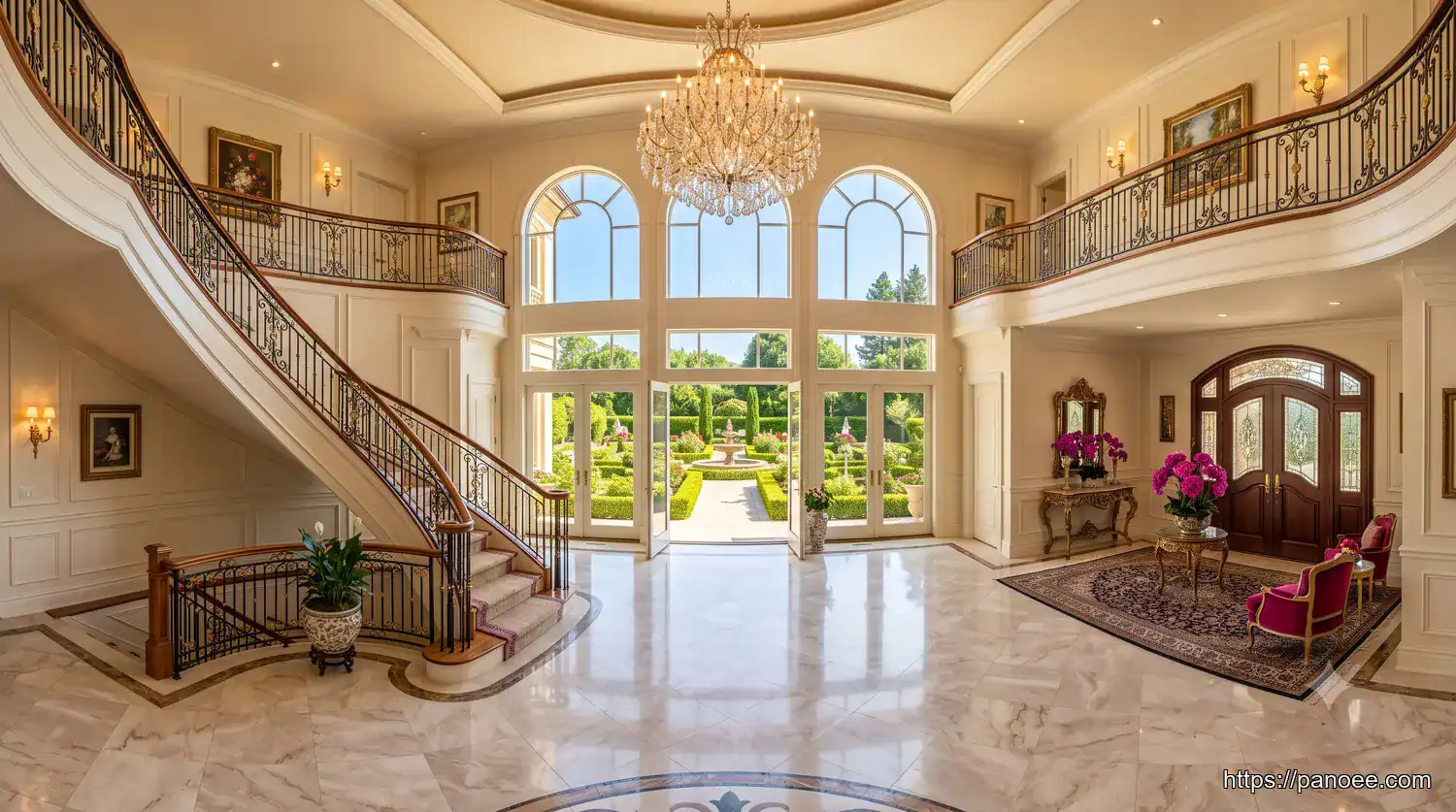
The highest-performing virtual house tours in the luxury segment share a set of consistent characteristics. Here’s what separates a memorable 3D mansion tour from an average one:
Scale and spatial storytelling. Grand estates — often 10,000+ sq ft across multiple floors — need a carefully sequenced scene order. A great tour starts at the entrance, moves through public entertaining spaces, transitions to private areas, and ends with exterior views or grounds.
Ultra-high resolution. Luxury buyers zoom into details: grain patterns on hardwood floors, stone veining on marble countertops, hardware finishes on cabinetry. This is where 32K resolution support (via Panoee’s Multi-Resolution engine) becomes a genuine differentiator — the tour loads fast but reveals extraordinary detail on demand.
Contextual hotspots. Top luxury tours embed hotspots that reveal spec sheets, material finishes, square footage data, and even eCommerce links for staged furnishings — turning a passive tour into an interactive property brochure.
A Tour Guide presenter. Some high-end agencies add a green-screen video of the listing agent appearing inside the tour, guiding the viewer through each space with narration — dramatically increasing engagement and building personal brand.
For photographers and agents building a 360 real estate photography portfolio, these luxury examples set the benchmark.
How to Create a Virtual House Tour: Step-by-Step
Competitors in the SERP focus on showcasing finished tours. This section fills the gap: a complete, actionable workflow from first capture to published listing.
Step 1 — Choose Your Capture Method
You have two primary options:
| Method | Best For | Equipment Needed |
|---|---|---|
| 360° Camera (Ricoh Theta Z1, Insta360 X4) | Professional results, full spherical capture | 360° camera + tripod |
| 2D Photos (Flat Scene) | Budget-conscious, DIY listings | DSLR, mirrorless, or smartphone |
For luxury and mansion properties, a dedicated 360° camera is strongly recommended. The best 360 cameras for virtual tours offer one-tap capture and direct Wi-Fi transfer, significantly accelerating the shoot.
Step 2 — Upload Your Images to Panoee
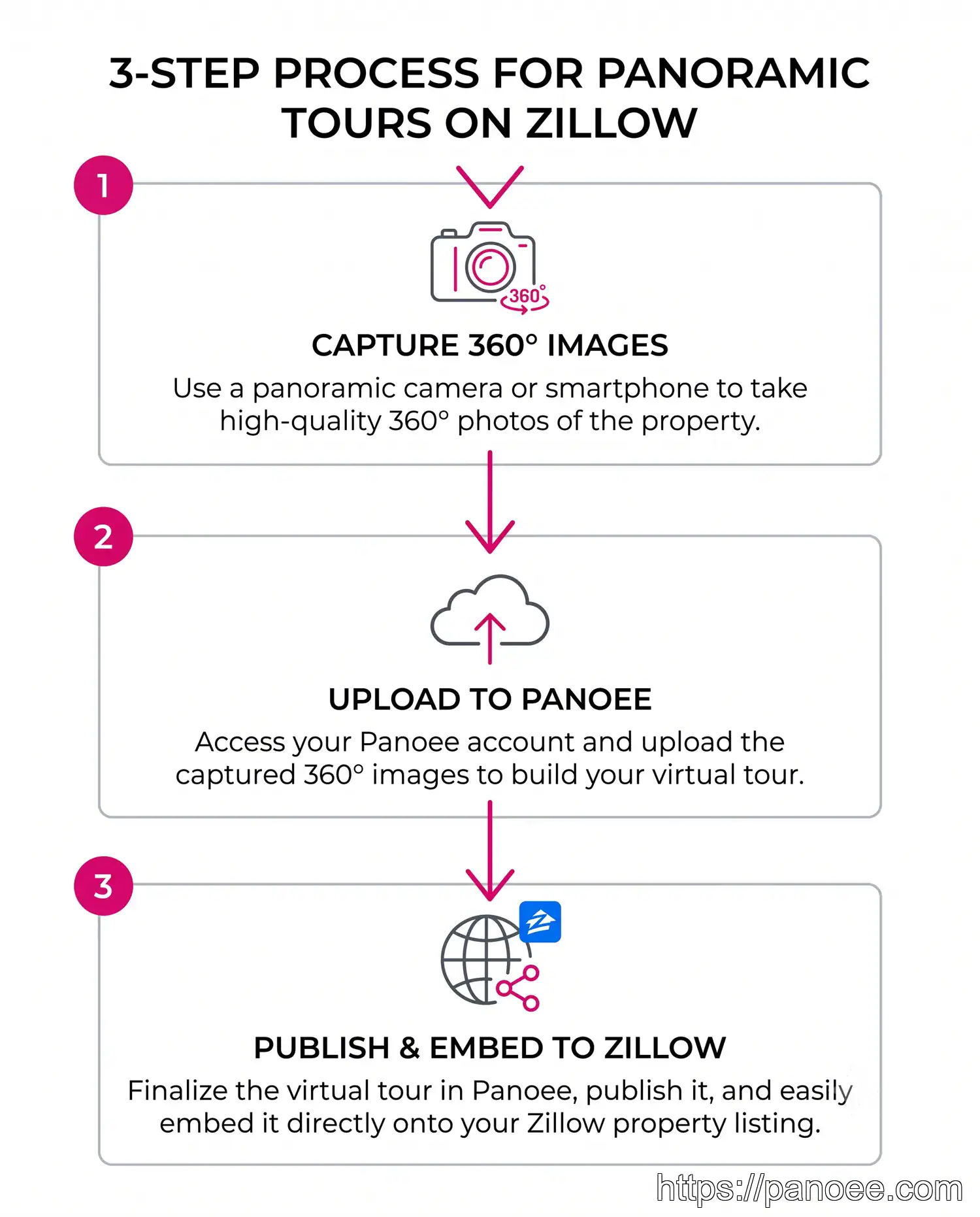
- Upload your panoramas. Drag and drop your 360° images (or 2D flat-scene photos) directly into Panoee’s web editor. The platform is hardware-agnostic — it accepts files from any 360-degree camera brand. Panoee’s infrastructure runs on Amazon Web Services (AWS), ensuring fast, reliable upload speeds regardless of file size.
- Edit and add interactive elements. Add navigational hotspots between rooms, embed an interactive floorplan with scene markers, insert a lead capture form to collect buyer enquiries, and apply a Nadir Logo to brand the floor patch and hide the camera tripod. For luxury listings, consider adding eCommerce hotspots for staged furniture or a Tour Guide video overlay.
- Publish your tour online. Hit publish and your tour is live — typically within 3 minutes of starting. Share via a direct link, embed it into a Zillow or MLS listing using the generated iFrame code, or publish it directly to Google Street View. For agency branding, you can host on a custom domain so the tour URL matches your own website.
Before a listing goes public, use Panoee’s password protection feature to share an exclusive preview link with VIP clients or the seller for approval. This adds a layer of professionalism and prevents premature public indexing of the tour.
Essential Features That Make a Great Virtual House Tour
Not all virtual tour software is equal. Below is a comparison of the features that matter most for real estate — and whether Panoee supports them.
| Feature | Why It Matters for Real Estate | Panoee Support |
|---|---|---|
| Interactive Floorplan | Lets buyers understand spatial layout and navigate by room | ✅ Yes |
| Lead Capture Form | Converts tour viewers into leads directly | ✅ Yes |
| Nadir Logo | Hides tripod, adds branding to floor patch | ✅ Yes |
| 32K Multi-Resolution | Fast-loading, ultra-detailed panoramas for luxury homes | ✅ Yes |
| Custom Domain | White-label hosting matches agency brand | ✅ Pro & Enterprise |
| iFrame Embed (Zillow/MLS) | Embeds tour directly in property listings | ✅ Yes |
| Google Street View Publish | Adds tour to Google Maps for organic discovery | ✅ Yes |
| Password Protection | Secure previews for private or pre-market listings | ✅ Yes |
| Tour Guide (Green Screen) | Agent video overlay increases engagement | ✅ Yes |
| eCommerce Hotspots | Sell staged furnishings directly from the tour | ✅ Yes |
| Offline Export | View tour locally without internet | ✅ Yes |
For a deeper comparison of platforms, see the complete guide to virtual tour real estate software and the Matterport alternatives analysis.
How to Share & Publish Your Virtual House Tour
Once your tour is built, distribution determines its impact. Here are the four most effective publishing channels for real estate virtual house tours:
1. Direct Link Sharing — Copy the Panoee tour URL and include it in email campaigns, WhatsApp, or your social media bio. Works instantly with no technical setup.
2. iFrame Embed on Listing Sites — Paste the provided iFrame code snippet directly into a Zillow, Realtor.com, or agency website listing. Buyers stay on the listing page and interact with the tour without leaving.
3. Google Street View — Publish approved panoramas directly to Google Maps. This gives the property passive organic visibility — buyers searching the address on Google see the tour before they even click a website link.
4. Custom Domain Hosting — For agencies managing multiple luxury listings, hosting tours on a branded subdomain (e.g., tours.youragency.com) creates a consistent, professional client experience. Available on Panoee’s Pro and Enterprise plans.
For a complete walkthrough of embedding options, visit the guide on how to embed virtual tours on your website.
Create Your Virtual House Tour Free with Panoee
Panoee is a web-based virtual tour software purpose-built for real estate professionals, 360° photographers, and property developers. It requires no downloads, works with any 360° camera brand, and offers a genuine Free Forever plan.
Free Forever Plan
$0/month — unlimited projects, 3 GB storage, and no watermarks on your panoramas. Start building tours immediately with no credit card required.
Pro / Companion Plan
~$22/month — adds custom domain hosting, a 14-day free trial, and expanded storage. Ideal for active agents managing multiple listings.
Enterprise Plan
Variable pricing — includes full white-labeling, 20 GB+ storage, and dedicated support. Built for agencies and virtual tour companies at scale.
Unlike competitors that watermark free-tier tours or cap you at 3–5 projects, Panoee’s Free Plan offers unlimited projects with zero watermarks — a rare commitment in the industry. The platform’s 32K Multi-Resolution engine and AWS-backed infrastructure mean your luxury listings load fast and look sharp on every device.
Panoee is independently reviewed on Capterra by real users — worth reading if you’re evaluating options. You can also explore how Panoee compares to Kuula or read why agents switch from CloudPano.
Ready to create your first virtual house tour? Visit panoee.com and publish your first tour in under 3 minutes — no credit card, no watermarks.
Frequently Asked Questions
📅 Content updated: 07/07/2026
