Panoee

번역을 생성하는 중입니다. 잠시만 기다려 주세요.

Delete Images in Media

Delete Images in Media

Learn how to delete unwanted images from the Media library in your Panoee project.

Steps

  1. Go to the Media tab — Open your project and navigate to the Media tab from the main menu.

    Media tab in Panoee

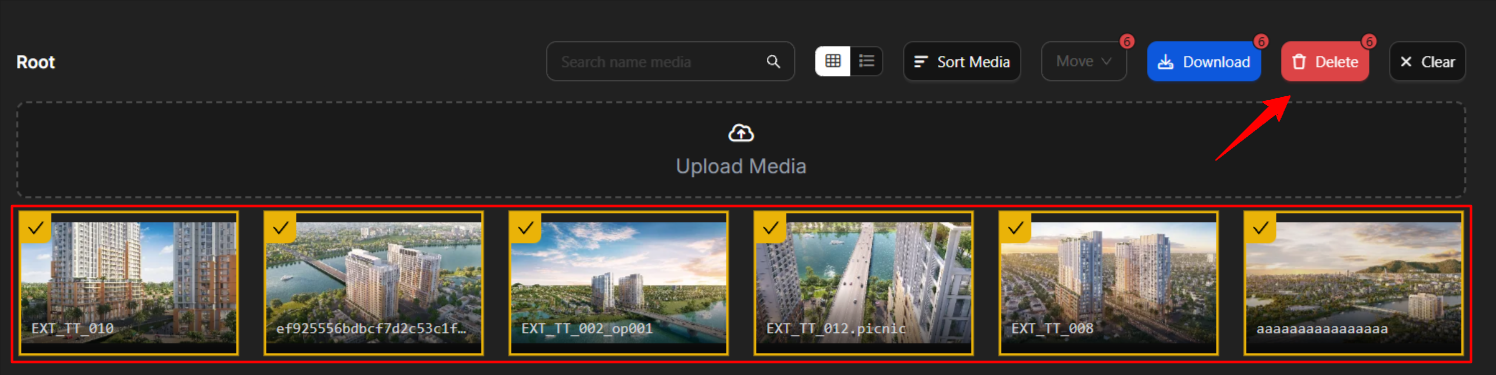
  2. Select and delete — Select the images you want to remove. Hold Shift to select multiple images, then click Delete.

    Delete Images in Media

Notes

  • Deleted images cannot be recovered. Make sure you have backups before deleting.

  • Use Shift+click to select multiple images at once for batch deletion.