
5 Jan 2023
Change Password
https://www.youtube.com/watch?v=FAGbpIJuVns Change your password is easy with a few steps: STEP 1: LOGIN 1. Fill in the login box your email and password manually. 2. Click "Login". STEP 2: OPEN MY PROFILE 1. Click dropdown-toggle on the top left of the
Change your password is easy with a few steps:
STEP 1: LOGIN
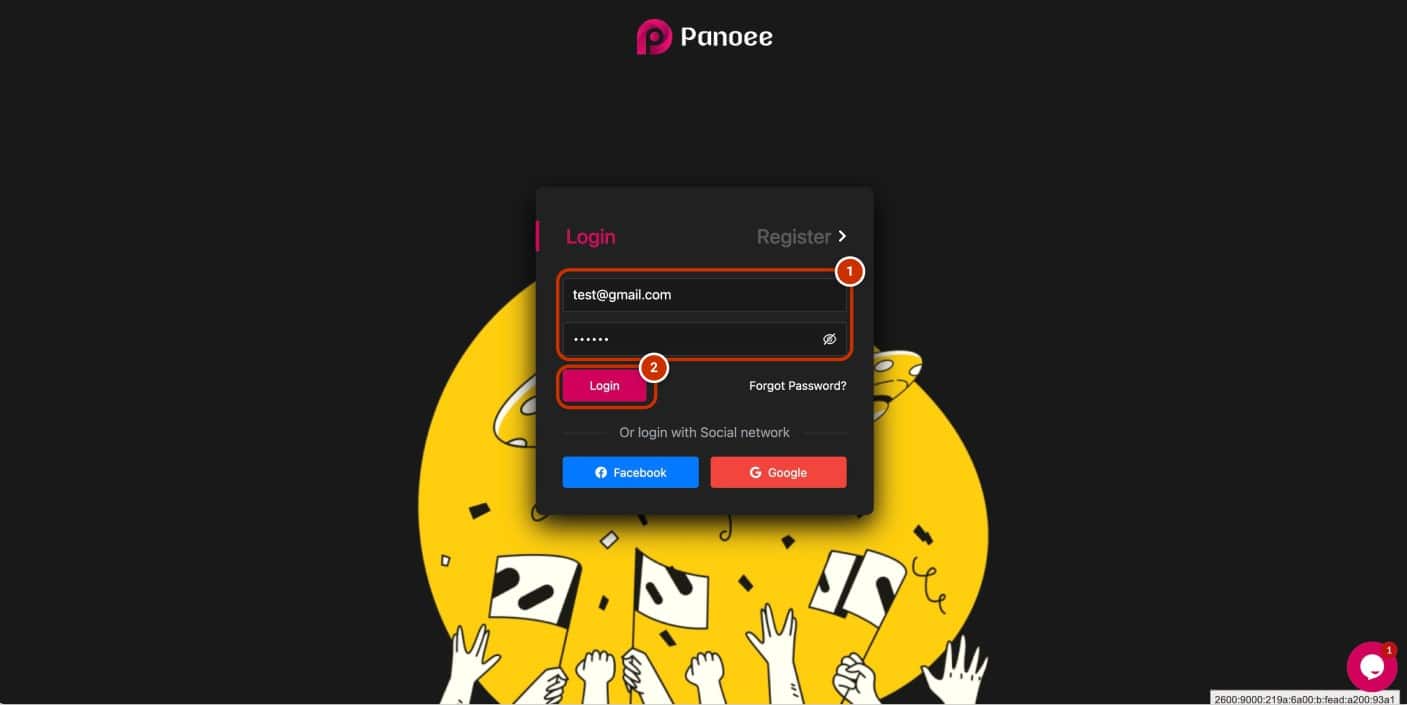
1. Fill in the login box your email and password manually.
2. Click “Login”.
STEP 2: OPEN MY PROFILE

1. Click dropdown-toggle on the top left of the dashboard.
2. Select “My Profile”.
STEP 3: CHANGE YOUR PASSWORD

1. Click “Change Password”.
2. Type your current password.
3. Change your password.
4. Click “Save changes”.
Your password is changed successfully.
