
Шаги
-
Откройте страницу входа в Panoee
Перейдите по ссылке https://studio.panoee.net/account/auth, введите email и пароль от вашего аккаунта, затем нажмите Войти.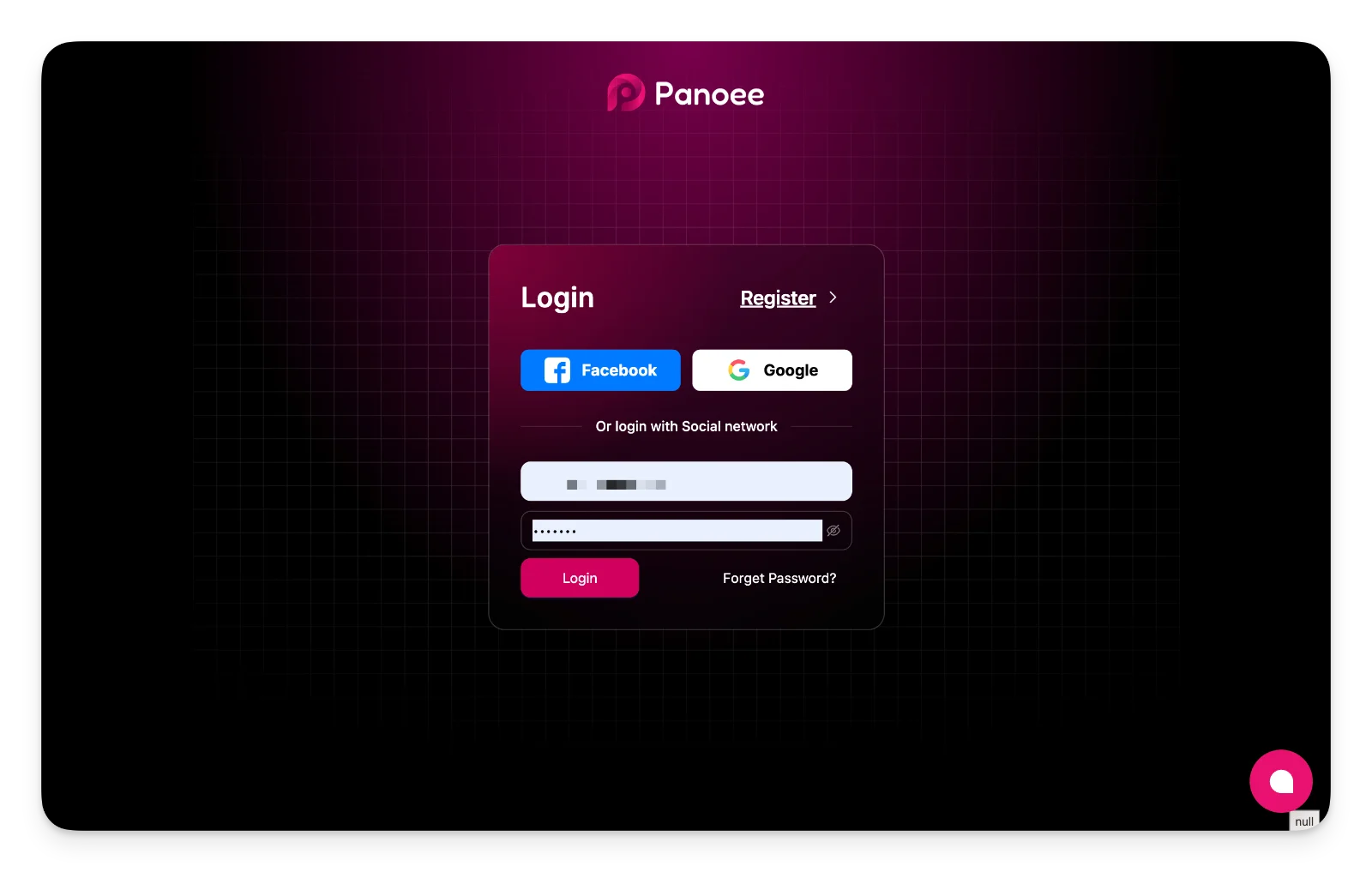
-
Убедитесь, что вход выполнен успешно
После входа Panoee перенаправит вас на https://studio.panoee.net/dashboard/projects, где вы сможете просматривать и управлять своими проектами.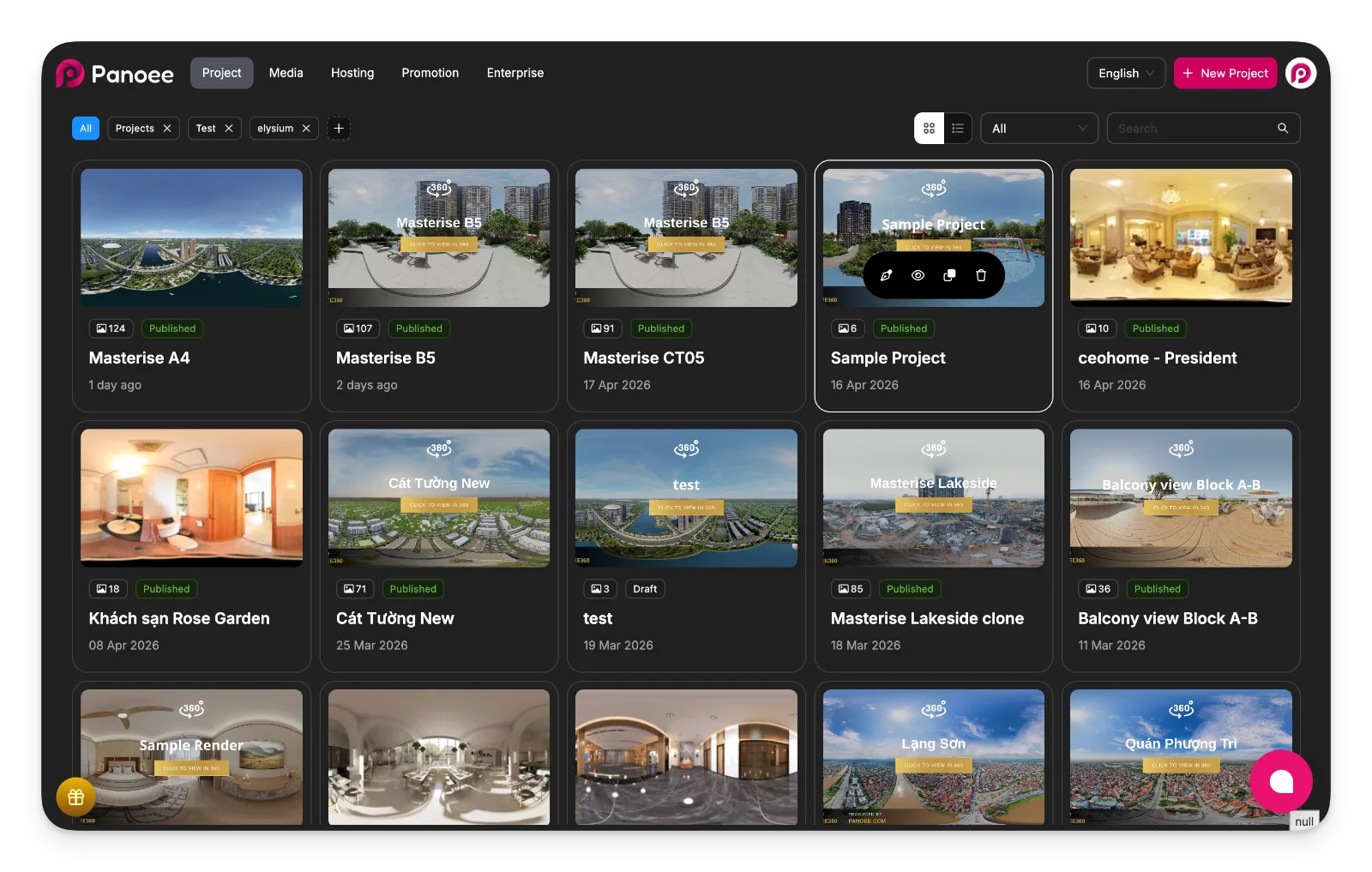
Примечания
-
Вы также можете войти через Facebook или Google, если ваш аккаунт привязан к этим сервисам.
-
Если вы не можете получить доступ к аккаунту, воспользуйтесь ссылкой Забыли пароль?
