Panoee

Documents

Published documents from existing production API.

Link Scenes with Navigation Hotspot

5 Jan 2023

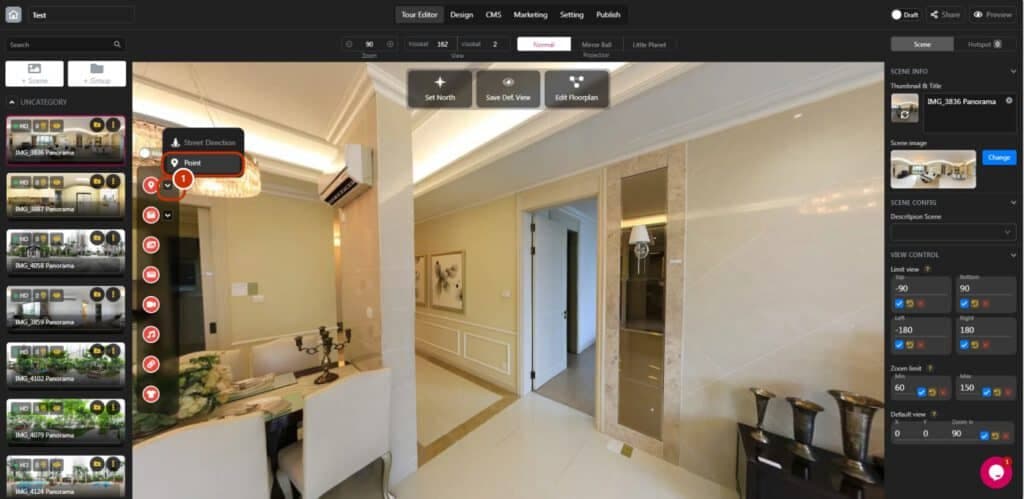
Link Scenes with Navigation Hotspot

https://www.youtube.com/watch?v=YUlL_LAr--E You need to create a project or open existed project and add scenes before linking scenes with navigation hotspot: 1. Click the toggle-down button and choose "Point". 2. Drag and drop hotspot icon into the destination. 3. Click dragged

Read more
Set Default View

5 Jan 2023

Set Default View

https://www.youtube.com/watch?v=YUlL_LAr--E You need to access Editor to set default view: 1. Create a new project or select your existed project. 2. Name your project. 3. Click "Let's go". 4. Click "+Scene". 5. Upload your image(s). 6. Select/Deselect your image(s). 7.

Read more
Control The Scene View

5 Jan 2023

Control The Scene View

https://www.youtube.com/watch?v=YUlL_LAr--E Before start controlling the scene view, you need to create a scene: 1. Create your new project. 2. Name your project.3. Click "Let's go". 4. Click "+Scene". 5. Upload your image(s). 6. Select/Deselect your image(s). 7. Click "Submit". Introduction

Read more
Manage Projects

5 Jan 2023

Manage Projects

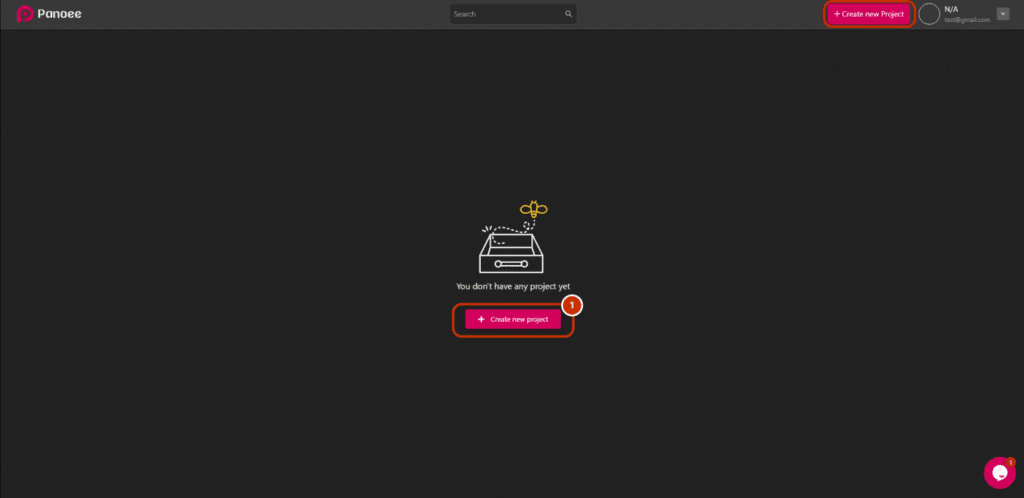
https://www.youtube.com/watch?v=FAGbpIJuVns You can manage unlimited projects, and this is the guide on how you do it: STEP 1: CREATE A NEW PROJECT 1. Create a new project by clicking "Create new project". 2. Type the name of your new project.

Read more
Manage Profile

5 Jan 2023

Manage Profile

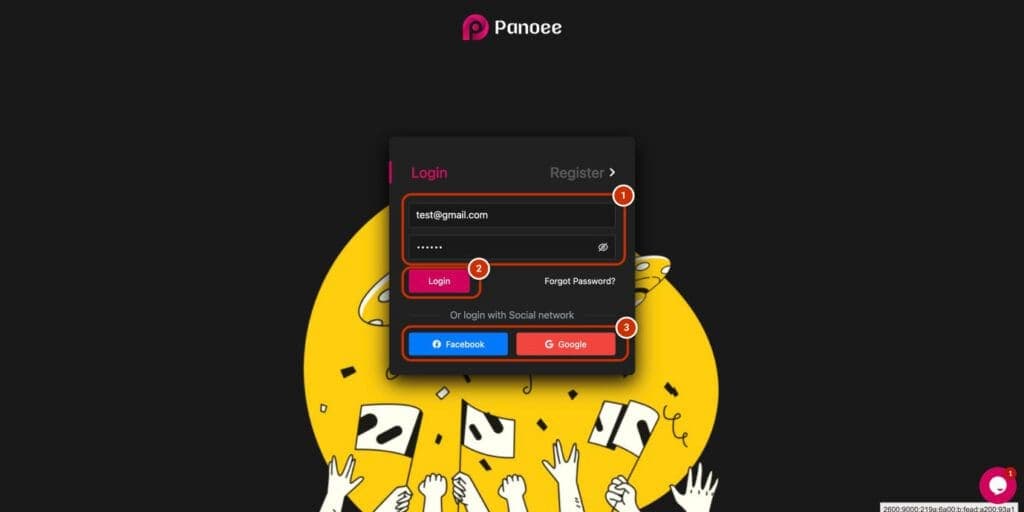
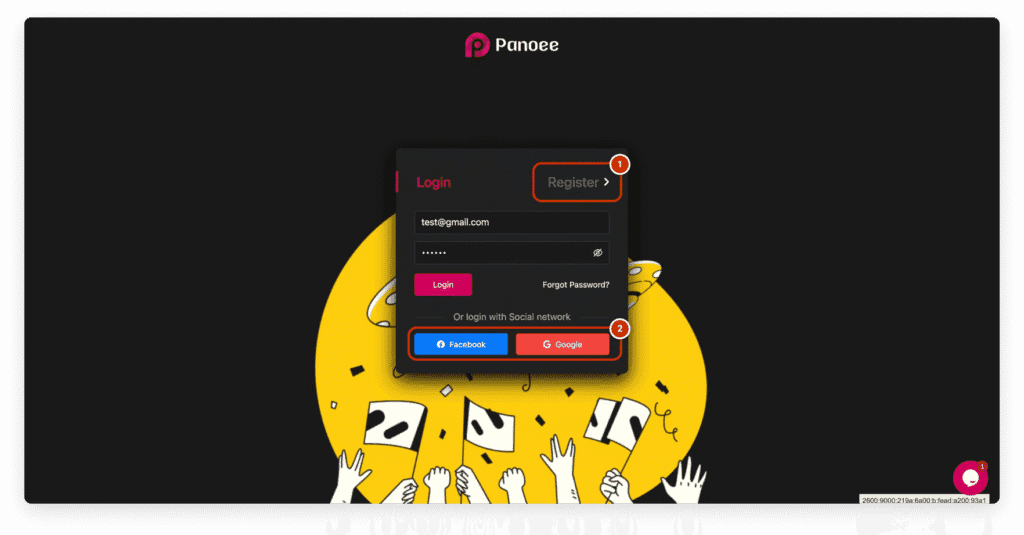
https://www.youtube.com/watch?v=FAGbpIJuVns Manage your profile easily with a few clicks: STEP 1: LOGIN TO YOUR ACCOUNT 1. Type your email and password. 2. Click login. 3. Using Facebook or Google account to login faster. STEP 2: OPEN YOUR PROFILE 1. Click

Read more
Change Password

5 Jan 2023

Change Password

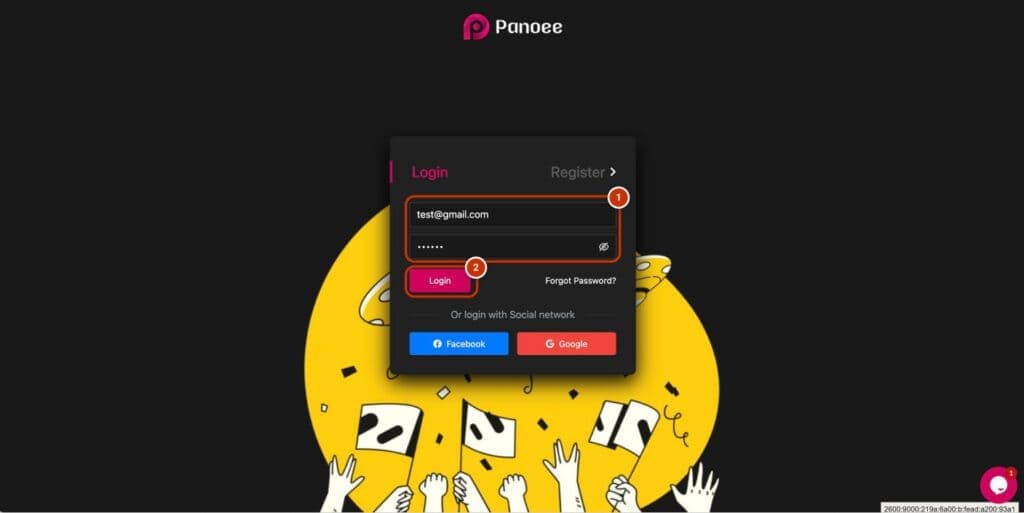
https://www.youtube.com/watch?v=FAGbpIJuVns Change your password is easy with a few steps: STEP 1: LOGIN 1. Fill in the login box your email and password manually. 2. Click "Login". STEP 2: OPEN MY PROFILE 1. Click dropdown-toggle on the top left of the

Read more
Forgot Password

5 Jan 2023

Forgot Password

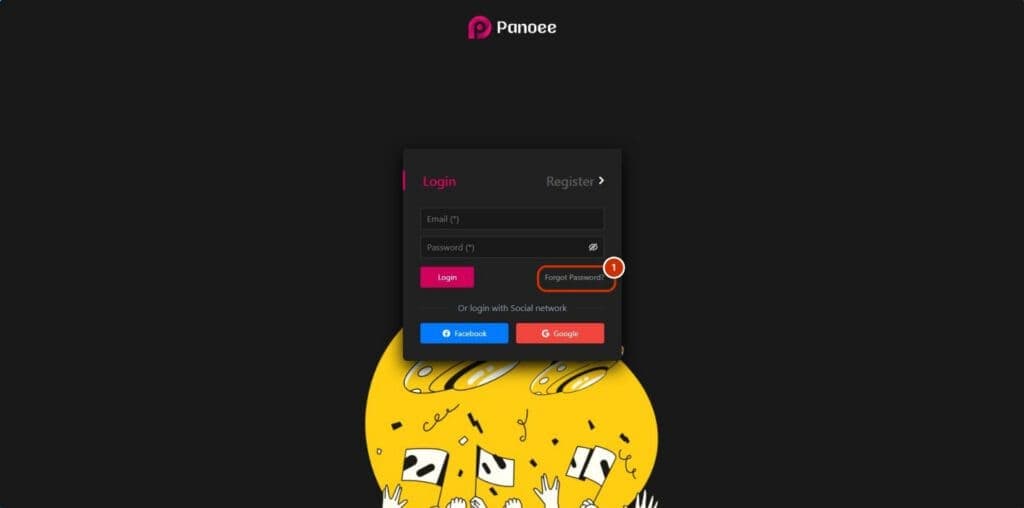
https://youtu.be/FAGbpIJuVns If you forget your password, you can recover it by following these simple steps: 1. Click "Forgot Password?". 2. Fill in your registered email and click "Send request". 3. When you see the "Success" popup, it indicates that we

Read more
Login

5 Jan 2023

Login

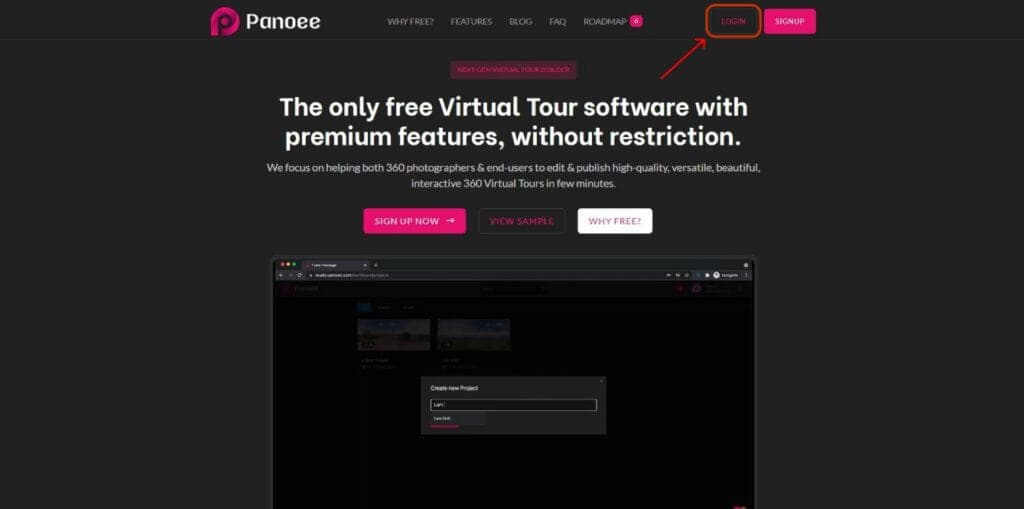
https://youtu.be/oOKxEIpU4y8 Login your account is pretty simple. First, go to https://studio.panoee.com/ or you can click on “Login” on the top right of the website https://panoee.com/ 1. Login with your email 2. Just type your registered email and password, then click

Read more
Create & Manage Scene

5 Jan 2023

Create & Manage Scene

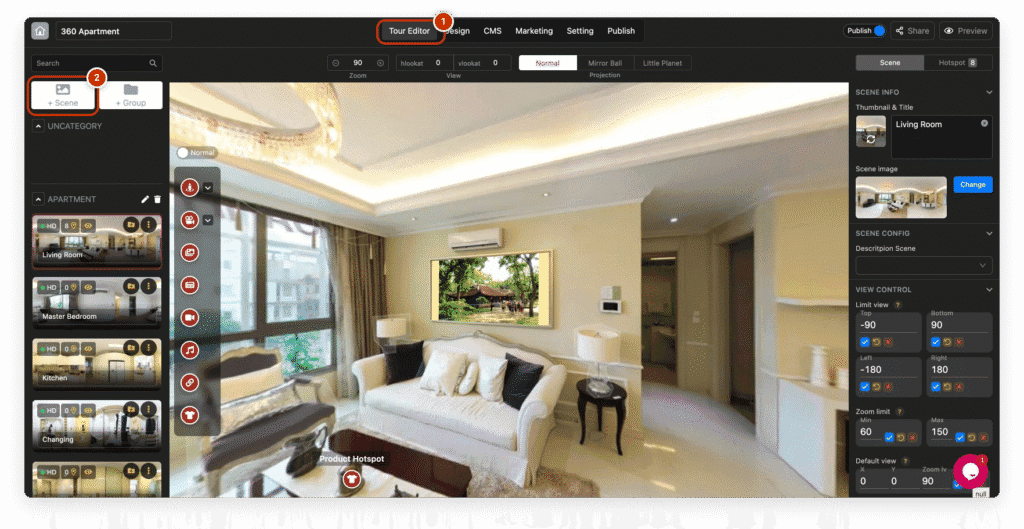
https://www.youtube.com/watch?v=YUlL_LAr--E Create Scene 1. Upload your panorama with drag-and-drop. 2. Once uploaded, select the panoramas you want to create Scenes. 3. Click the button "Submit" to create Scenes. (Yellow annotation) There are few tool to make this process easier: 4.

Read more

4 Jan 2023

Integrate Tour 3D in WordPress

https://youtu.be/4itz5hJZgzc 1. Customize & copy embeded code on Editor. 2. Paste the code inside "Custom HTML" block in Wordpress Editor. 3. Publish the post.

Read more
Create new Project

4 Jan 2023

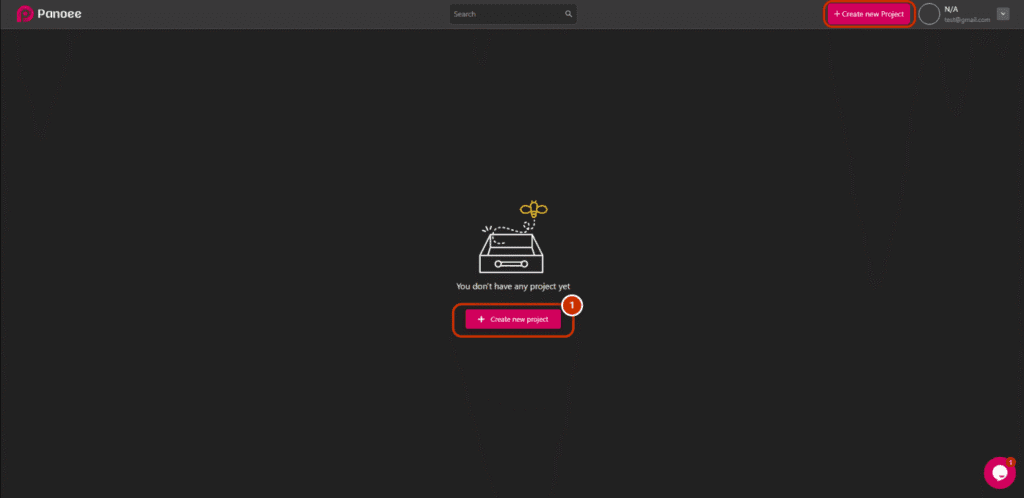
Create new Project

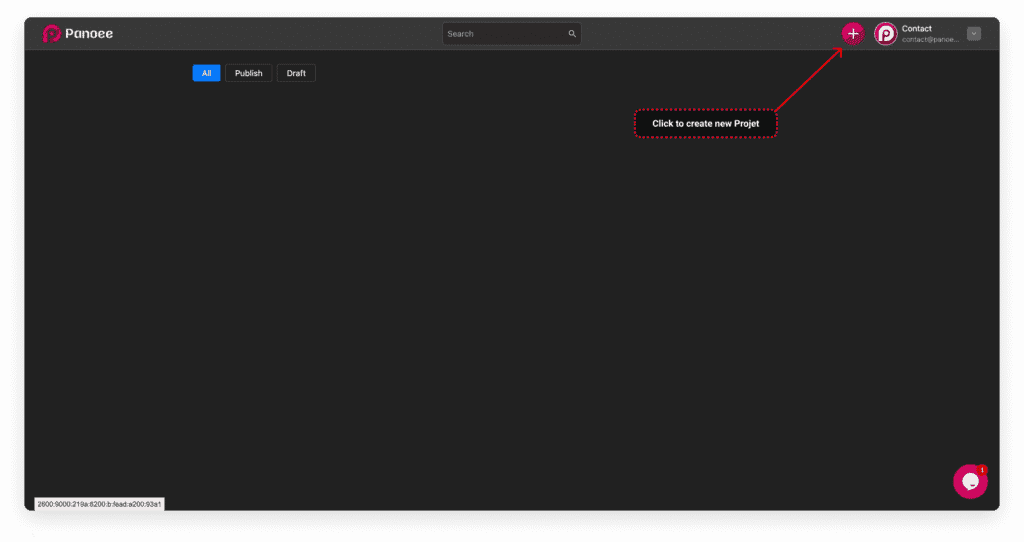
https://www.youtube.com/watch?v=oOKxEIpU4y8 Create new Project is so easy with just 2 click; first click the pink button on the top-right ... and second, choose a good name for your project, then click "Let's go" to make a great Virtual Tour. You

Read more
Register

4 Jan 2023

Register

https://www.youtube.com/watch?v=oOKxEIpU4y8&ab_channel=Panoee Register new account would be easy with just 2 clicks. You can create new account with your email or your facebook / google email, first just go to https://studio.panoee.com/: Start register with your email Quick register with your Facebook / Google

Read more