
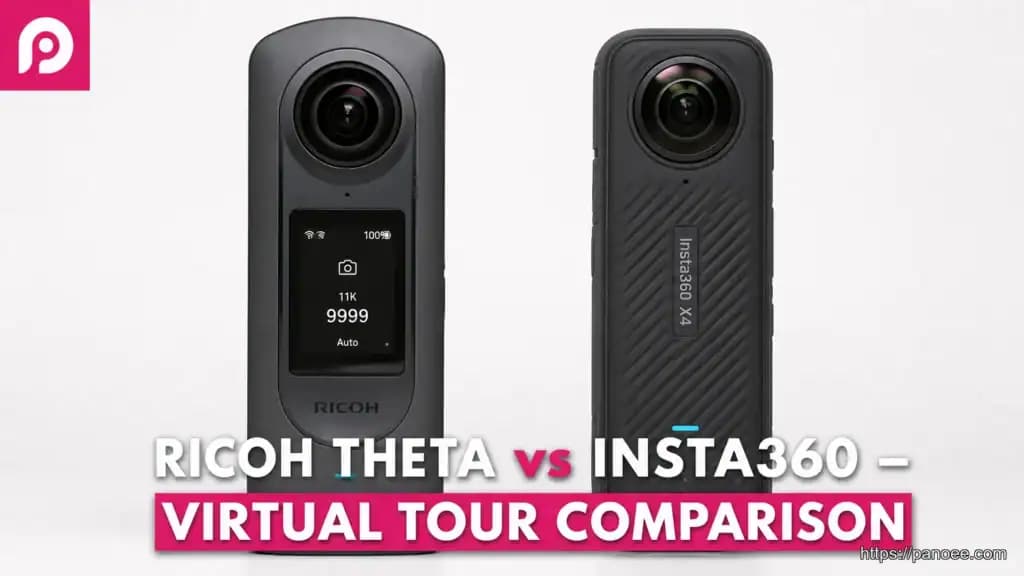
When choosing a 360 camera for virtual tours, Ricoh Theta and Insta360 are two dominant brands offering robust solutions. Both excel at capturing immersive panoramas, but their strengths in image quality, workflow, and features cater to different needs for creators. This guide will compare these popular cameras, helping you decide which is the optimal choice for your virtual tour software integration.
- Ricoh Theta excels in simplicity and consistent still-image quality — ideal for high-volume real estate tours.
- Insta360 X-series offers higher resolution, advanced stabilization, and a richer video ecosystem.
- Both produce equirectangular images compatible with Panoee’s Multi-Resolution engine (up to 32K).
- Insta360 users need an extra stitching step via Insta360 Studio before uploading to tour platforms.
1. Ricoh Theta vs Insta360: Key Differences for Virtual Tour Professionals
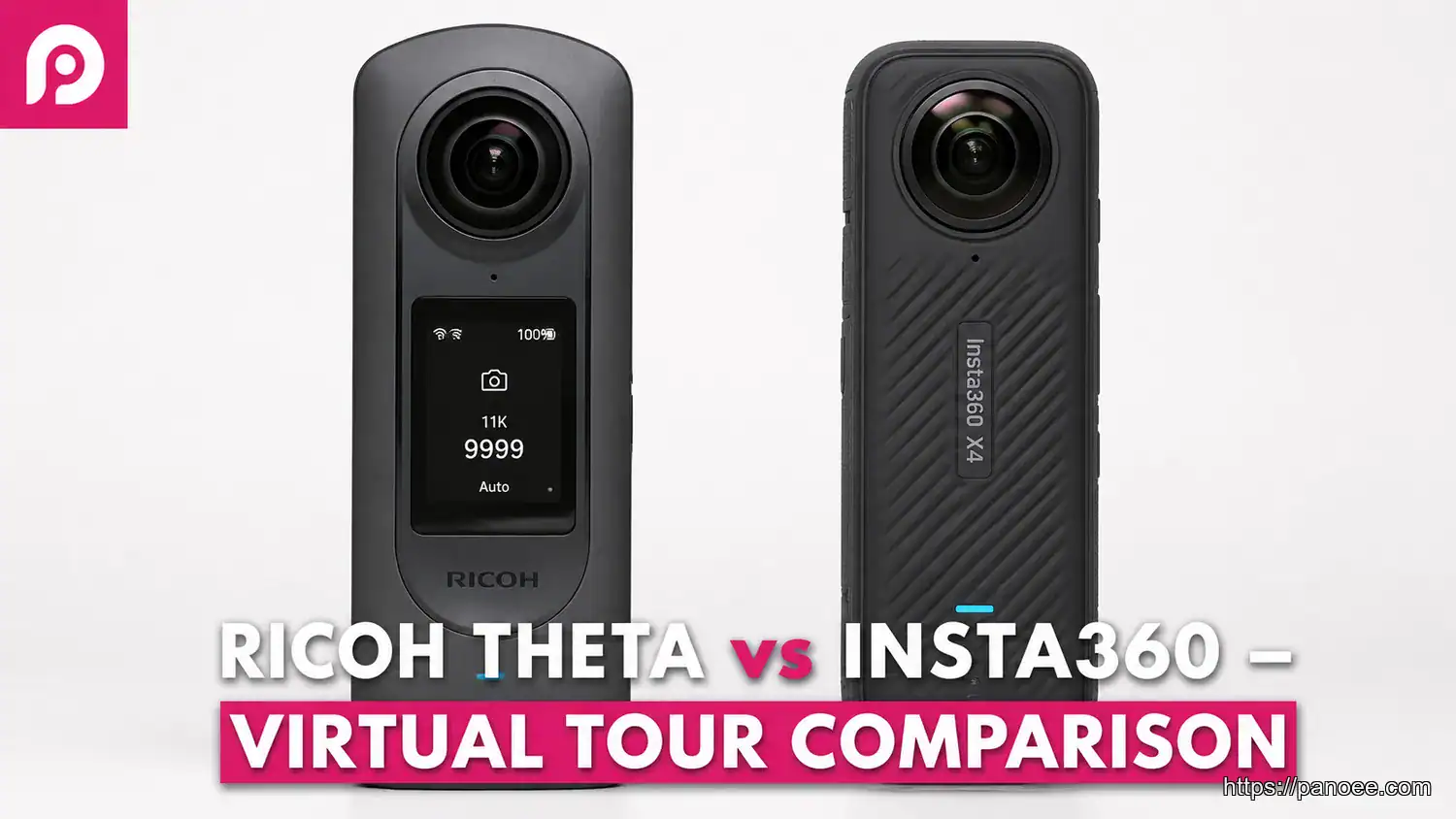
Both cameras capture stunning 360-degree imagery, but their design philosophies diverge meaningfully. Ricoh Theta prioritizes a streamlined, plug-and-play experience with a compact form factor and reliable fixed-lens optics. Insta360 leans into versatility — offering modular accessories, higher-resolution sensors, and a powerful mobile editing ecosystem. For virtual tour professionals, the critical factors are image sharpness, stitching accuracy, and how smoothly each camera integrates into your production workflow. Explore our roundup of the best 360 cameras for virtual tours for a broader market overview.
1.1. Comparison Table: Specs & Features for Virtual Tour Creation
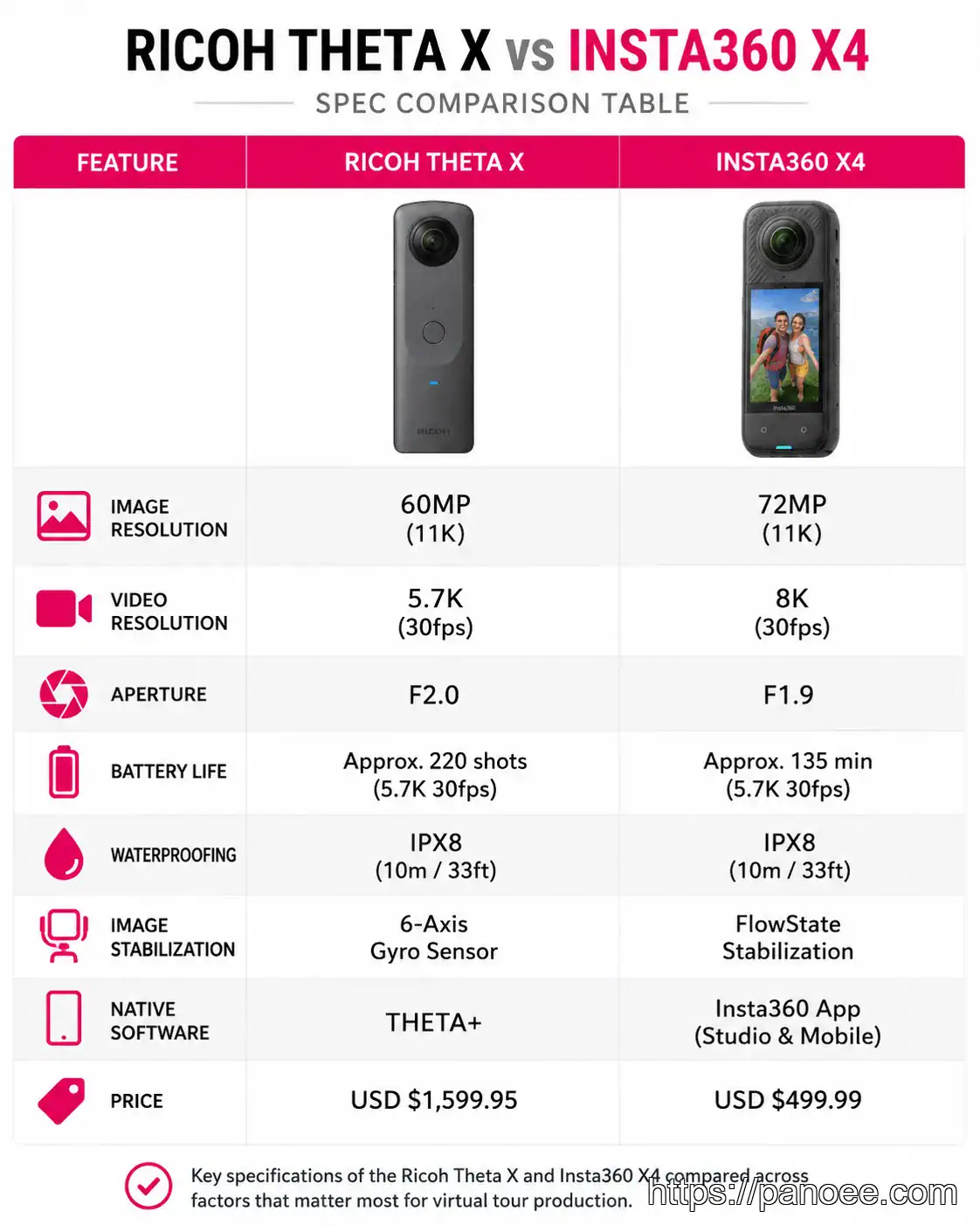
Before diving deeper, a side-by-side spec comparison helps clarify which camera suits your workflow. Official specifications are available on the Ricoh Theta official website and Insta360 official website.
| Feature | Ricoh Theta X | Insta360 X4 |
|---|---|---|
| Photo Resolution | 60MP | 72MP |
| Video Resolution | 5.7K | 8K |
| Aperture | f/2.0 | f/1.9 |
| Battery Life | ~60 min | ~81 min |
| Waterproofing | IPX4 (splash) | 10m waterproof |
| Stabilization | Standard | FlowState (advanced) |
| Native Software | Theta App | Insta360 Studio |
| Price (approx.) | ~$499 | ~$499 |
2. Workflow Integration with Virtual Tour Software like Panoee
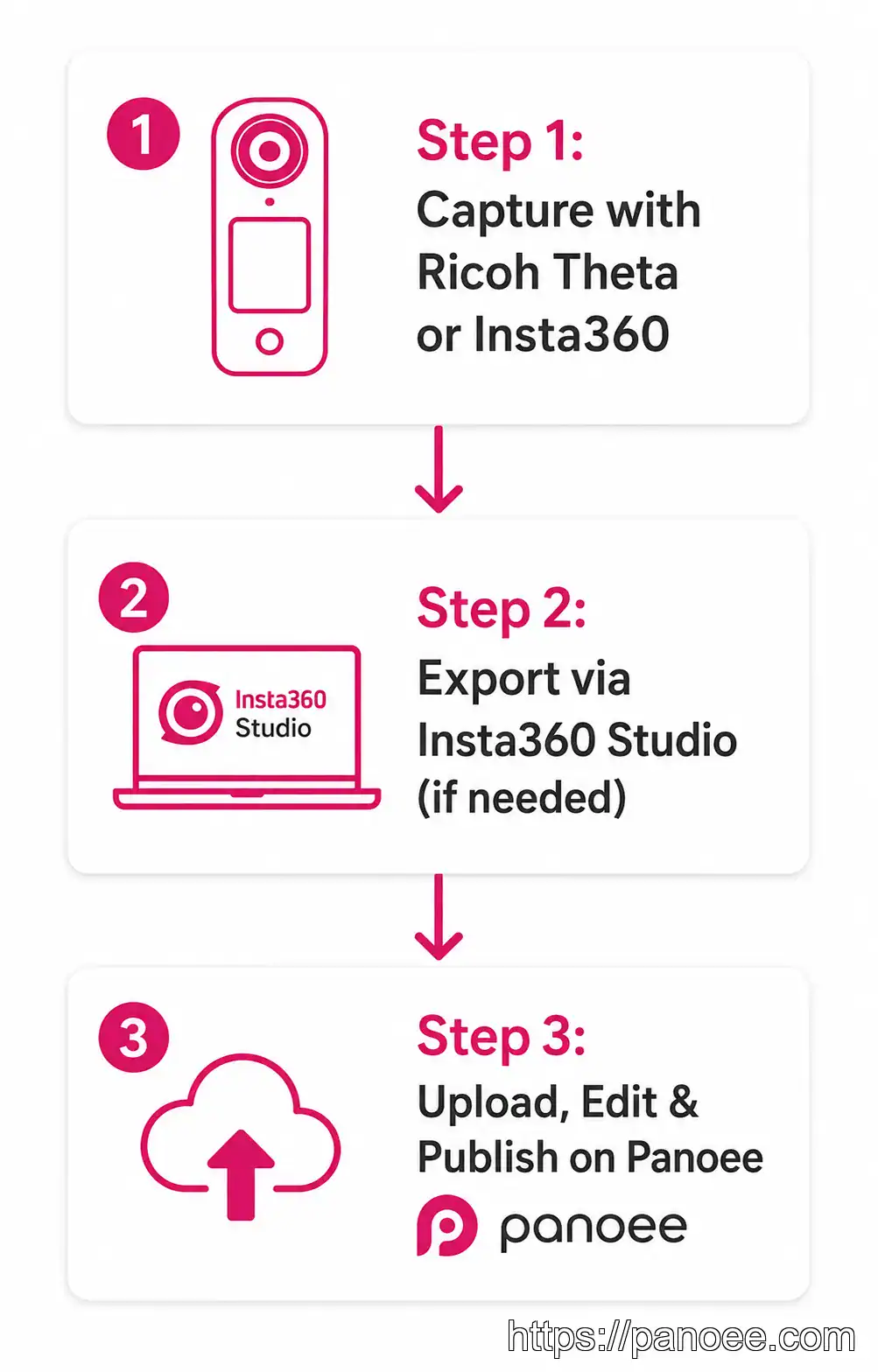
Both cameras produce equirectangular 360 images compatible with professional virtual tour software platforms. For Insta360, images often require an additional step: stitching and exporting from Insta360 Studio to ensure optimal quality before upload. Panoee is designed to be hardware agnostic, seamlessly processing images from both camera types. Its Multi-Resolution engine handles panoramas up to 32K, ensuring crisp, responsive tours regardless of your source camera.
3. Optimizing Your 360 Photos for Professional Virtual Tours
Regardless of your camera choice, optimizing your 360 photos is crucial for a polished result. The Nadir Logo feature in Panoee lets you conceal the tripod shadow at the bottom of each panorama, delivering a cleaner, more immersive viewer experience. Combined with Panoee’s interactive hotspots and scene linking, even standard 360 images become compelling showcases — particularly valuable for 360 real estate photography where presentation quality drives decisions.
4. Making the Right Choice: Ricoh Theta or Insta360?
Ricoh Theta cameras are praised for their reliable build and straightforward interface — an excellent choice for consistent, high-volume capture. Insta360’s X-series pushes boundaries with higher resolution, advanced FlowState stabilization, and a dynamic video ecosystem, appealing to creators prioritizing cutting-edge features. Both integrate seamlessly with Panoee, so the decision ultimately hinges on your production style and budget. If you need a zero-cost entry point, try Panoee’s free virtual tour app with either camera today.
Frequently Asked Questions: Ricoh Theta vs Insta360
Elevate Your 360 Panoramas with Panoee
No matter which 360 camera you choose, Panoee provides a powerful, cloud-based platform to transform raw panoramas into interactive virtual tours. Our free-forever plan offers unlimited projects, 3GB storage, and zero watermarks on your 360 images. Experience seamless workflow, robust editing tools, and flexible publishing options to showcase your spaces with stunning clarity.
Start Building Professional Virtual Tours — Free
Works with Ricoh Theta, Insta360, and any 360 camera. No watermarks. No credit card needed.
🚀 Try Panoee Free Today