Panoee

Documents

Published documents from existing production API.

Change the virtual tour Category

24 Oct 2023

Change the virtual tour Category

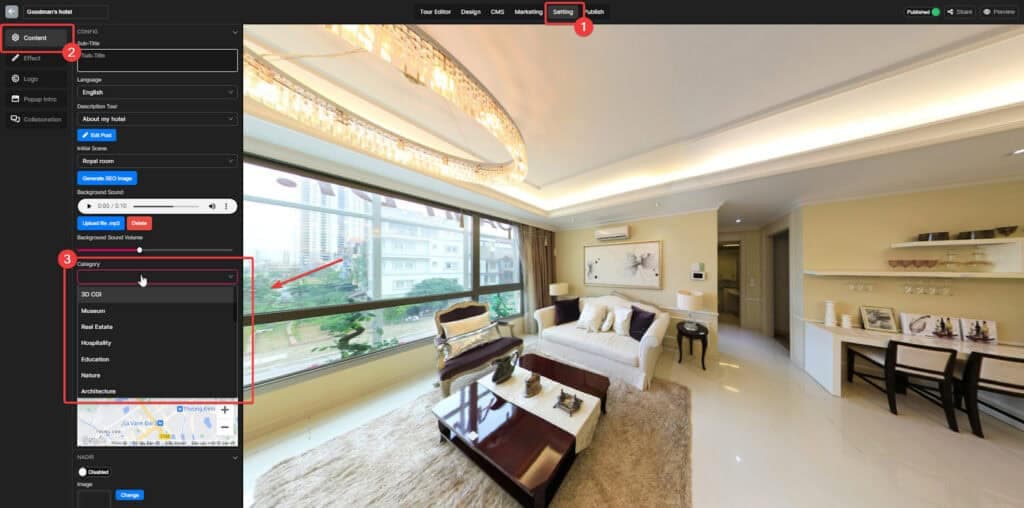
If you have created multiple virtual tours with Panoee, organizing them into categories may simplify the management and finding of these virtual tours. Categories allow you to group virtual tours based on their content - such as museums, real estate

Read more
Add Background Sound to your virtual tour

24 Oct 2023

Add Background Sound to your virtual tour

Background sound can add a new dimension to your virtual tour, making it more immersive and engaging for viewers. It can also help to set the tone and atmosphere of the tour, and create a more memorable experience for viewers.

Read more
Set up the initial view of your virtual tour

24 Oct 2023

Set up the initial view of your virtual tour

The initial view is the first thing that your visitors will see when they open your virtual tour, so it is important to make a good impression. It should be visually appealing and capture their attention while also giving them

Read more
Make a Virtual Tour Description pop up

24 Oct 2023

Make a Virtual Tour Description pop up

A virtual tour description gives you a brief overview of what you'll see and learn during your tour. It outlines the major subjects, the unique features, and relevant examples of the virtual tour. For instance, a virtual tour description for

Read more
Snapshot

23 Oct 2023

Snapshot

The snapshot feature of Panoee is a powerful tool that allows you to capture and share memorable moments from your virtual tour experience when you are in the Preview mode. It is easy to use, and it can be used

Read more
Customize the Control bar interface

23 Oct 2023

Customize the Control bar interface

Tailor the Control bar to your liking, arranging and resizing its elements to suit your workflow. Gain quick access to the tools you use most, and hide those you don't. Create a Control bar that's uniquely yours. Step 1: Access

Read more
Customize the Polygon hotspot appearance in bulk

18 Oct 2023

Customize the Polygon hotspot appearance in bulk

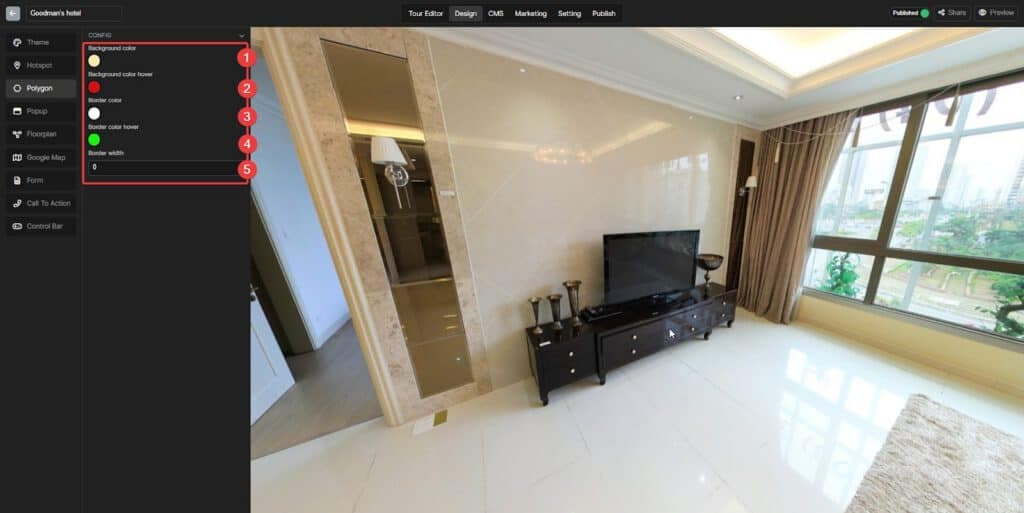
With Panoee, you can easily change the color of all polygon hotspots at once. Just enter the Config section and choose your desired color from the color picker. This feature saves you time and ensures consistency in your virtual tour.

Read more
Hide Preview Box (When Hovering)

17 Oct 2023

Hide Preview Box (When Hovering)

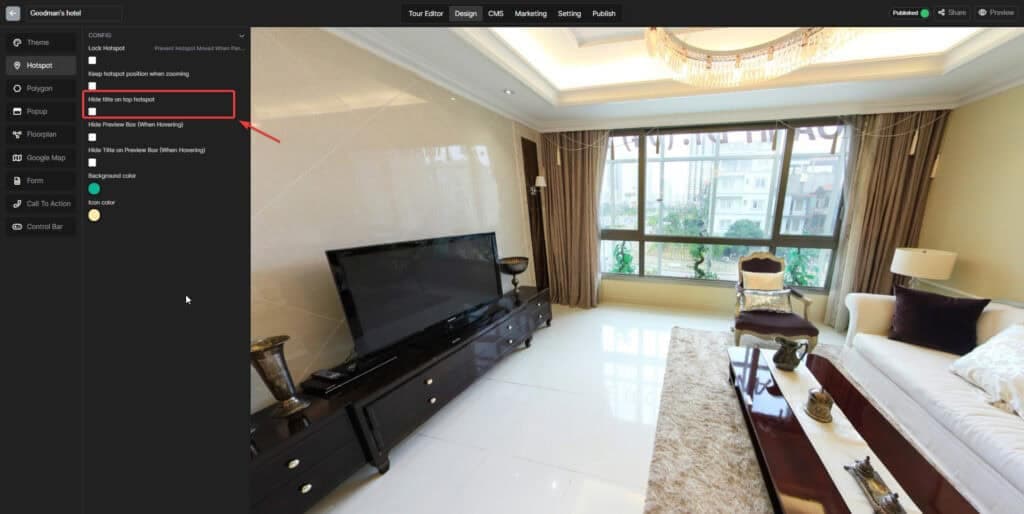
The Preview box appears when you hover on a specific hotspot Step 1: Access the Design tab Step 2: Choose the Hotspot section Step 3: Click on the "Hide Preview Box (When Hovering)" box

Read more
Fix the position of your hotspot in bulk

17 Oct 2023

Fix the position of your hotspot in bulk

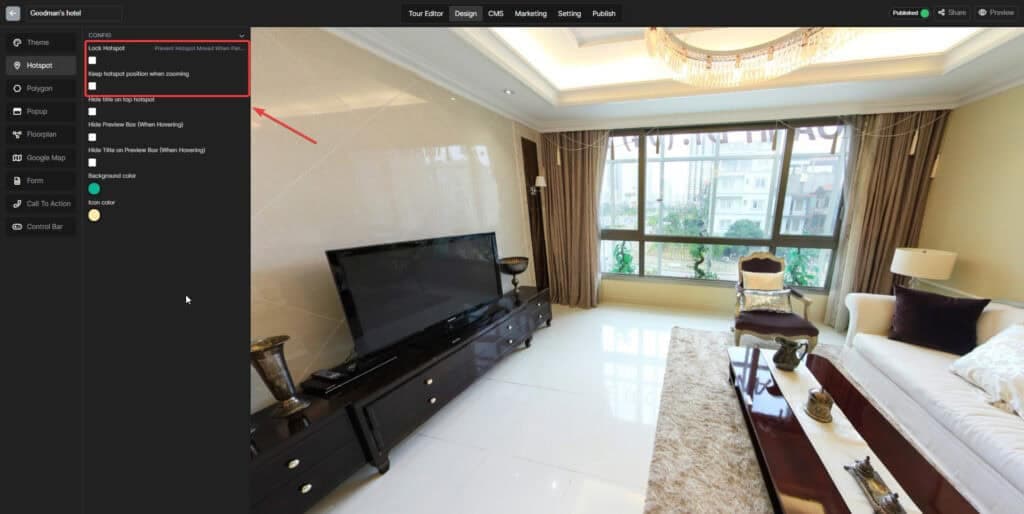
Configure the position of all hotspots at once, saving you time and effort. A simple click on the check box. Lock hotspot This will make your hotspot stay still when your customers Drag the Scene when they view the tour.

Read more
Edit hotspot Media Text

17 Oct 2023

Edit hotspot Media Text

What is a Media Text hotspot? The Panoee’s Media Text Hotspot is a hotspot that displays text directly on a virtual tour scene, as opposed to Article Hotspots, which hide their text behind an icon and only reveal it upon

Read more