5 Jan 2023
Change the color of your Hotspot in bulk
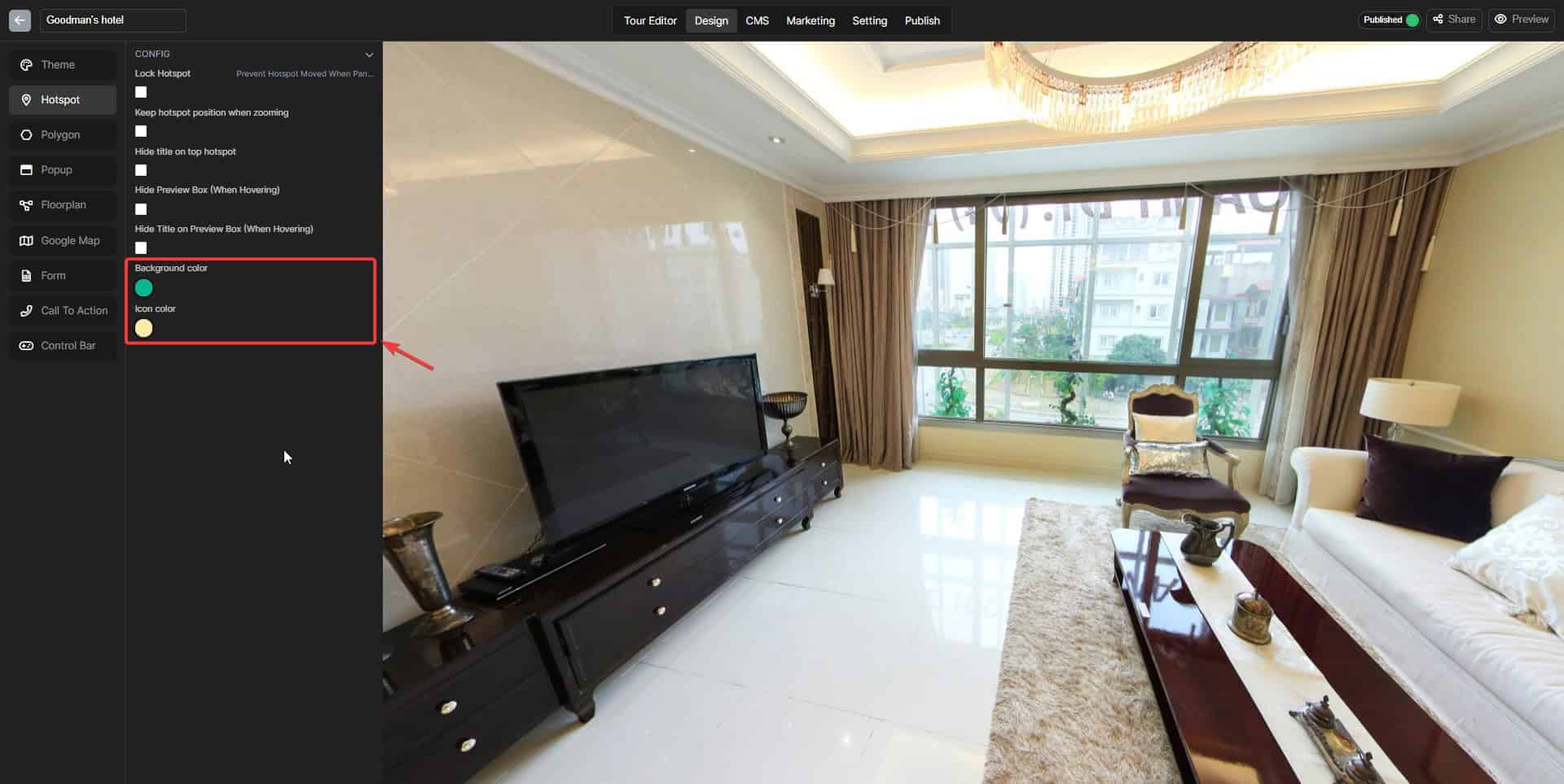
The hotspot color is not monotone when you can customize it to whatever you like it would be: Step 1: Switch to the “Design” tab. Step 2: Open the “Hotspot” section. Step 3: Choose the color you want
The hotspot color is not monotone when you can customize it to whatever you like it would be: